Creating & Printing Workout Cards and Packets
A short video walkthrough of creating & Printing Workout Cards and Packets from the TeamBuildr knowledge base.
Watch or read
5 minutes across 3 chapters. Click any chapter or timestamp to jump straight there.
3 chapters
Okay, so in this video we're going to cover a feature that was previously referred to as Build Packets and now we are calling it Packets and Sheets. So under Coach Tools I'll go to Packets and Sheets and you'll see why we called it this because we've added some additional functionality. So to cover the previous feature which is now called Workout Packets we added some functionality here and we'll cover this first. So in Workout Packets what we can do is we can create new packets the same way that we always do by clicking the plus sign at the bottom right and then of course all the packets that were previously built can be built here and listed and then be deleted or downloaded once again. So in this case I will create a new packet and some of the new functionality here.
Includes that we have the ability now to create a packet by group calendar and individual athletes. So as many of for a while we did not create packets based on individuals. Now you can. So in this example I'll choose a single athlete. I'll go ahead and choose Rocky and then also some additional functionality is that we can do a single day or multiple days and that multiple day can now span multiple weeks. In fact this can span up to four weeks. So in this case I'm going to choose four weeks. I'll include everything. The packet type is a PDF which is downloadable. This is something that might be displayed digitally. On screen print HTML means that it's print printer friendly. So I'll do.
Printer friendly for this one. I will choose to show maxes which will list the max next to the exercise prescribed and then I'll go ahead and begin building this packet. So here's my packet. I can go ahead and open it up and then right away I'll get a print preview and you can see that if I minimize the margins in our print setting I can fit quite a few days onto a single sheet and then the athlete's name will show up. So this is a single athlete and I'm printing the workout here for a month although there's not a month's worth of workouts. Actually I think there is. This is a pretty this is including quite a few sessions from August 5th to September 3rd. This is six sheets total and that's what a print.
Still stuck? Contact support →
Read next
Also in Platform & Admin

Walkthrough
FreeCreating Your Exercise Database in TeamBuildr
A short video walkthrough of creating Your Exercise Database in TeamBuildr from the TeamBuildr knowledge base.
More in Printing
Walkthrough
FreeWhat are the Stripe transaction charges?
Stripe charges are dependent on the country you are receiving payments in. Fully Supported Countries: United States: 2.9% + 30¢ Australia: 1.75% + A$.30 for domestics cards, 2.9% + A$.30 for international cards Canada…
4 chapters · 11 lessons
Free · sign upBuild - Your New Programming Environment
Learn how to use TeamBuildr's Build programming environment from start to finish. This course covers navigating the interface, creating and filtering workouts, using copy and multi-select tools, and saving, editing, and sharing workout programs with your athletes.
4 chapters · 10 lessons
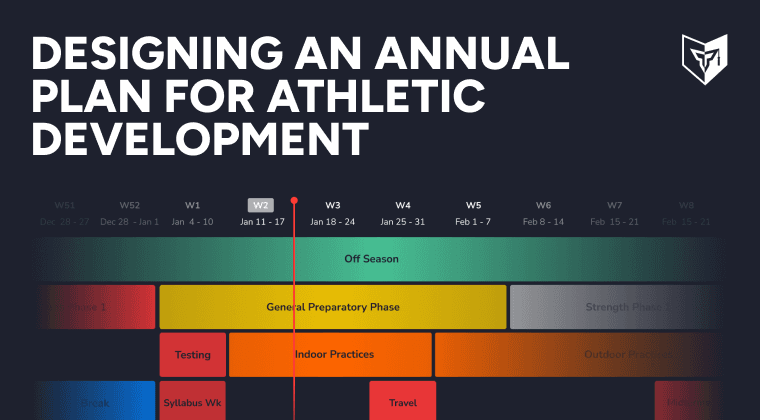
Free · sign upDesigning an Annual Plan for Athletic Development
Discover the power of creating a strength and conditioning annual plan for your athletes. Master Teambuildr's annual plan feature to achieve your goals efficiently.

Spreadsheet · 2 walkthroughs
Free · sign upAdvanced Attendance Report
Attendance tracking for PE and weights classes that goes past a headcount. Copy the template and it totals participation per student over any window, ready to drop into a grade or a report to an administrator.
- Format
- Walkthrough
- Brand

- Category
- Printing
- Topics
- Platform & Admin