Manage Users
Walkthroughs and answers for manage users in TeamBuildr, filed under Running your team.
Walkthrough
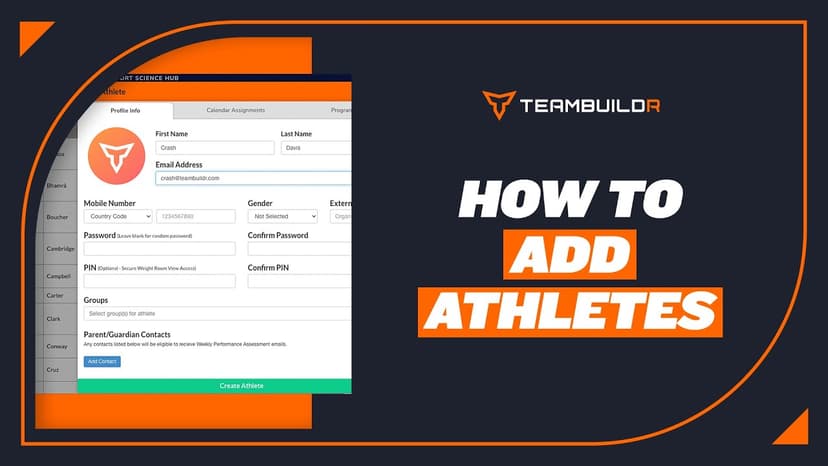
FreeAdding a New Athlete
A short video walkthrough of adding a New Athlete from the TeamBuildr knowledge base.

Walkthrough
FreeAthlete Account Switching Mobile View
A short video walkthrough of athlete Account Switching Mobile View from the TeamBuildr knowledge base.
Walkthrough
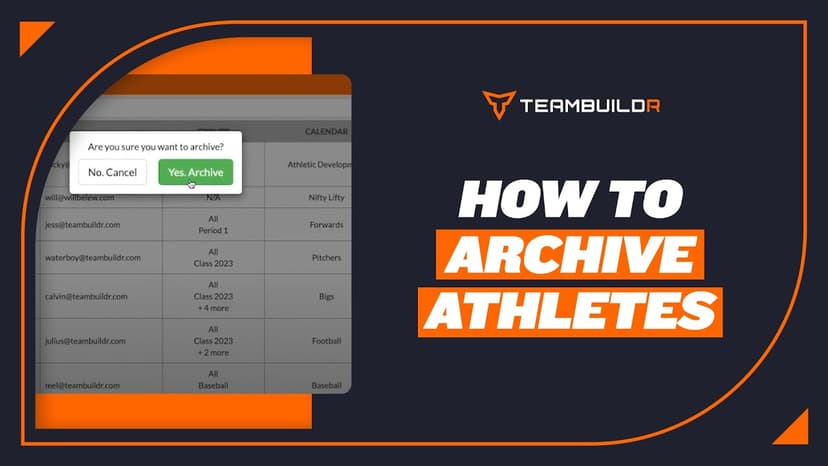
FreeAthlete Archiving
A short video walkthrough of athlete Archiving from the TeamBuildr knowledge base.
Walkthrough
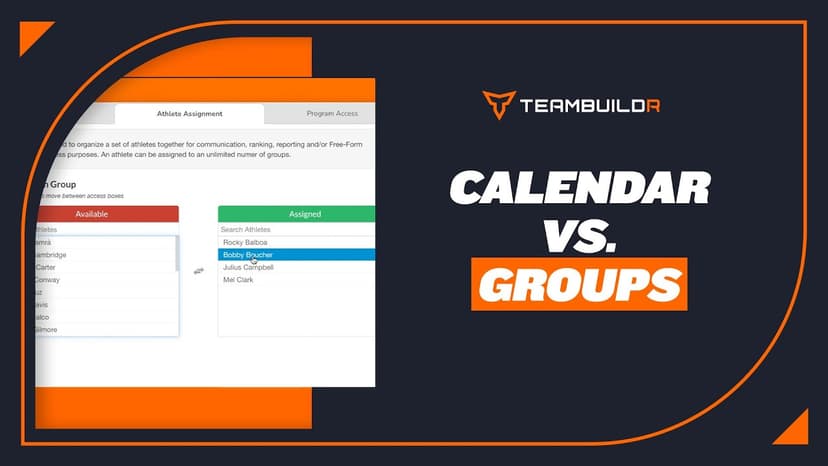
FreeCalendars vs. Groups
A short video walkthrough of calendars vs. Groups from the TeamBuildr knowledge base.
Walkthrough
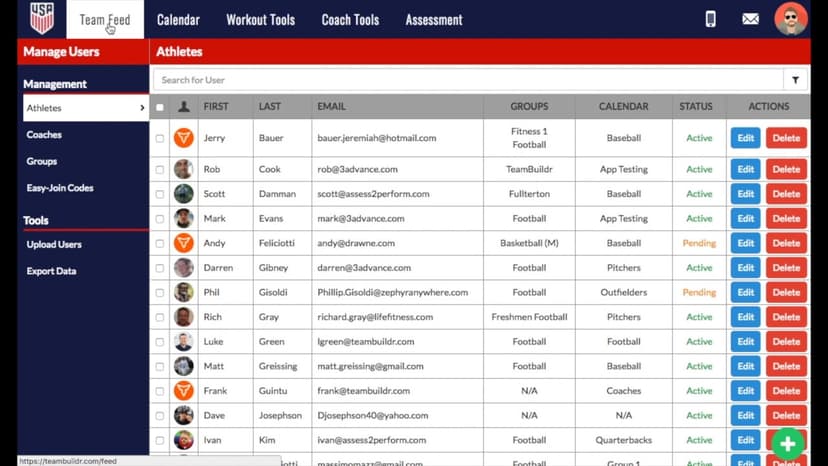
FreeHow to Categorize Athletes
A short video walkthrough of how to Categorize Athletes from the TeamBuildr knowledge base.
Walkthrough
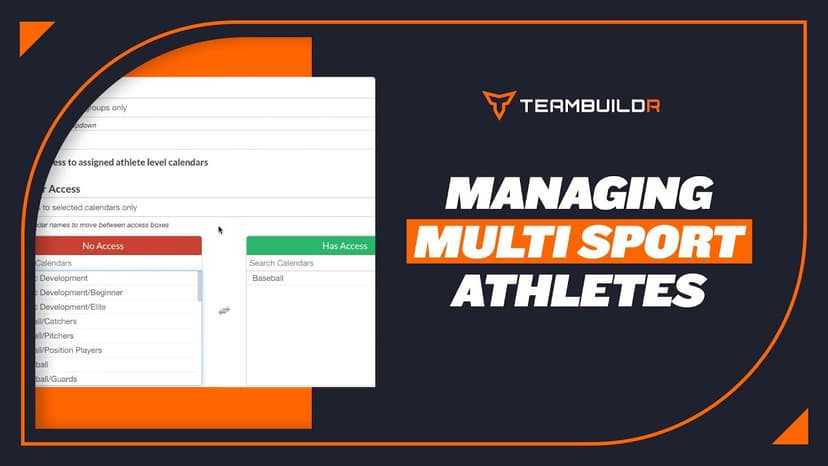
FreeHow to Manage Multi-Sport Athletes
A short video walkthrough of how to Manage Multi-Sport Athletes from the TeamBuildr knowledge base.
Walkthrough
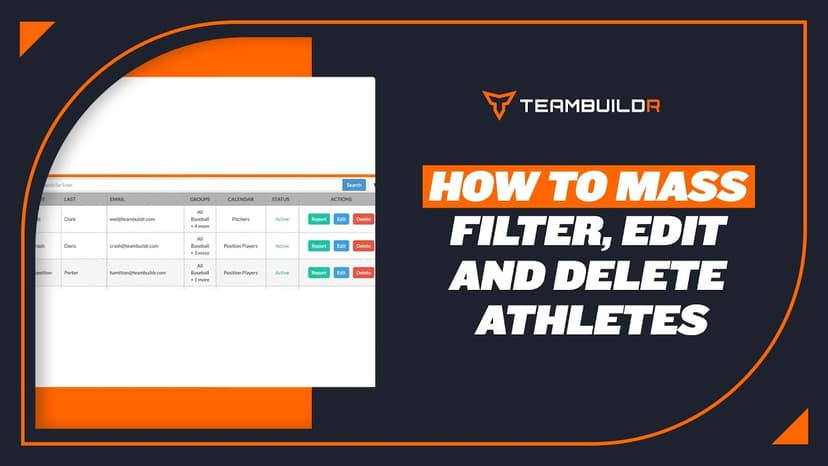
FreeHow to Mass Edit, Filter and Delete Athletes
A short video walkthrough of how to Mass Edit, Filter and Delete Athletes from the TeamBuildr knowledge base.
Walkthrough
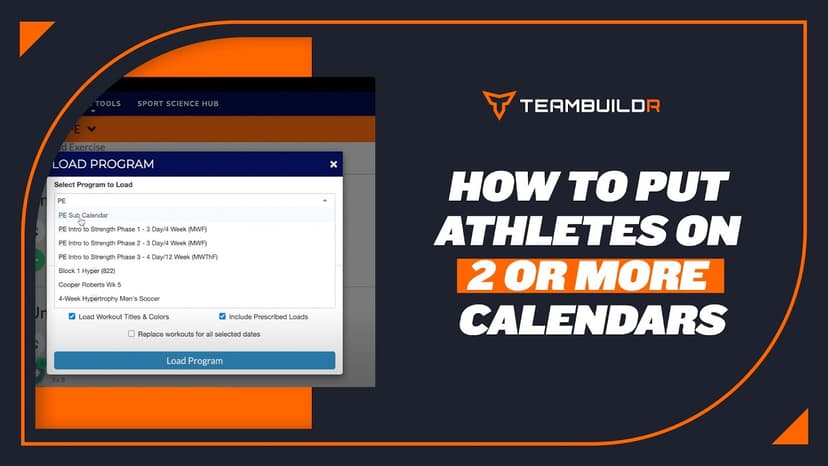
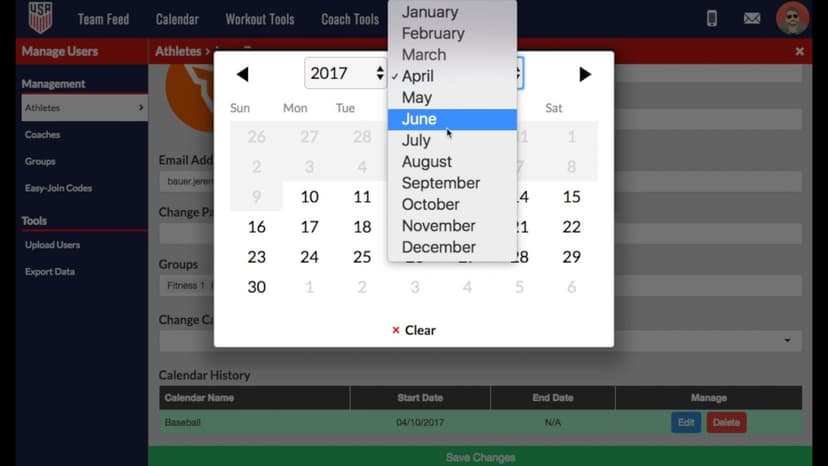
FreeHow to Put Athletes on 2 or More Calendars
A short video walkthrough of how to Put Athletes on 2 or More Calendars from the TeamBuildr knowledge base.
Walkthrough
FreeHow to Use Automated Calendar Switching for Multi-Sport Athletes
A short video walkthrough of how to Use Automated Calendar Switching for Multi-Sport Athletes from the TeamBuildr knowledge base.
Walkthrough
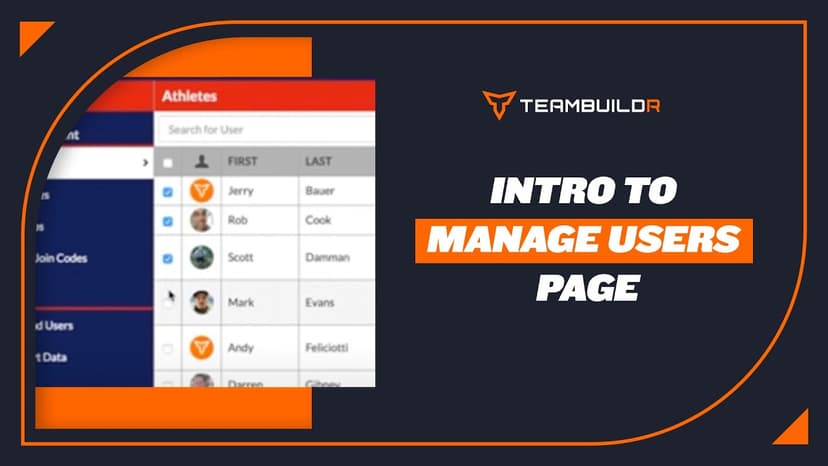
FreeIntroduction to "Manage Users" Page
A short video walkthrough of introduction to "Manage Users" Page from the TeamBuildr knowledge base.
Walkthrough
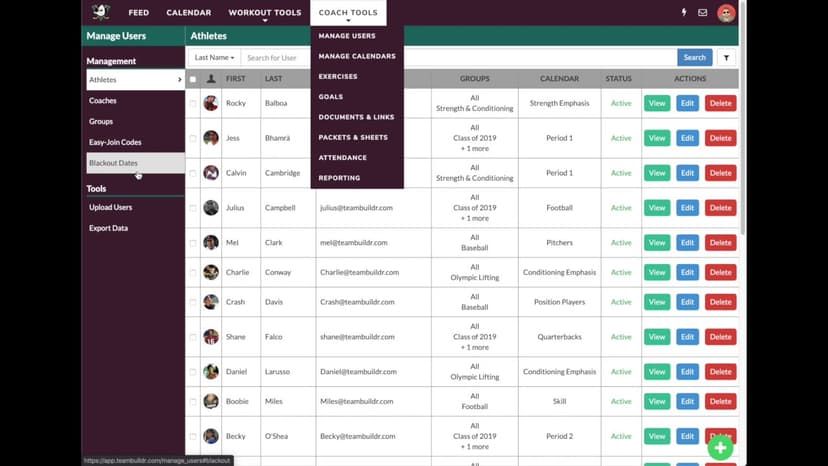
FreeUsing "Blackout Dates" -- NCAA Compliance
A short video walkthrough of using "Blackout Dates" -- NCAA Compliance from the TeamBuildr knowledge base.