How to Manage Multi-Sport Athletes
A short video walkthrough of how to Manage Multi-Sport Athletes from the TeamBuildr knowledge base.
Watch or read
3 minutes across 4 chapters. Click any chapter or timestamp to jump straight there.
4 chapters
In this video we're going to go over how to manage multi-sport athletes inside of TeamBuilder. As athletes can only be assigned to one calendar at a time. However, they can be assigned to as many groups as you would like. So if you have athletes that are in multiple sports football and basketball, you can put those each in their respective team groups and then they would be assigned to their appropriate sport calendar depending on the season that they're in. So inside of our manage users page, we're right now we're under our athletes tab, but we're going to switch over to coaches. So let's take coach Kyla for example. We're going to edit her profile. Right now she has access to all groups assigned, but let's say we only wanted her to.
Still stuck? Contact support →
Read next
More in Manage Users
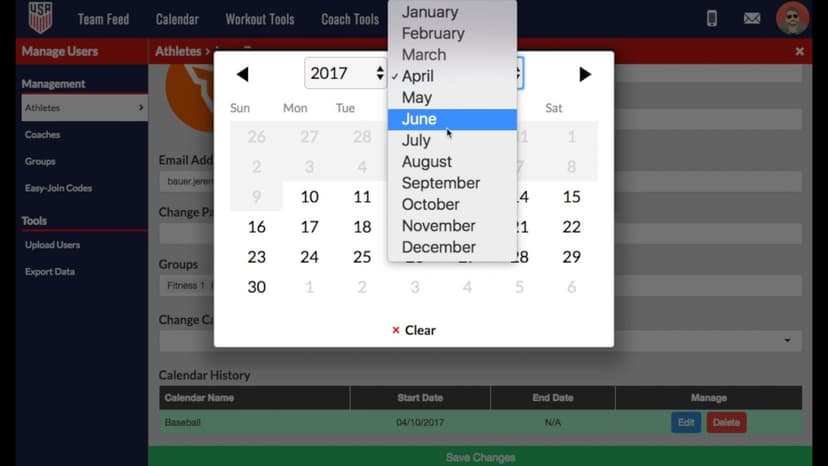
Walkthrough
FreeHow to Use Automated Calendar Switching for Multi-Sport Athletes
A short video walkthrough of how to Use Automated Calendar Switching for Multi-Sport Athletes from the TeamBuildr knowledge base.
Also in Platform & Admin
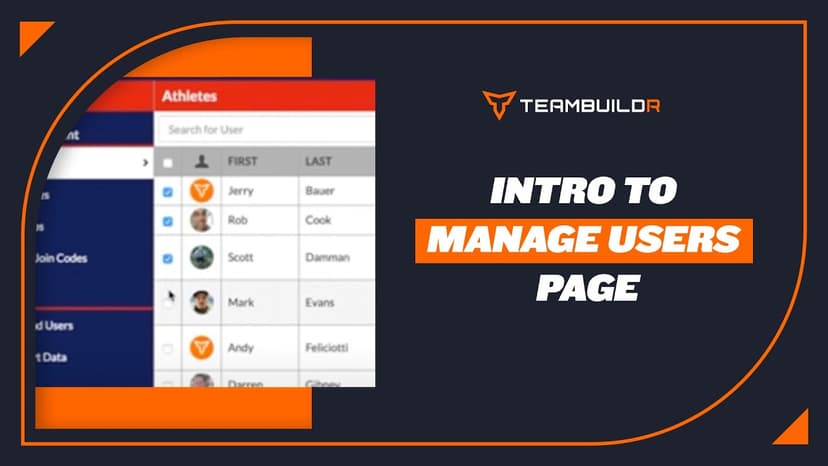
Walkthrough
FreeIntroduction to "Manage Users" Page
A short video walkthrough of introduction to "Manage Users" Page from the TeamBuildr knowledge base.

Walkthrough
FreeAllowing Athletes to Manage Their Own Maxes
A short video walkthrough of allowing Athletes to Manage Their Own Maxes from the TeamBuildr knowledge base.

Video · 2 min
FreeHow to Manage a Client in Online Payments Portal
This is includes how to change a client's program, assign a new group, change credit card information and cancel a customer's subscription.

Spreadsheet · 2 walkthroughs
Free · sign upAdvanced Attendance Report
Attendance tracking for PE and weights classes that goes past a headcount. Copy the template and it totals participation per student over any window, ready to drop into a grade or a report to an administrator.

Spreadsheet · 2 walkthroughs
Free · sign upAthlete Wellness & Body Report
Track daily wellness check-ins and body composition in one sheet. Copy the template and follow the walkthrough to connect your athlete responses, then use the report to spot who is trending the wrong way before it costs you a session.
- Format
- Walkthrough
- Brand

- Category
- Manage Users
- Topics
- Platform & Admin