Calendars vs. Groups
A short video walkthrough of calendars vs. Groups from the TeamBuildr knowledge base.
Watch or read
5 minutes across 3 chapters. Click any chapter or timestamp to jump straight there.
3 chapters
in this video we're going to take a look at calendars versus groups so in team Builder your calendar is your program that's where you're going to build out your program and then assign it to the athletes so that way they can complete it your groups are more like tags so you can assign an athlete to multiple groups and then you can use that to filter out different reports or run a leaderboard for those specific groups of athletes if we jump over to coach tools and down to our manage calendars page here's where you'll see all of your calendars
so whether it's a parent calendar like this athletic development one here or subc calendar like the two below you'll see all of those calendars that you've created in your account housed here you can also see how many athletes are uh assigned to each calendar and the visibility that was set for each calendar back over to our manage users page if we go over to groups this is where we really want to focus in on so like we said an athlete can only be assigned to One calendar at a time but
they can be assigned to multiple groups and then those groups all have different features that you can select as on or off depending on what you want those athletes to have access to so if we click this green plus button down here we would create a new group we'll put in a name for our group and then you'll see these features that we can choose choose to allow this group to have access to or not so if you want your athletes to be able to message that you want them to write on the team feed then you would leave this selected if you want to take
Still stuck? Contact support →
Read next
More in Manage Users
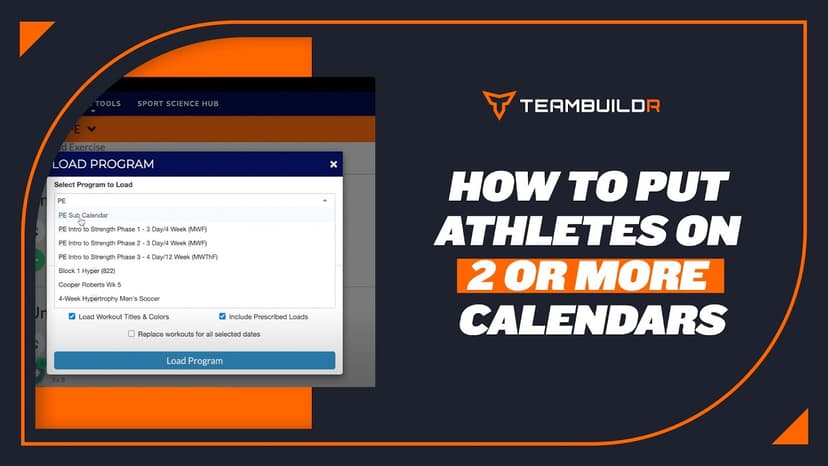
Walkthrough
FreeHow to Put Athletes on 2 or More Calendars
A short video walkthrough of how to Put Athletes on 2 or More Calendars from the TeamBuildr knowledge base.
Also in Platform & Admin
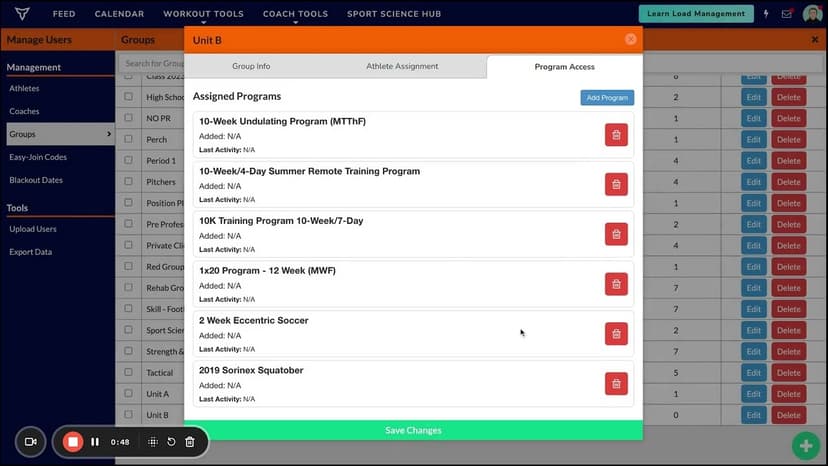
Walkthrough
FreeAssigning Free Form Programming To Groups and Individuals
A short video walkthrough of assigning Free Form Programming To Groups and Individuals from the TeamBuildr knowledge base.
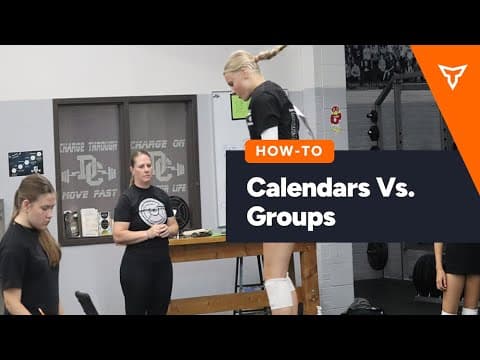
Walkthrough
FreeCalendar vs. Groups (New Build)
A short video walkthrough of calendar vs. Groups (New Build) from the TeamBuildr knowledge base.

Spreadsheet · 2 walkthroughs
Free · sign upAdvanced Attendance Report
Attendance tracking for PE and weights classes that goes past a headcount. Copy the template and it totals participation per student over any window, ready to drop into a grade or a report to an administrator.

Spreadsheet · 2 walkthroughs
Free · sign upAthlete Wellness & Body Report
Track daily wellness check-ins and body composition in one sheet. Copy the template and follow the walkthrough to connect your athlete responses, then use the report to spot who is trending the wrong way before it costs you a session.

Spreadsheet · 7 walkthroughs
Free · sign upCustom Grading System
A ready-made grading spreadsheet for PE and weights classes. Copy the template, connect it to your TeamBuildr data, and it calculates an overall grade from attendance, workout completion and evaluations. Seven short videos walk you through every step of the setup.
- Format
- Walkthrough
- Brand

- Category
- Manage Users
- Topics
- Platform & Admin