How to Categorize Athletes
A short video walkthrough of how to Categorize Athletes from the TeamBuildr knowledge base.
Watch or read
3 minutes across 3 chapters. Click any chapter or timestamp to jump straight there.
3 chapters
Okay, so we're going to cover a little bit of the finer points on athlete categorization. So right now I'm on Coach Tools and Manage Users. And basically I can add an athlete and assign them to a group and then assign them to a calendar. So here's the big difference. A calendar determines what workout program they're going to get. We build workouts on calendars on the calendar tab. So this will determine what workout programming they get. A group is just a separate categorization that has nothing to do with the workout program.
So for instance, if I put someone in the football group and then I put someone else in the football group, then they're both on the football team, assuming. And that means that they could possibly see each other on the team feed if you have that setting on. You could run a report by that. So it's meant to allow you to run reports and just group people differently apart from their workout program. So if I had a guy who's injured and he's on the injured calendar, he can still be on the football team because he's in the football group.
Still stuck? Contact support →
Read next
More in Manage Users
Walkthrough
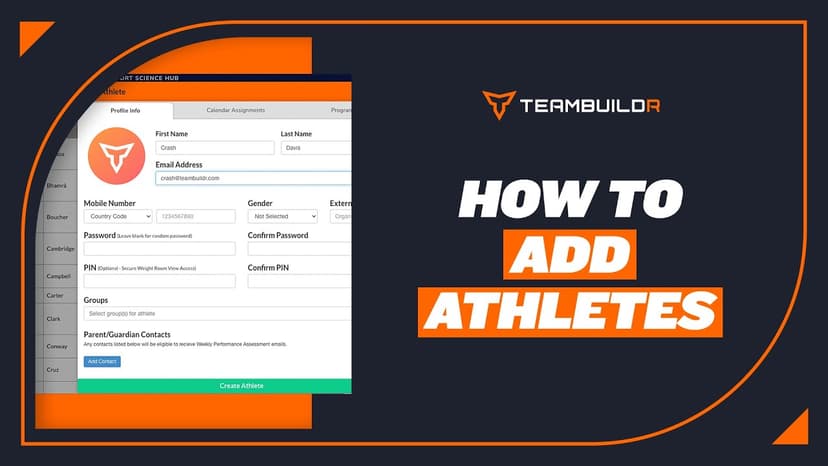
FreeAdding a New Athlete
A short video walkthrough of adding a New Athlete from the TeamBuildr knowledge base.
Also in Platform & Admin

Walkthrough
FreeAthlete Account Switching Mobile View
A short video walkthrough of athlete Account Switching Mobile View from the TeamBuildr knowledge base.
Walkthrough
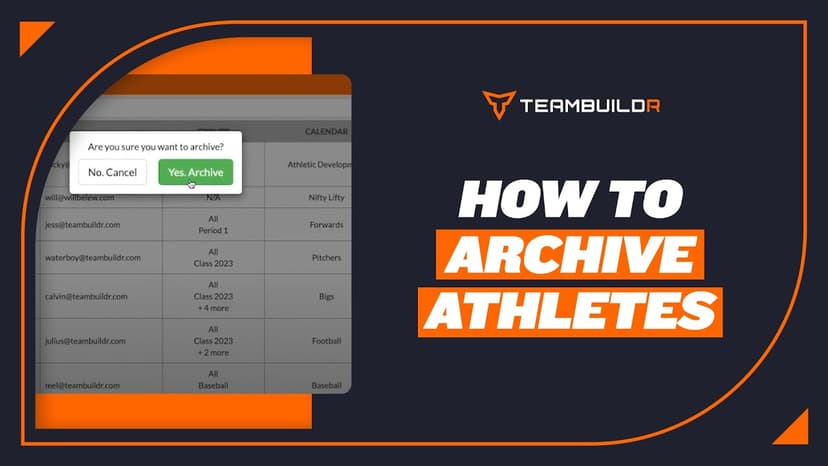
FreeAthlete Archiving
A short video walkthrough of athlete Archiving from the TeamBuildr knowledge base.

Spreadsheet · 2 walkthroughs
Free · sign upAdvanced Attendance Report
Attendance tracking for PE and weights classes that goes past a headcount. Copy the template and it totals participation per student over any window, ready to drop into a grade or a report to an administrator.

Spreadsheet · 2 walkthroughs
Free · sign upAthlete Wellness & Body Report
Track daily wellness check-ins and body composition in one sheet. Copy the template and follow the walkthrough to connect your athlete responses, then use the report to spot who is trending the wrong way before it costs you a session.

Spreadsheet · 7 walkthroughs
Free · sign upCustom Grading System
A ready-made grading spreadsheet for PE and weights classes. Copy the template, connect it to your TeamBuildr data, and it calculates an overall grade from attendance, workout completion and evaluations. Seven short videos walk you through every step of the setup.
- Format
- Walkthrough
- Brand

- Category
- Manage Users
- Topics
- Platform & Admin