Using "Blackout Dates" -- NCAA Compliance
A short video walkthrough of using "Blackout Dates" -- NCAA Compliance from the TeamBuildr knowledge base.
Watch or read
2 minutes across 2 chapters. Click any chapter or timestamp to jump straight there.
2 chapters
Okay so we're quickly going to cover some tools that will help college organizations comply with NCAA regulations also this is applicable to the professional level if you have a collective bargaining agreement with your players union which doesn't allow a franchise or coaches to see activity this will help as well so the tool we're going to cover here is called blackout or blackout dates so in essence if you go to coach tools main as users there's a feature that you could click and what happens is is if you go to the bottom right you can create a blackout date range and the reason for the blackout you can just say NCAA and then now you can apply this blackout to specific coaches so sometimes it's the sports coaches who cannot see activity sometimes it's.
Still stuck? Contact support →
Read next
More in Manage Users
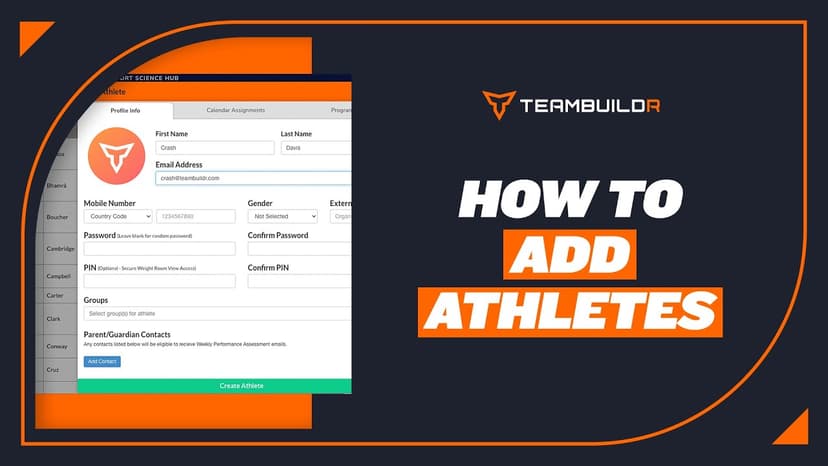
Walkthrough
FreeAdding a New Athlete
A short video walkthrough of adding a New Athlete from the TeamBuildr knowledge base.
Also in Platform & Admin
Walkthrough
FreeAthlete Account Switching Mobile View
A short video walkthrough of athlete Account Switching Mobile View from the TeamBuildr knowledge base.
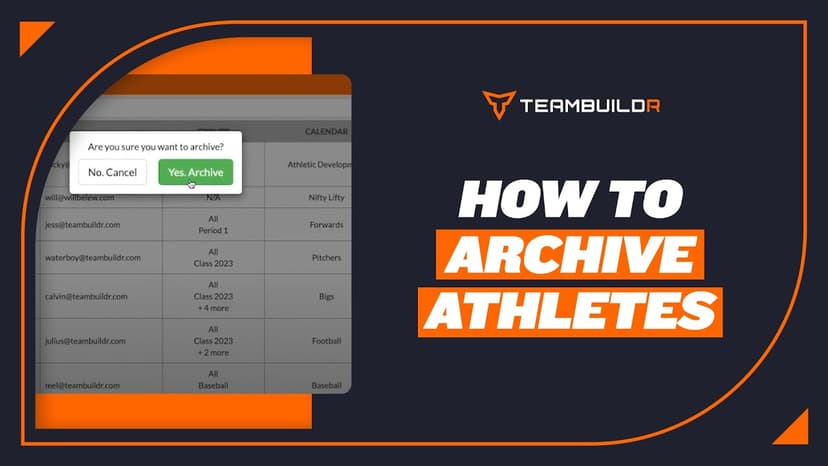
Walkthrough
FreeAthlete Archiving
A short video walkthrough of athlete Archiving from the TeamBuildr knowledge base.
For College
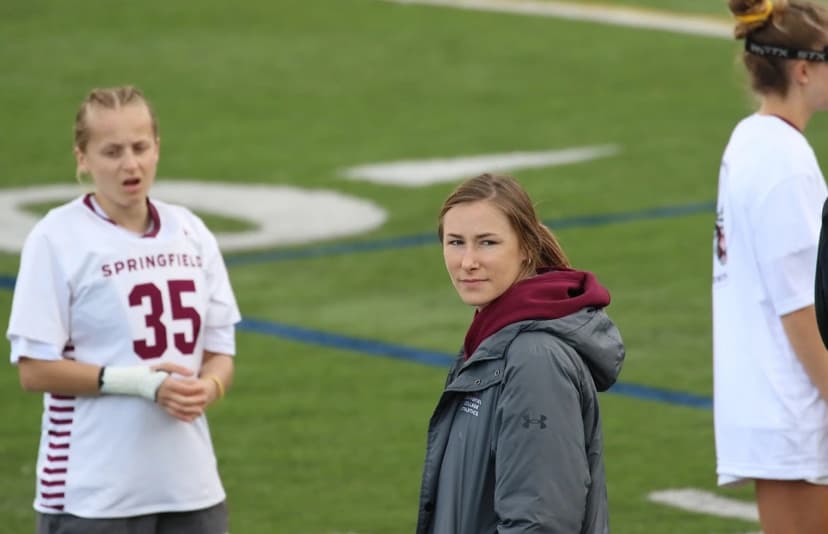
Read on the blog · 9 min
FreeBuilding a D1 Strength Program From Zero: 3 Lessons From a First-Year Coachopens blog.teambuildr.com in a new tab
What does it take to strength coach a brand-new Division I rowing program fresh out of grad school? From culture-building to scrapping your plan on day one, here are three lessons that the first year taught me.

Video · 39 min
FreeAutoregulation in Long-Term Athletic Development: Meeting Athletes Where They Are - Phil Reichhoff
Level 1 Sample 9-Week Program: Free TeamBuildr webinar with Director of Performance Phil Reichhoff discussing how to program workouts for high school athletes who are constantly growing and maturing. Using Autoregulatory Progressive Resistance Exercise (APRE) to program for high
Video · 61 min
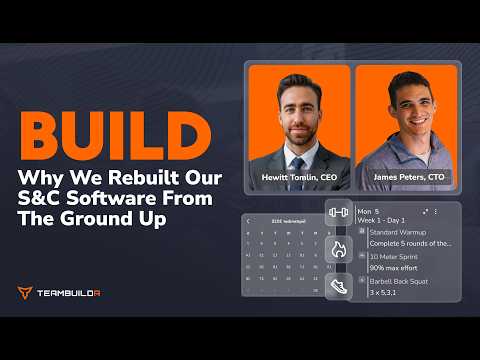
FreeBuild Walkthrough: Why We Rebuilt Our Strength & Conditioning Software from the Ground Up
In this webinar, Team Builder co-founders Hewitt and James walk through Build — the completely rebuilt version of Team Builder's workout programming software, 14 years in the making. After over a decade of listening to strength and conditioning coaches at every level — high schoo
- Format
- Walkthrough
- Brand

- Category
- Manage Users
- Topics
- Platform & Admin