Allowing Athletes to Manage Their Own Maxes
A short video walkthrough of allowing Athletes to Manage Their Own Maxes from the TeamBuildr knowledge base.
Watch or read
1 minutes across 3 chapters. Click any chapter or timestamp to jump straight there.
3 chapters
All right, so we're going to cover a new feature we just released and that is letting athletes and or clients manage their own maxes. So on the iPhone and Android app this week you might have noticed that the athletes can actually pull up their own maxes, look at them, look at their trend lines, and then there's something additional. If you go to your coach account and go to your settings, all the way down here there's going to be a setting called athlete management of maxes and PRs. If you turn this on by default it's going to be off by default, but if you turn it on it's going to allow athletes to update their own maxes. So if you're training someone remotely you're not going.
Still stuck? Contact support →
Read next
More in Maxes

Walkthrough
FreeAdding and Managing Maxes & Test Data
A short video walkthrough of adding and Managing Maxes & Test Data from the TeamBuildr knowledge base.
Also in Platform & Admin
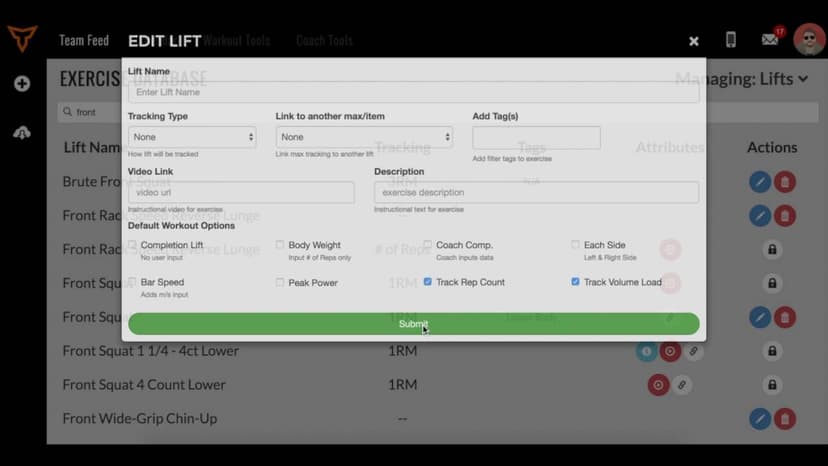
Walkthrough
FreeHow to Link Lift Maxes
A short video walkthrough of how to Link Lift Maxes from the TeamBuildr knowledge base.
Walkthrough
FreeHow to Manage Multi-Sport Athletes
A short video walkthrough of how to Manage Multi-Sport Athletes from the TeamBuildr knowledge base.
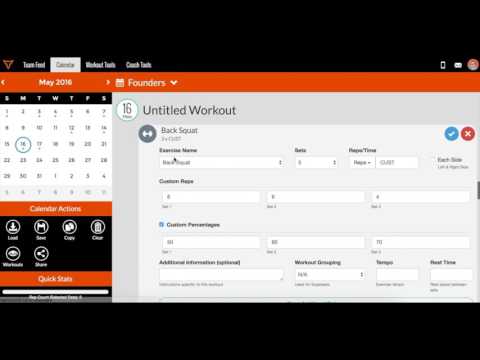
Video · 2 min
FreeHow to Add Maxes into TeamBuildr
How to Add Maxes into TeamBuildr — from the TeamBuildr YouTube channel.

Video · 2 min
FreeHow to Manage a Client in Online Payments Portal
This is includes how to change a client's program, assign a new group, change credit card information and cancel a customer's subscription.

Spreadsheet · 2 walkthroughs
Free · sign upAdvanced Attendance Report
Attendance tracking for PE and weights classes that goes past a headcount. Copy the template and it totals participation per student over any window, ready to drop into a grade or a report to an administrator.
- Format
- Walkthrough
- Brand

- Category
- Maxes
- Topics
- Platform & Admin