Multi Rep Testing in TeamBuildr - Explained
A short video walkthrough of multi Rep Testing in TeamBuildr - Explained from the TeamBuildr knowledge base.
Watch or read
2 minutes across 4 chapters. Click any chapter or timestamp to jump straight there.
4 chapters
All right, so this video is going to explain the concept of multi-rep maxes inside of TeamBuilder. So first, I'm going to start in Coach Tools and go to Exercises. So when you're in Exercises, as you can edit an exercise to be either a one-rep max or a multi-rep max. So when I hit Edit, this one is currently being tracked for one RM. If I wanted to track for a 3RM, I could click that and then hit Submit. And what happens now is that when we test for this max, we're going to be putting in a single number that's going to represent the 3RM.
Still stuck? Contact support →
Read next
More in Maxes
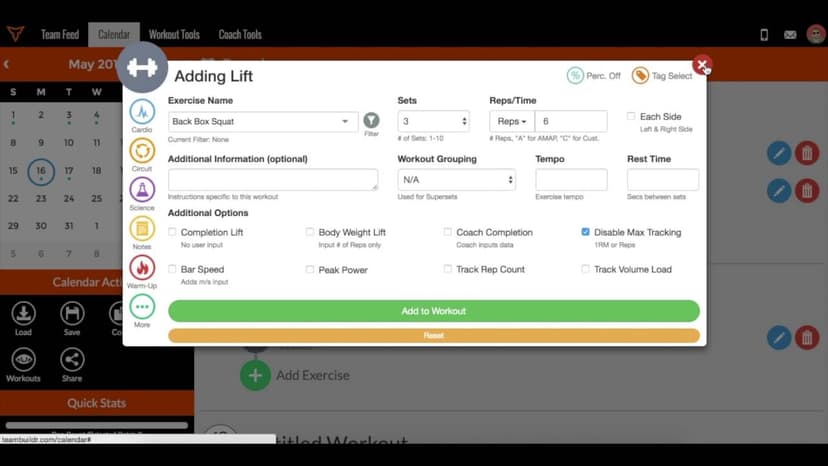
Walkthrough
FreeThe TeamBuildr 1RM Formula - Explained
A short video walkthrough of the TeamBuildr 1RM Formula - Explained from the TeamBuildr knowledge base.
Also in Testing & Monitoring
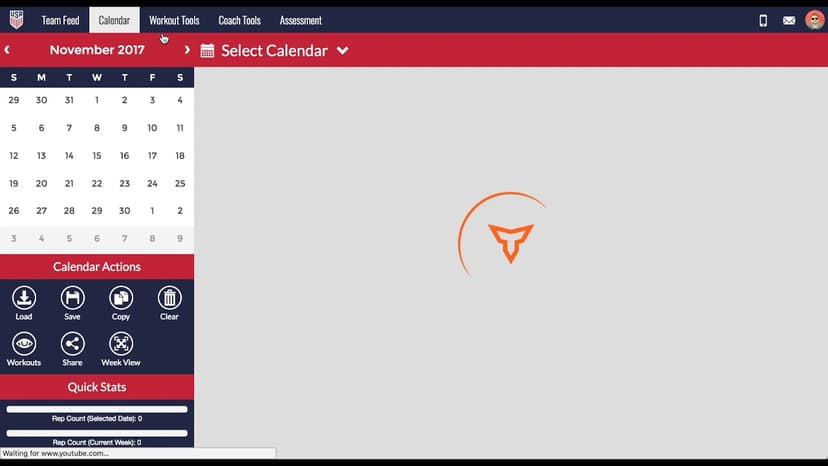
Walkthrough
FreeAdvanced 1RM Formula Use
A short video walkthrough of advanced 1RM Formula Use from the TeamBuildr knowledge base.
Also in Platform & Admin
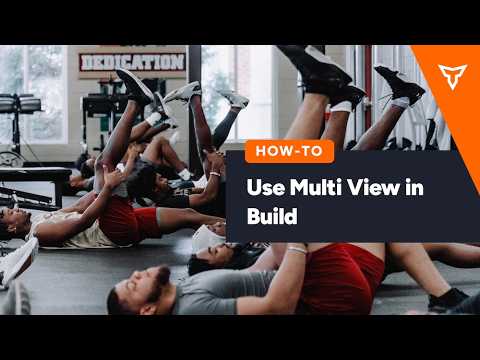
Walkthrough
FreeMulti View in Build (New Build)
A short video walkthrough of multi View in Build (New Build) from the TeamBuildr knowledge base.

Spreadsheet · 2 walkthroughs
Free · sign upAthlete Wellness & Body Report
Track daily wellness check-ins and body composition in one sheet. Copy the template and follow the walkthrough to connect your athlete responses, then use the report to spot who is trending the wrong way before it costs you a session.
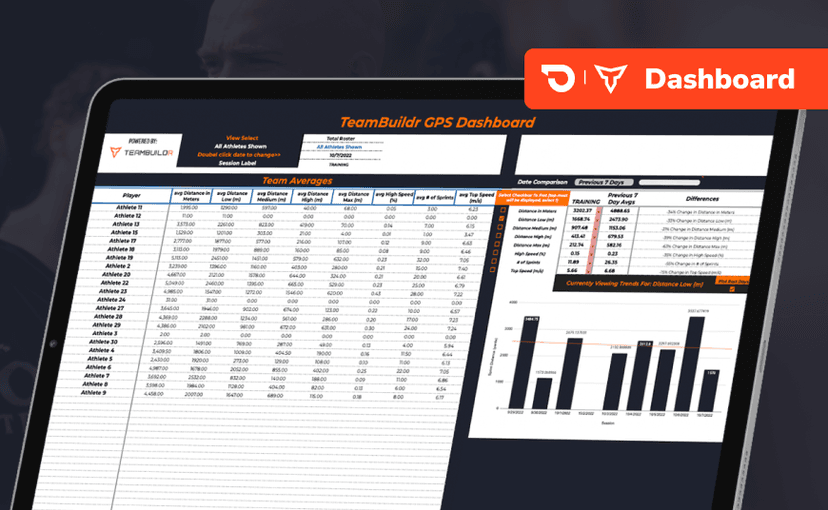
Spreadsheet · 2 walkthroughs
Free · sign upGPS Dashboard
Turn raw GPS exports into something you can actually read. Copy the template, follow the two setup videos, and you get a running view of load and distance per athlete. Built for coaches new to GPS or drowning in the files it produces.
Video · 1 min
FreeAdding Jumps or Throws in Exercise Database (Vertical, Broad, etc.)
Adding Jumps or Throws in Exercise Database (Vertical, Broad, etc.) — from the TeamBuildr YouTube channel.
- Format
- Walkthrough
- Brand

- Category
- Maxes