How to Add PRs for Runs, Circuit, Drills
A short video walkthrough of how to Add PRs for Runs, Circuit, Drills from the TeamBuildr knowledge base.
Watch or read
2 minutes across 4 chapters. Click any chapter or timestamp to jump straight there.
4 chapters
In this video, I'm going to show you how to input any speed, agility, quickness, and conditioning PRs for your team. So what you're going to do is go to Workout Tools, and then you're going to come down to Maxes slash PRs. So from here, you're going to see a plus button on the left-hand side. So go ahead and click that. And then just make sure that you select this SAQ plus C because that is what we're inputting data for. And then you're going to select which athletes that you want to input.
Still stuck? Contact support →
Read next
Also in Platform & Admin
Walkthrough
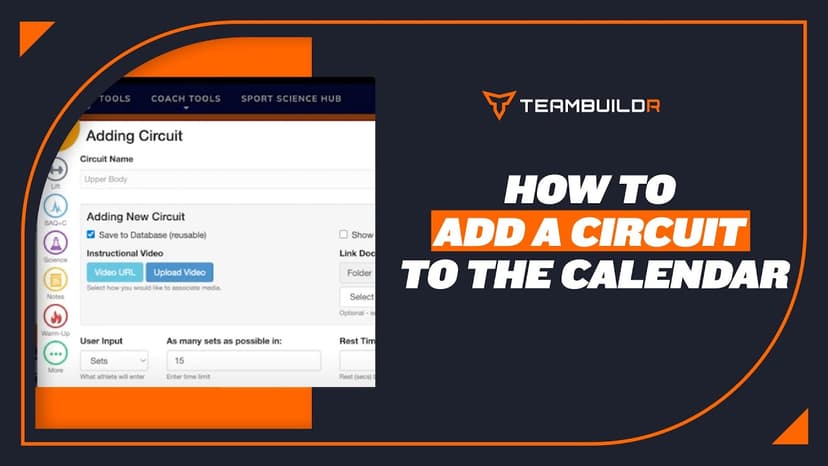
FreeHow to Add a Circuit in TeamBuildr
A short video walkthrough of how to Add a Circuit in TeamBuildr from the TeamBuildr knowledge base.
More in Maxes

Walkthrough
FreeAdding and Managing Maxes & Test Data
A short video walkthrough of adding and Managing Maxes & Test Data from the TeamBuildr knowledge base.
Walkthrough
FreeAdvanced 1RM Formula Use
A short video walkthrough of advanced 1RM Formula Use from the TeamBuildr knowledge base.

PDF · 37 min
FreeEpisode #32: Cultivating A Proper Learning Environment for Intern Success with MK Feit
MK Feit, who studies and runs internships at Springfield College, on screening for conflicts before interns arrive, a step-by-step path from observing to coaching a session, a weekly 1-5 skills rubric and reflection journal, and a voice exercise that gets nervous interns heard.

Spreadsheet · 2 walkthroughs
Free · sign upAdvanced Attendance Report
Attendance tracking for PE and weights classes that goes past a headcount. Copy the template and it totals participation per student over any window, ready to drop into a grade or a report to an administrator.

Spreadsheet · 2 walkthroughs
Free · sign upAthlete Wellness & Body Report
Track daily wellness check-ins and body composition in one sheet. Copy the template and follow the walkthrough to connect your athlete responses, then use the report to spot who is trending the wrong way before it costs you a session.
- Format
- Walkthrough
- Brand

- Category
- Maxes
- Topics
- Platform & Admin