Advanced 1RM Formula Use
A short video walkthrough of advanced 1RM Formula Use from the TeamBuildr knowledge base.
Watch or read
5 minutes across 3 chapters. Click any chapter or timestamp to jump straight there.
3 chapters
Okay, this video is the second video that will talk about the 1RM in TeamBuilder. There's a previous video, which we consider our intro video to the 1RM, and it's titled The 1RM Formula Explained. So if you haven't seen that one yet, probably take a look at that before we get into this, because we're going to talk about more advanced 1RM stuff inside of TeamBuilder. All right, so first things first, we added a couple settings. If you go to your settings page, and then you click on organization preferences, if you scroll down, you'll see that we actually allow you now to choose what formula you want to use. In addition to the Brzezki formula, we allow you to now use the Epley formula. So you can choose between one of those.
Two. Secondly, we cap the number of reps that we use for 1RM calculations at 12. If for some reason you want to count higher reps, then you want to go to 13, 14, whatever you can choose to do so. Sometimes coaches will come to us and say, hey, my player did not get a 1RM, but he repped this out 14 times. Then we'll tell the coach, well, we cap it at 12, and you can choose to bump it up if you would to. So these two new things are new additional settings for the 1RM formula. All right, so the next thing is we're going to go to exercises. And in the exercises page, say you have a lift that's linked to another lift. So front squat to back squat. And also if you use APRE, you can have.
Still stuck? Contact support →
Read next
More in Maxes
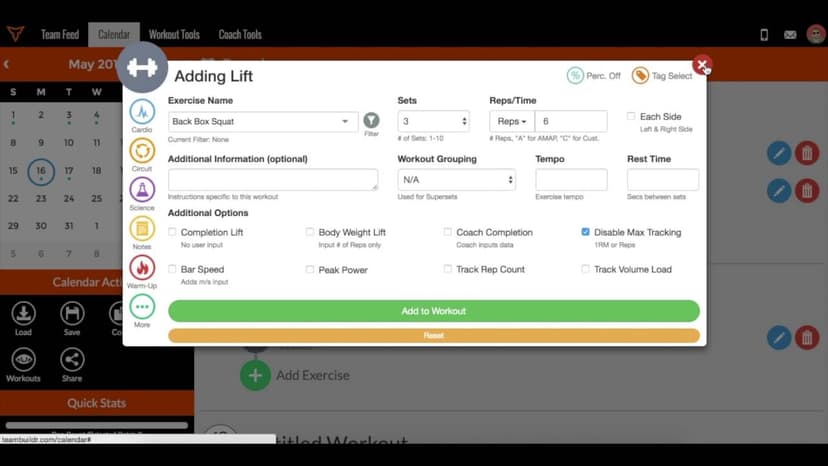
Walkthrough
FreeThe TeamBuildr 1RM Formula - Explained
A short video walkthrough of the TeamBuildr 1RM Formula - Explained from the TeamBuildr knowledge base.
Also in Testing & Monitoring
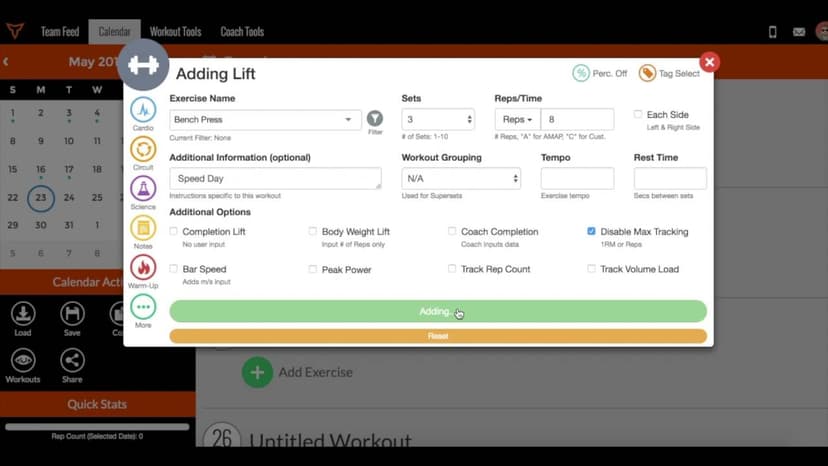
Walkthrough
FreeHow to Turn Off the 1RM Formula
A short video walkthrough of how to Turn Off the 1RM Formula from the TeamBuildr knowledge base.
Also in Platform & Admin
Walkthrough
FreeMulti Rep Testing in TeamBuildr - Explained
A short video walkthrough of multi Rep Testing in TeamBuildr - Explained from the TeamBuildr knowledge base.

Spreadsheet · 2 walkthroughs
Free · sign upAthlete Wellness & Body Report
Track daily wellness check-ins and body composition in one sheet. Copy the template and follow the walkthrough to connect your athlete responses, then use the report to spot who is trending the wrong way before it costs you a session.
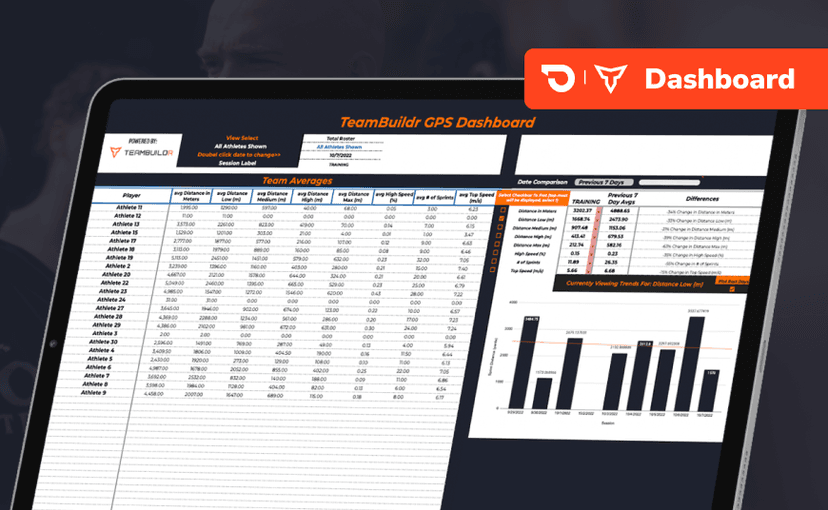
Spreadsheet · 2 walkthroughs
Free · sign upGPS Dashboard
Turn raw GPS exports into something you can actually read. Copy the template, follow the two setup videos, and you get a running view of load and distance per athlete. Built for coaches new to GPS or drowning in the files it produces.
Video · 1 min
FreeAdding Jumps or Throws in Exercise Database (Vertical, Broad, etc.)
Adding Jumps or Throws in Exercise Database (Vertical, Broad, etc.) — from the TeamBuildr YouTube channel.
- Format
- Walkthrough
- Brand

- Category
- Maxes