How to Link Lift Maxes
A short video walkthrough of how to Link Lift Maxes from the TeamBuildr knowledge base.
Watch or read
1 minutes across 2 chapters. Click any chapter or timestamp to jump straight there.
2 chapters
Okay, so in this video we're going to talk about linking maxes. So linking maxes is something that we do to take the 1RM of a parent lift and assign it to a sub lift and use some percentage of the sub lift to derive a 1RM. So for example, some people might want to link a front squat to say a back squat. So if we edit this front squat, we can see that there is an option to link to another max or item. And what we can do in this case is grab, say, another exercise. So let's say we want to link this to a back squat. Well, once we find a back squat, we can choose it. And once we do that, then you see there's a link percentage. So if we want our front squat to be 70% of our back squat.
Still stuck? Contact support →
Read next
More in Maxes
Walkthrough
FreeAdding and Managing Maxes & Test Data
A short video walkthrough of adding and Managing Maxes & Test Data from the TeamBuildr knowledge base.
Also in Platform & Admin
Walkthrough
FreeAllowing Athletes to Manage Their Own Maxes
A short video walkthrough of allowing Athletes to Manage Their Own Maxes from the TeamBuildr knowledge base.
Walkthrough
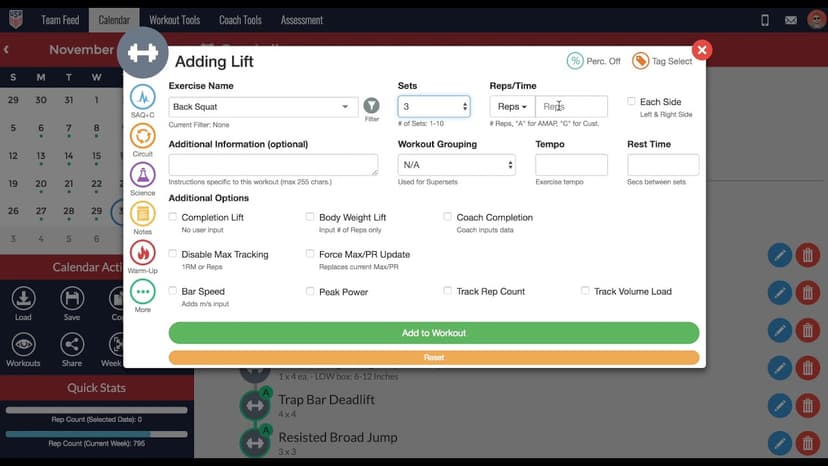
FreeHow to Add a Lift in the TeamBuildr Calendar
A short video walkthrough of how to Add a Lift in the TeamBuildr Calendar from the TeamBuildr knowledge base.
Video · 2 min
FreeHow to Add Maxes into TeamBuildr
How to Add Maxes into TeamBuildr — from the TeamBuildr YouTube channel.

Video · 7 min
FreeProgramming Tactical Session in TeamBuildr (PLAE Academy)
Programming a single tactical session in TeamBuildr. Get the entire PLAE Academy / Jon Hofman Tactical Program in TeamBuildr here: Here the link to enroll in the FREE PLAE Academy course "Fit for Duty": PLAE Academy Homepage:
Video · 5 min
FreeHow to Create COVID-19 Questionnaire in TeamBuildr
Link to download our free COVID-19 Questionnaire Template: tbldr.co/covid-questionnaire
- Format
- Walkthrough
- Brand

- Category
- Maxes
- Topics
- Platform & Admin