Creating Your Exercise Database in TeamBuildr
A short video walkthrough of creating Your Exercise Database in TeamBuildr from the TeamBuildr knowledge base.
Watch or read
3 minutes across 4 chapters. Click any chapter or timestamp to jump straight there.
4 chapters
All right, so we are going to talk about the exercise database in TeamBuilder and we consider this probably the most important part of setting up and learning how to use a TeamBuilder account. In fact, whenever we do a new customer orientation, this is the first place that we start. So the exercise database is found under Coach Tools right here. It's called Exercises. And basically, when you start a TeamBuilder account, we give you 25 exercises as a sample database. And you're welcome to keep those, use them, or edit them. But if you'd you can also add exercises to the database and you can do it one of two ways. First, it's just to hit this plus sign and you can type in the lift name. The most important thing to remember when you're adding a lift is to remember.
Still stuck? Contact support →
Read next
More in Exercise Database
Walkthrough
FreeAdding Jumps and Throws in the Exercise Database (Vertical, Broad, etc.)
A short video walkthrough of adding Jumps and Throws in the Exercise Database (Vertical, Broad, etc.) from the TeamBuildr knowledge base.
Also in Platform & Admin
Walkthrough
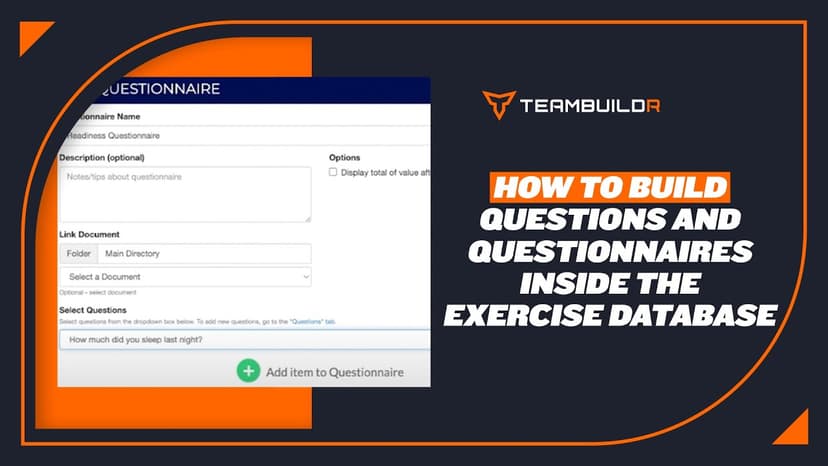
FreeHow to Add Questions and Questionnaires in the Exercise Database
A short video walkthrough of how to Add Questions and Questionnaires in the Exercise Database from the TeamBuildr knowledge base.
Walkthrough
FreeImported vs Master Database (Merging Duplicate Exercises)
A short video walkthrough of imported vs Master Database (Merging Duplicate Exercises) from the TeamBuildr knowledge base.
Video · 1 min
FreeGuide to Exercises in TeamBuildr
For a full look at our exercise database go to content.teambuildr.com/training To use workout templates, watch this video:
Video · 1 min
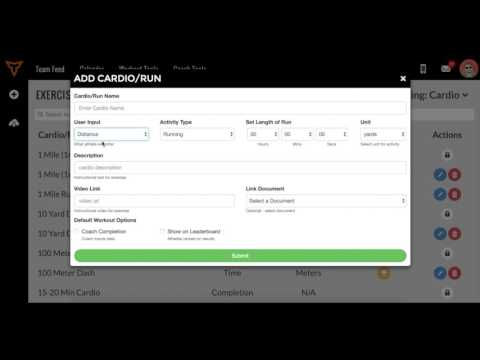
FreeAdding Jumps or Throws in Exercise Database (Vertical, Broad, etc.)
Adding Jumps or Throws in Exercise Database (Vertical, Broad, etc.) — from the TeamBuildr YouTube channel.
Video · 5 min
FreeHow to Use Workout Templates
Here is a full list of our workout templates: Here is a video on Imported vs. Master database:
- Format
- Walkthrough
- Brand

- Category
- Exercise Database
- Topics
- Platform & Admin