How to Use the "Force Max" Button & APRE Programming
A short video walkthrough of how to Use the "Force Max" Button & APRE Programming from the TeamBuildr knowledge base.
Watch or read
5 minutes across 4 chapters. Click any chapter or timestamp to jump straight there.
4 chapters
All right, folks, thanks for watching this video. In this video, we're going to cover what we call the force max slash PR button. I just call it the force max button. And this also works in conjunction with our APRE functionality. And we'll cover both of those things in this video. So when we talk about force max PR, what we do is, is we go to the exercise database, and we want to first cover what we call exercise linking. So exercise linking would mean that we take a max from a exercise and we link it to another exercise. So for instance, snatch grip deadlift. If we want snatch grip deadlift to equal 85% of the barbell deadlift, then we can do that.
And if we do that, we just click edit on snatch grip deadlift. And where it says link to another max, what we'll do is, is we'll find the barbell deadlift, which is here. And then we'll go ahead and use a link percentage at 85%. So if my snatch grip deadlift is, hypothetically 100 pounds or 100 kilos, then the snatch grip deadlift is going to be 85 pounds or 85 kilos. It's as simple as that. Now, if we want performance on snatch grip deadlift or a linked exercise to update the parent exercise, we can do that. And we do that using this button called allow maxes from this exercise to update the linked exercise max. So this is an example. What this means is that when I perform snatch grip.
Still stuck? Contact support →
Read next
Also in Platform & Admin
Walkthrough
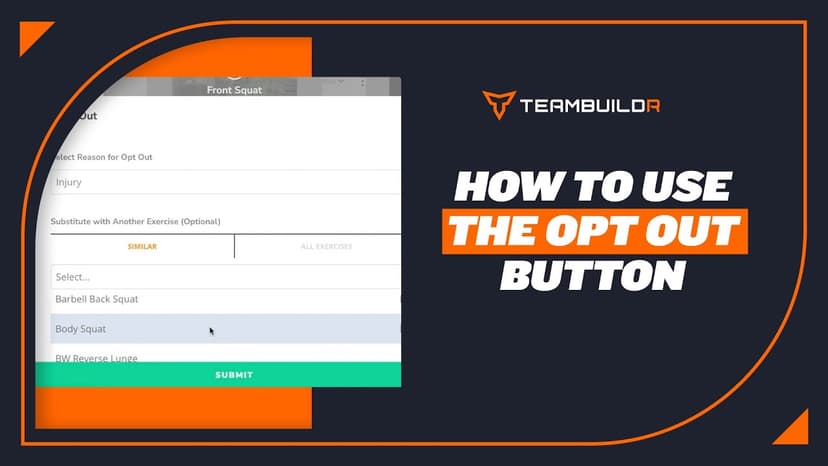
FreeHow to Use the Opt-Out Button
A short video walkthrough of how to Use the Opt-Out Button from the TeamBuildr knowledge base.
Walkthrough
FreeHow to Use the Force Max/PR Update Toggle (New Build)
A short video walkthrough of how to Use the Force Max/PR Update Toggle (New Build) from the TeamBuildr knowledge base.
Walkthrough
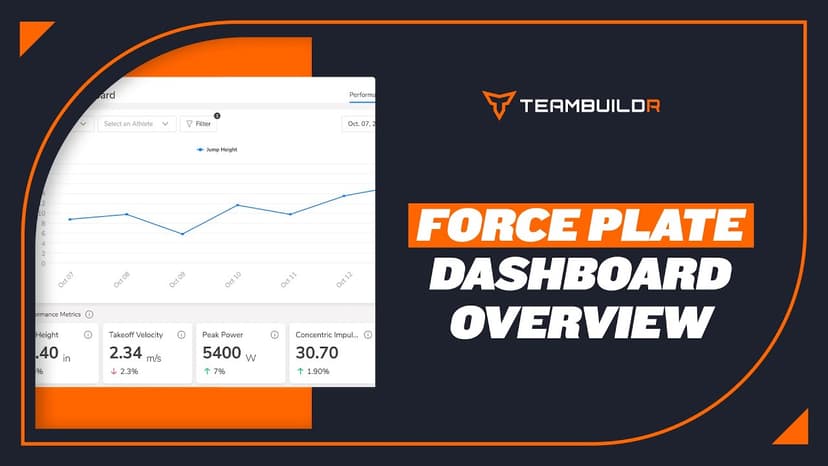
FreeForce Plate Dashboard Overview
A short video walkthrough of force Plate Dashboard Overview from the TeamBuildr knowledge base.

Read on the blog · 7 min
FreePrivate Facility Summer Training That Delivers: Building More Explosive Athletesopens blog.teambuildr.com in a new tab
Discover how athletes at our private facility made explosive gains during summer training. Using force plates, sprint gates, and structured programming, we tracked real progress in CMJ height, power output, and linear speed from April to July.

Video · 39 min
FreeAutoregulation in Long-Term Athletic Development: Meeting Athletes Where They Are - Phil Reichhoff
Level 1 Sample 9-Week Program: Free TeamBuildr webinar with Director of Performance Phil Reichhoff discussing how to program workouts for high school athletes who are constantly growing and maturing. Using Autoregulatory Progressive Resistance Exercise (APRE) to program for high
Video · 5 min
FreeHow to Program APRE in TeamBuildr
How to Program APRE in TeamBuildr — from the TeamBuildr YouTube channel.
- Format
- Walkthrough
- Brand

- Category
- Exercise Database
- Topics
- Platform & Admin