How to Use the Opt-Out Button
A short video walkthrough of how to Use the Opt-Out Button from the TeamBuildr knowledge base.
Watch or read
2 minutes across 3 chapters. Click any chapter or timestamp to jump straight there.
3 chapters
In this video, we're going to take a look at how to use the opt out feature. So inside of our athletes workout entry view, we can see the exercises listed for the day. And we can see this opt out button right here. Now, the opt out button also works in weight room view for those with a platinum subscription or higher. And you can find it over on the left hand side with the icon, the little circle and the line slash through it.
But whether you're in workout entry view or weight room view, this feature works the same exact way. So here we have Rocky and today he's prescribed a front squat. But let's say for one reason or another, he can't perform that front squat. So he's going to select this opt out button and this box is going to appear. The drop down here will allow him to select the reason for opting out. So whether it's injury, prohibited, lack of equipment or other. So here we will say injury.
Still stuck? Contact support →
Read next
Also in Platform & Admin

Walkthrough
FreeHow to Use the "Force Max" Button & APRE Programming
A short video walkthrough of how to Use the "Force Max" Button & APRE Programming from the TeamBuildr knowledge base.
More in Getting Started - For Athletes
Walkthrough
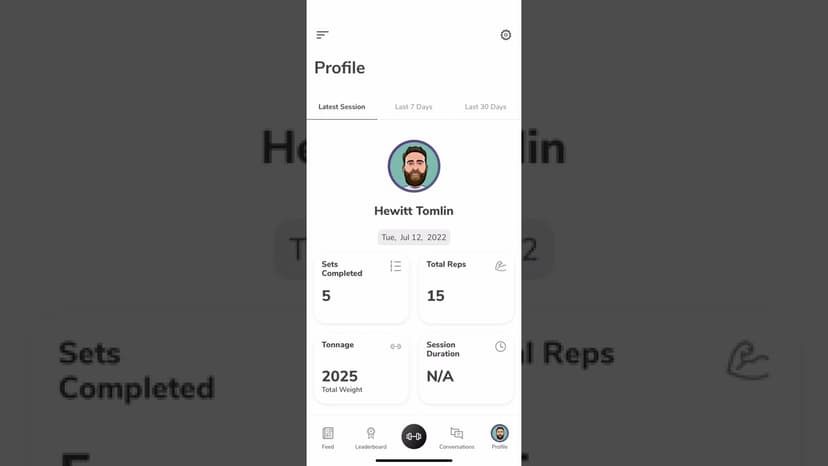
FreeUsing the TeamBuildr App as an Athlete
A tour of the athlete side of the app on iOS and Android: getting in, working through a session, and what sits behind the side menu. Look for TeamBuildr Training in the store. The older app has been delisted.
Walkthrough
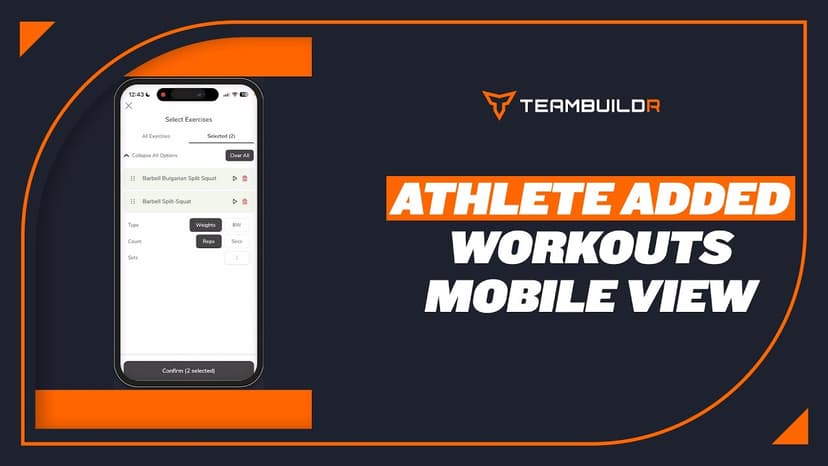
FreeAthlete Added Workouts - Mobile App View
A short video walkthrough of athlete Added Workouts - Mobile App View from the TeamBuildr knowledge base.

Spreadsheet · 2 walkthroughs
Free · sign upAdvanced Attendance Report
Attendance tracking for PE and weights classes that goes past a headcount. Copy the template and it totals participation per student over any window, ready to drop into a grade or a report to an administrator.

Spreadsheet · 2 walkthroughs
Free · sign upAthlete Wellness & Body Report
Track daily wellness check-ins and body composition in one sheet. Copy the template and follow the walkthrough to connect your athlete responses, then use the report to spot who is trending the wrong way before it costs you a session.

Spreadsheet · 7 walkthroughs
Free · sign upCustom Grading System
A ready-made grading spreadsheet for PE and weights classes. Copy the template, connect it to your TeamBuildr data, and it calculates an overall grade from attendance, workout completion and evaluations. Seven short videos walk you through every step of the setup.
- Format
- Walkthrough
- Brand

- Category
- Getting Started - For Athletes
- Topics
- Platform & Admin