How Athletes Can Join TeamBuildr (via email)
Athletes must register on TeamBuildr before logging into the iOS and Android app.
Athletes must register on TeamBuildr before logging into the iOS and Android app.
Watch or read
3 minutes across 3 chapters. Click any chapter or timestamp to jump straight there.
3 chapters
Okay, so I'm gonna do a quick video to show athletes how they can get signed up to use Team Builder. So basically coaches can sign you up one of two ways. The first is to send you an email that's gonna ask you to get started and the second one is to use an easy join code. So to cover the first example, check your email for an email that looks this and then if you don't see it make sure to check your spam or junk folder. Okay, and then if you get the email this is what you do next. Basically we'll send you a temporary password. Make sure that you copy this password and that you do not say for instance try to retype it because sometimes say a lowercase l can be.
Confused with the capital I and so on. So go ahead and click get started which is this button here and once you do that we'll take you to some sign-in registration page and what you can do here is just create your new password. So rather than use your temporary password you can actually just create one on the spot. So go ahead and do that. Go ahead and fill out the forms and then go ahead and agree to the user agreement which you could link to here and that's one way to register.
Still stuck? Contact support →
Read next
More in Getting Started - For Athletes
Walkthrough
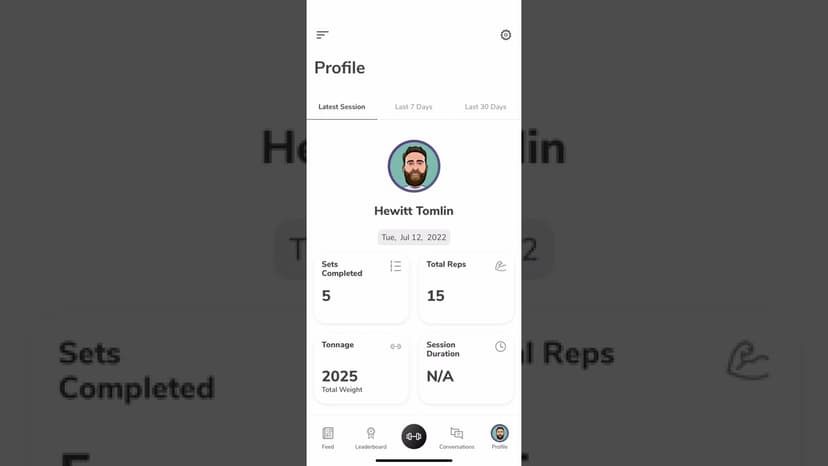
FreeUsing the TeamBuildr App as an Athlete
A tour of the athlete side of the app on iOS and Android: getting in, working through a session, and what sits behind the side menu. Look for TeamBuildr Training in the store. The older app has been delisted.
Also in Platform & Admin
Walkthrough
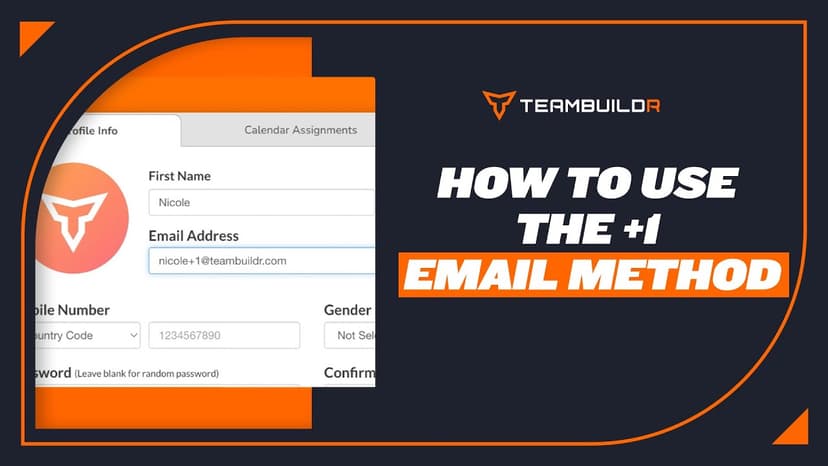
FreeHow to Use the +1 Email Method
A short video walkthrough of how to Use the +1 Email Method from the TeamBuildr knowledge base.
Video · 6 min
FreeCoach Android Mobile App
Coach Android Mobile App — from the TeamBuildr YouTube channel.

Spreadsheet · 2 walkthroughs
Free · sign upAdvanced Attendance Report
Attendance tracking for PE and weights classes that goes past a headcount. Copy the template and it totals participation per student over any window, ready to drop into a grade or a report to an administrator.

Spreadsheet · 2 walkthroughs
Free · sign upAthlete Wellness & Body Report
Track daily wellness check-ins and body composition in one sheet. Copy the template and follow the walkthrough to connect your athlete responses, then use the report to spot who is trending the wrong way before it costs you a session.
- Format
- Walkthrough
- Brand

- Category
- Getting Started - For Athletes
- Topics
- Platform & Admin