Auto Populate Weights in Workout Entry View
A short video walkthrough of auto Populate Weights in Workout Entry View from the TeamBuildr knowledge base.
Watch or read
1 minutes across 2 chapters. Click any chapter or timestamp to jump straight there.
2 chapters
One of our newest features at TeamBuilder is the ability for weights to auto-populate after an athlete inputs their first set of data on an exercise in workout entry view. So to show you this, we're inside of Charlie Conway's account right now, and we're going to select his three-position hang snatch for his first exercise of his workout today. So let's say on his first set, Charlie does 100 pounds for three reps. If we click away from it, we'll see that 100 pounds is then auto-populated in set two and set three.
Still stuck? Contact support →
Read next
Also in Platform & Admin
Walkthrough
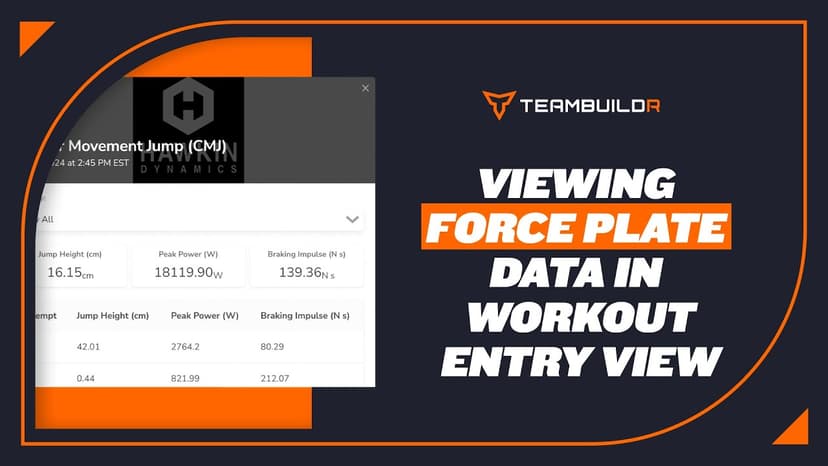
FreeForce Plates in Workout Entry View
A short video walkthrough of force Plates in Workout Entry View from the TeamBuildr knowledge base.
More in Getting Started - For Athletes
Walkthrough
FreeCombined Workout View
A short video walkthrough of combined Workout View from the TeamBuildr knowledge base.
Walkthrough
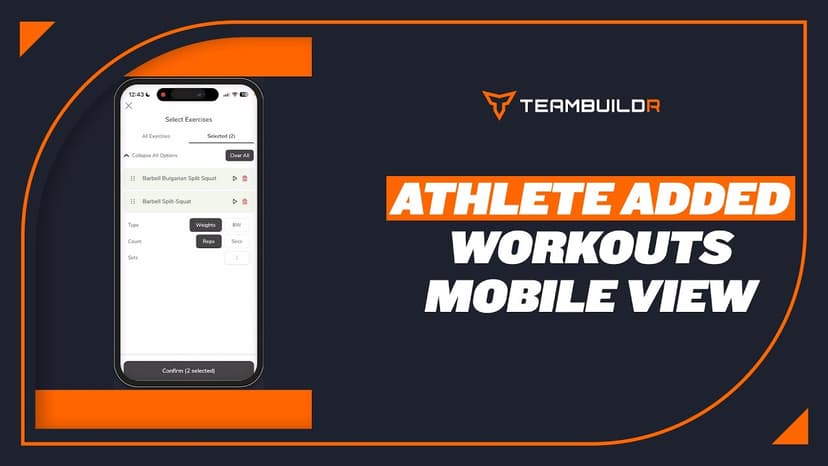
FreeAthlete Added Workouts - Mobile App View
A short video walkthrough of athlete Added Workouts - Mobile App View from the TeamBuildr knowledge base.

Spreadsheet · 7 walkthroughs
Free · sign upCustom Grading System
A ready-made grading spreadsheet for PE and weights classes. Copy the template, connect it to your TeamBuildr data, and it calculates an overall grade from attendance, workout completion and evaluations. Seven short videos walk you through every step of the setup.

Spreadsheet · 2 walkthroughs
Free · sign upAdvanced Attendance Report
Attendance tracking for PE and weights classes that goes past a headcount. Copy the template and it totals participation per student over any window, ready to drop into a grade or a report to an administrator.
Spreadsheet · 2 walkthroughs
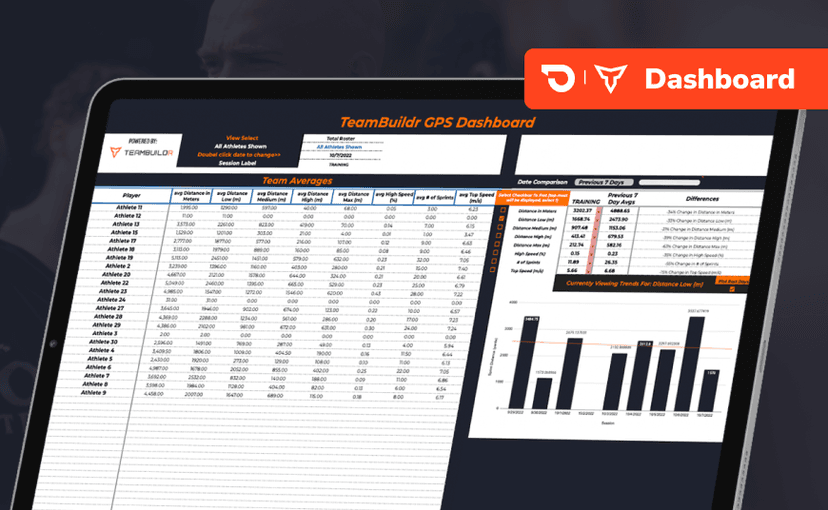
Free · sign upGPS Dashboard
Turn raw GPS exports into something you can actually read. Copy the template, follow the two setup videos, and you get a running view of load and distance per athlete. Built for coaches new to GPS or drowning in the files it produces.
- Format
- Walkthrough
- Brand

- Category
- Getting Started - For Athletes
- Topics
- Platform & Admin