Force Plates in Workout Entry View
A short video walkthrough of force Plates in Workout Entry View from the TeamBuildr knowledge base.
Watch or read
2 minutes across 4 chapters. Click any chapter or timestamp to jump straight there.
4 chapters
In this video, we're going to take a look at how to use our latest integration of force plate data and view that information inside of our workout entry view. So the first thing we're going to do is head to workout tools and drop down to workout entry view. Now, this latest integration is available through our Platinum Pro subscription or if you have the Sports Science Hub add-on. So once inside of workout entry view, we're going to select our athlete. From here, I'm just going to move over to a date that I know that we have data on for the force plate integration.
Still stuck? Contact support →
Read next
More in AMS
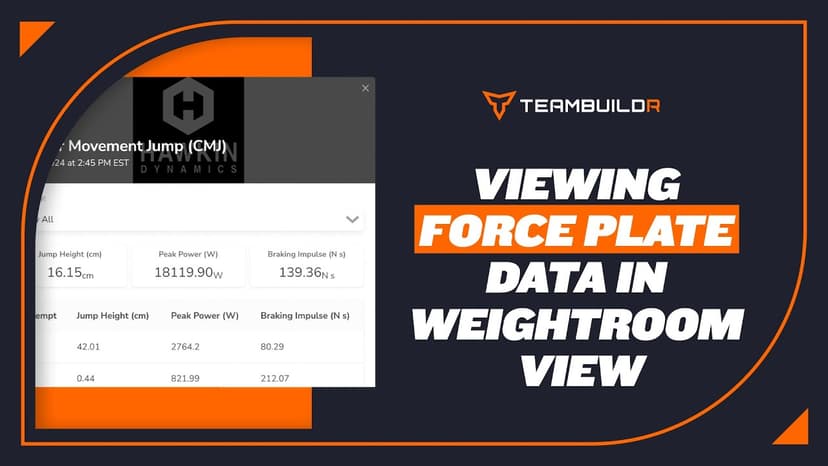
Walkthrough
FreeForce Plates in Weightroom View
A short video walkthrough of force Plates in Weightroom View from the TeamBuildr knowledge base.
Also in Platform & Admin
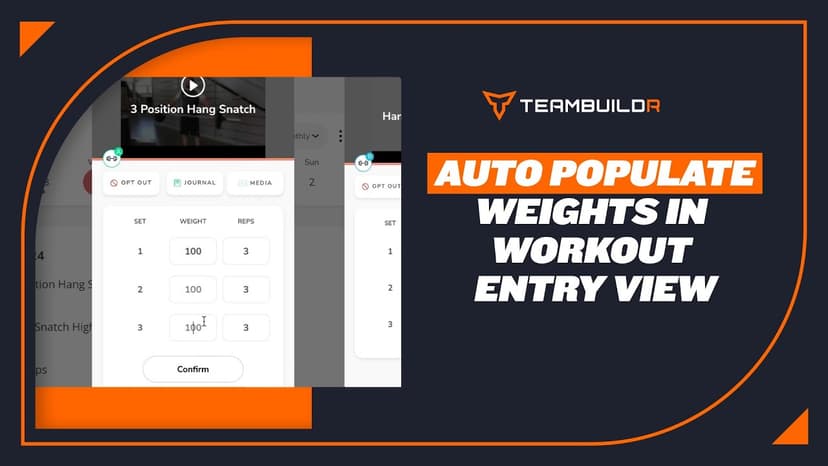
Walkthrough
FreeAuto Populate Weights in Workout Entry View
A short video walkthrough of auto Populate Weights in Workout Entry View from the TeamBuildr knowledge base.
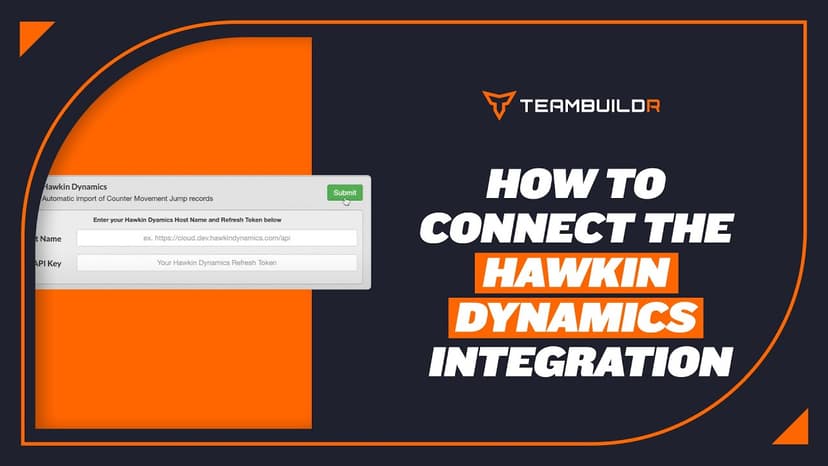
Walkthrough
FreeConnecting Hawkin Dynamics Force Plates to TeamBuildr
Link Hawkin Dynamics plates so jump data arrives in an athlete's workout without anyone exporting a file. Setup needs a hostname and an API key, and matching names on both sides. What you can see afterwards depends on your plan.

Read on the blog · 7 min
FreePrivate Facility Summer Training That Delivers: Building More Explosive Athletesopens blog.teambuildr.com in a new tab
Discover how athletes at our private facility made explosive gains during summer training. Using force plates, sprint gates, and structured programming, we tracked real progress in CMJ height, power output, and linear speed from April to July.
Read on the blog · 4 min
FreeMaking Sense of Monitoring: How Coaches Can Use Habit Tracking to Drive Athlete Performanceopens blog.teambuildr.com in a new tab
Discover how to turn athlete monitoring data into actionable habits. Learn wellness, readiness, and habit-tracking strategies.
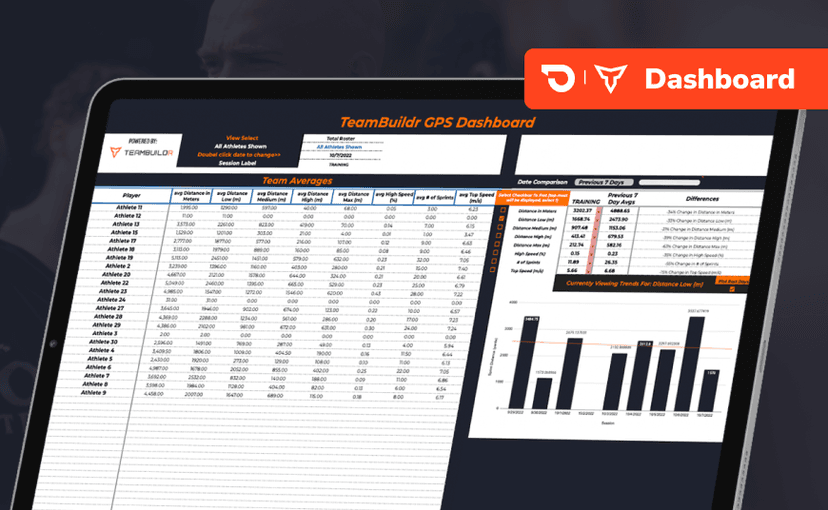
Spreadsheet · 2 walkthroughs
Free · sign upGPS Dashboard
Turn raw GPS exports into something you can actually read. Copy the template, follow the two setup videos, and you get a running view of load and distance per athlete. Built for coaches new to GPS or drowning in the files it produces.
- Format
- Walkthrough
- Brand
- TeamBuildr AMS
- Category
- AMS
- Topics
- Platform & Admin