Body Heat Map - Athlete Perspective
A short video walkthrough of body Heat Map - Athlete Perspective from the TeamBuildr knowledge base.
Watch or read
2 minutes across 3 chapters. Click any chapter or timestamp to jump straight there.
3 chapters
In this video we're going to go over the athletes view of the recovery radar. The recovery radar is our newest dashboard in our sports science hub core subscription and it allows athletes to track their pain and soreness on a specific body part. So if I'm an athlete and I open my app I'm going to click the three lines up at the top left and I'm going to scroll down and see where it says recovery radar. From here for this day I'm going to be brought to the body heat map and here's where I'm going to be able to select specific areas that I'm having issues with. So I can choose to select the chest and then I'm going to see this screen pop up and I can choose whether it is painful or.
Still stuck? Contact support →
Read next
More in AMS
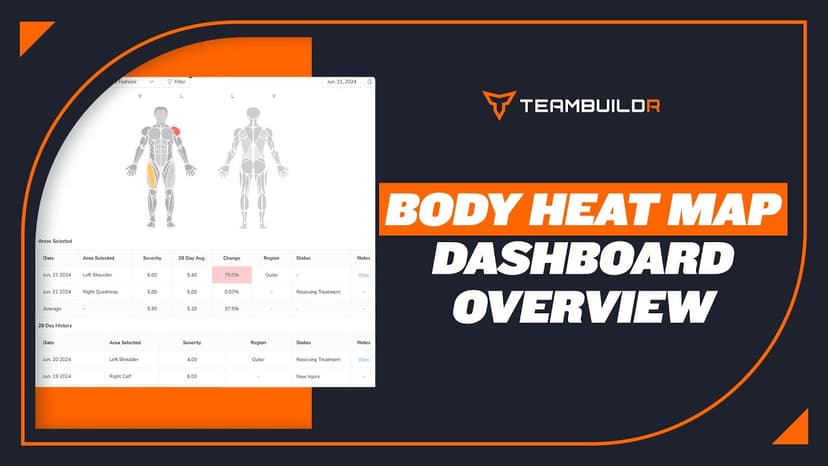
Walkthrough
FreeBody Heat Map Dashboard Overview
Body Heat Map is accessible through our AMS LITE which is an additional subscription to the TeamBuildr Platform (Silver, Gold, etc.) See pricing here: teambuildr.com/pricing
Also in Platform & Admin
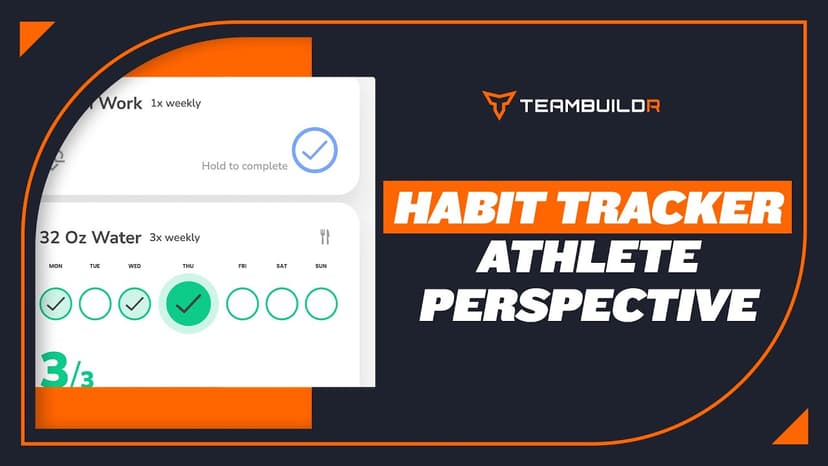
Walkthrough
FreeHabit Tracker - Athlete Perspective
A short video walkthrough of habit Tracker - Athlete Perspective from the TeamBuildr knowledge base.
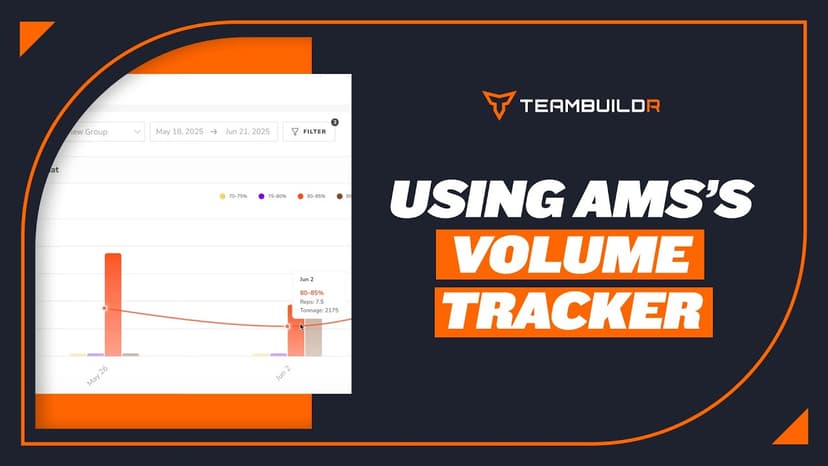
Walkthrough
FreeComparing Assigned and Completed Training Volume
See what you prescribed against what the athlete actually did, bucketed by percentage of their max. Built for the moment you suspect someone has been loading themselves heavier than the program says, and for deciding whether that means their max has moved. Part of the AMS package.
Read on the blog · 4 min
FreeMaking Sense of Monitoring: How Coaches Can Use Habit Tracking to Drive Athlete Performanceopens blog.teambuildr.com in a new tab
Discover how to turn athlete monitoring data into actionable habits. Learn wellness, readiness, and habit-tracking strategies.

Read on the blog · 7 min
FreePrivate Facility Summer Training That Delivers: Building More Explosive Athletesopens blog.teambuildr.com in a new tab
Discover how athletes at our private facility made explosive gains during summer training. Using force plates, sprint gates, and structured programming, we tracked real progress in CMJ height, power output, and linear speed from April to July.

Spreadsheet · 2 walkthroughs
Free · sign upAthlete Wellness & Body Report
Track daily wellness check-ins and body composition in one sheet. Copy the template and follow the walkthrough to connect your athlete responses, then use the report to spot who is trending the wrong way before it costs you a session.
- Format
- Walkthrough
- Brand
- TeamBuildr AMS
- Category
- AMS
- Topics
- Platform & Admin