Habit Tracker Dashboard Overview
Habit Tracker is accessible through AMS LITE which is an additional subscription to the TeamBuildr Platform (Silver, Gold, etc.) See pricing here: teambuildr.com/pricing
Habit Tracker is accessible through AMS LITE which is an additional subscription to the TeamBuildr Platform (Silver, Gold, etc.) See pricing here: teambuildr.com/pricing
Watch or read
7 minutes across 4 chapters. Click any chapter or timestamp to jump straight there.
4 chapters
In this video, we're going to go over how to use one of our newest Sports Science Hub dashboards, the Consistency Coach. The Consistency Coach is a new module in TeamBuilder's Sports Science Hub course subscription, and it enables coaches to assign and monitor habits to promote holistic athlete wellness. Coaches can select and assign key habits for individual athletes or groups to integrate into their routines and enable progress tracking over time. From this management screen, coaches can create, manage, and assign habits to monitor daily and weekly.
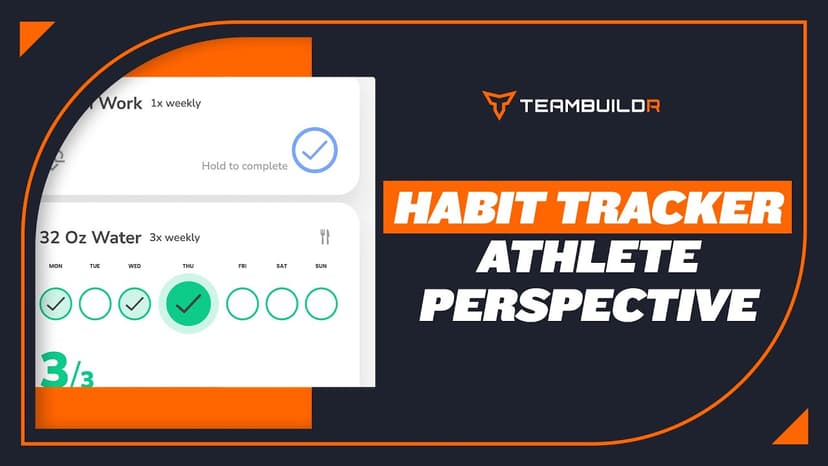
Athletes have a corresponding screen accessible from both their dashboard on the app and workout entry sections to track and complete their habits. There's a separate video to show you what that looks on their end. On this page, we can also view details if we scroll down, such as the athletes that the habit has been assigned to. We can see the data was added, and we can also see the status as to whether it is active or inactive. However, the system will still hold all of that data that was previously recorded from that habit when it was, in fact, active.
To edit or delete an habit, you can simply click these three dots right here, and it will give you the option to edit the current habit or delete. To add a new habit, we're going to click this green plus button down in the right corner. And again, here you'll see that we do have the option to choose to edit any of our preset habits, or we can click right here and create a new one. We'll use this 10,000 steps example right here.
But let's say we wanted to add a little bit more of a description and give a little more context to the habit we want our athletes to track. We can toggle this button right here and then include a description for the habit in this box. Clicking this drop down, you'll see we have the ability to assign this to all of our athletes, to groups of athletes or individuals. So then we'll see another drop down box appear. And if we select that, we'll see all of our athletes that are in our system appear.
Still stuck? Contact support →
Read next
More in AMS
Walkthrough
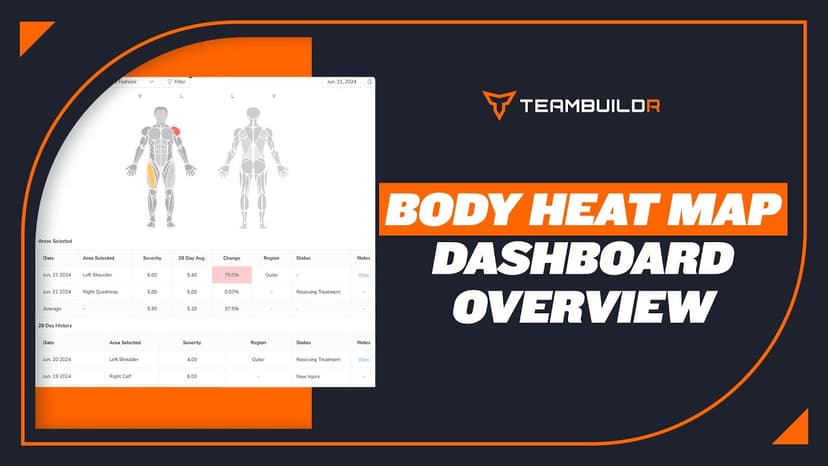
FreeBody Heat Map Dashboard Overview
Body Heat Map is accessible through our AMS LITE which is an additional subscription to the TeamBuildr Platform (Silver, Gold, etc.) See pricing here: teambuildr.com/pricing
Also in Platform & Admin
Walkthrough
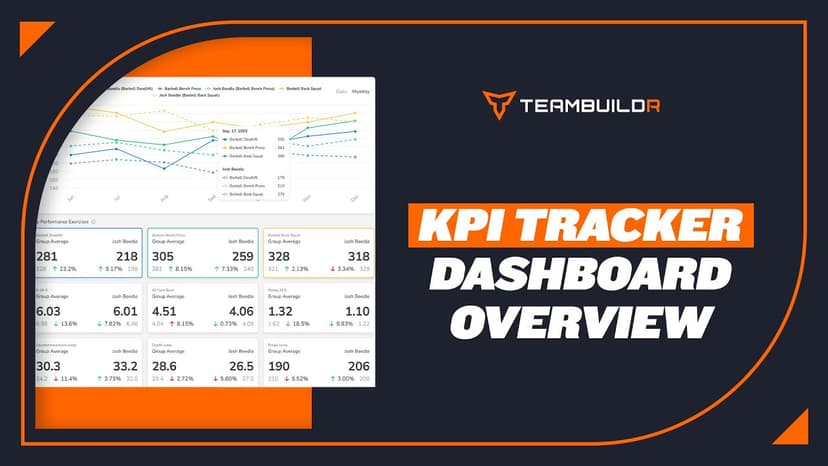
FreeKPI Tracker Dashboard Overview
A short video walkthrough of kPI Tracker Dashboard Overview from the TeamBuildr knowledge base.
Walkthrough
FreeHabit Tracker - Athlete Perspective
A short video walkthrough of habit Tracker - Athlete Perspective from the TeamBuildr knowledge base.
Spreadsheet · 2 walkthroughs
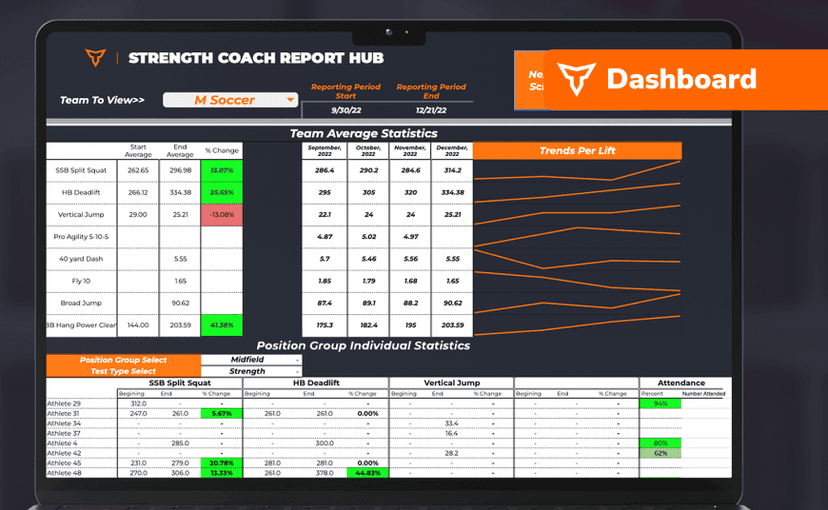
FreeSport Coach Dashboard
A shared view for sport coaches who want to see what is happening in the weight room without learning the whole platform. Copy the template and it surfaces the handful of numbers they actually ask about.
Also in Gym Business

Read on the blog · 7 min
FreePrivate Facility Summer Training That Delivers: Building More Explosive Athletesopens blog.teambuildr.com in a new tab
Discover how athletes at our private facility made explosive gains during summer training. Using force plates, sprint gates, and structured programming, we tracked real progress in CMJ height, power output, and linear speed from April to July.

Read on the blog · 4 min
FreeMaking Sense of Monitoring: How Coaches Can Use Habit Tracking to Drive Athlete Performanceopens blog.teambuildr.com in a new tab
Discover how to turn athlete monitoring data into actionable habits. Learn wellness, readiness, and habit-tracking strategies.
- Format
- Walkthrough
- Brand
- TeamBuildr AMS
- Category
- AMS