Load Monitoring Dashboard Module
The Load Monitoring Dashboard is a module that only comes with our AMS LITE add-on. The only module that is free within AMS LITE is the Wearables Dashboard module.
The Load Monitoring Dashboard is a module that only comes with our AMS LITE add-on.
The only module that is free within AMS LITE is the Wearables Dashboard module.
Watch or read
6 minutes across 4 chapters. Click any chapter or timestamp to jump straight there.
4 chapters
Starting in January 2025, the load monitoring dashboard within our Sports Science Hub will feature the ability to create templates. Templates allow for quick access to certain questionnaires or custom combination of questions in the click of a button. To create a template, click the plus button. It will prompt you to select a questionnaire or select individual questions. Selecting a questionnaire will allow you to choose any of the questionnaires you have built within your Team Builder account. Selecting individual questions will prompt you to select any combination of any question you've created within your Team Builder account to build the dashboard. In this example, we're going to do an entire questionnaire. It will prompt you to select a date in which you want information to start flowing from. It will always populate today's date. You can choose to show total,.
Show averages for all the questions that you have employed within this questionnaire. You can search for a questionnaire in this search bar by typing the name of it, or you can scroll down through the list of all of your questionnaires, which should be sorted by alphabetical. In this case, I'm going to do the Daily Questionnaire. It will then populate the dashboard for you, and you can change settings from here. Change the date in which information starts flowing from. So if we go backward in time, this will be where the data populates from. You can do a 7 or 28 day view of the graph now. You can set the group in which you want to view the information for. In this case, in this tester account, we have an all group,.
Still stuck? Contact support →
Read next
More in AMS
Walkthrough
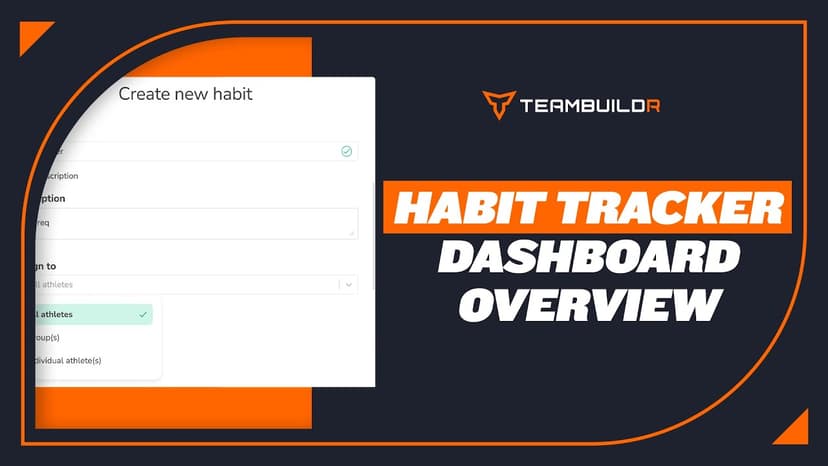
FreeHabit Tracker Dashboard Overview
Habit Tracker is accessible through AMS LITE which is an additional subscription to the TeamBuildr Platform (Silver, Gold, etc.) See pricing here: teambuildr.com/pricing
Also in Platform & Admin
Walkthrough
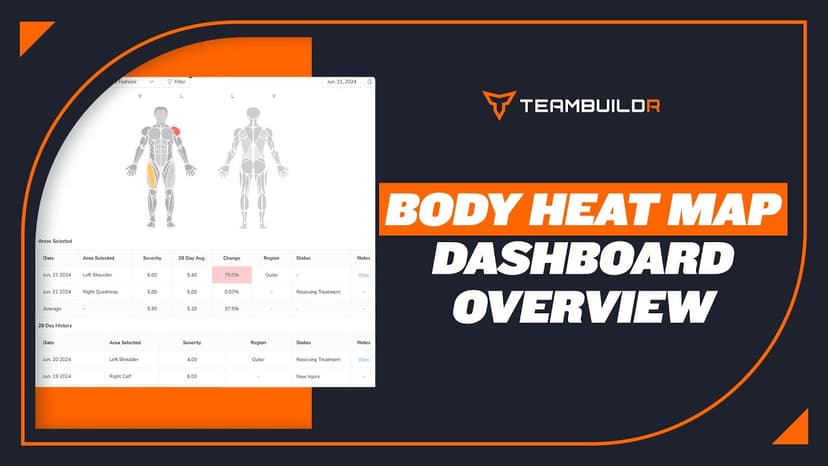
FreeBody Heat Map Dashboard Overview
Body Heat Map is accessible through our AMS LITE which is an additional subscription to the TeamBuildr Platform (Silver, Gold, etc.) See pricing here: teambuildr.com/pricing
Also in Testing & Monitoring
Video · 1 min
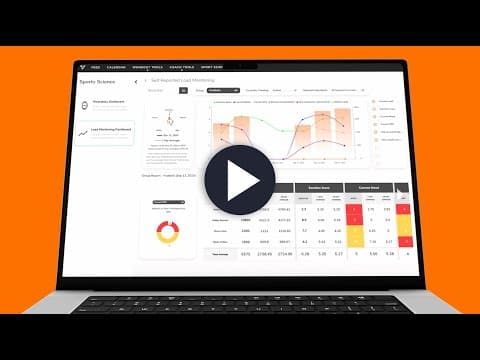
FreeLoad Monitoring Dashboard Promo
Load Monitoring Dashboard Promo — from the TeamBuildr YouTube channel.
Spreadsheet · 2 walkthroughs
Free · sign upFatigue Monitoring Dashboard
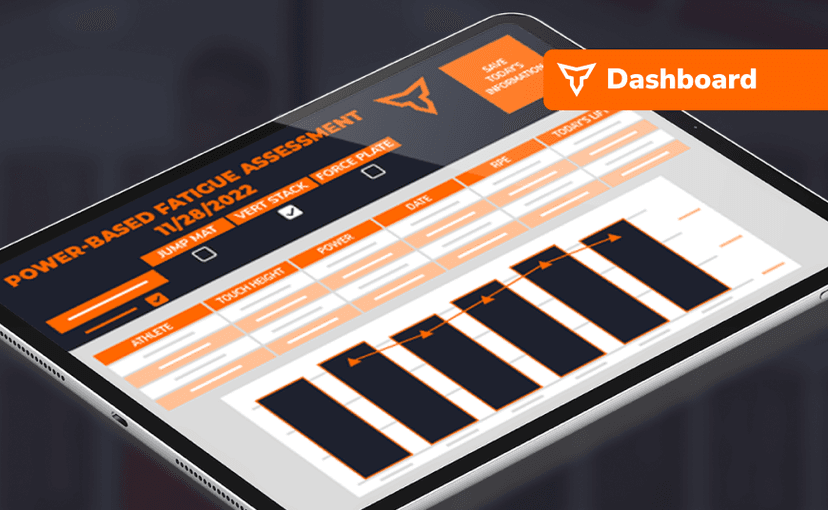
Watch accumulated fatigue across a roster without building the spreadsheet yourself. Copy the template, connect your wellness and load data, and the dashboard flags athletes drifting outside their normal range.
.png&w=828&q=75)
Video · 27 min
Free · sign upLoad Monitoring Dashboard
What the research says about wellness questionnaires and how to build one athletes will answer: five or six questions, scales that point the same way, and locking the workout until it is done. Ends with a tour of the Load Monitoring Dashboard.
- Format
- Walkthrough
- Brand
- TeamBuildr AMS
- Category
- AMS