AMS Support Videos (All)
A short video walkthrough of aMS Support Videos (All) from the TeamBuildr knowledge base.
Step-by-step setup
11 short walkthroughs covering the whole configuration.
11 steps
Hey, how's it going? This is the TeamBuilder Wearables dashboard. I'm going to go over this real quick to show you some of the features, show you how to utilize this tool as it's going to be free to everybody with a TeamBuilder account. What this does is going to be an aggregate area with all of your athletes or clients' wearable data. If they have a wearable device that syncs with Apple HealthKit or Google Fit, they can hook it up to their TeamBuilder account if they haven't already. But this tool is going to be taking all of that information that is linked to your TeamBuilder account and it's going to dump it into this one reporting system. So starting at the top, we have Group View. So whatever groups you have assigned in your TeamBuilder account, these could be teams,.
They could be different client training times, whatever it may be, they will all appear here. And when we click on a group, it will populate all of the people that happen to appear in that group. So in this case, in this tester account, this is the only person that appears in this group. So if you were to have a full group of athletes or clients, it would look a little bit more this with the all function here on this account. And you can click to expand to see the athletes.
You can also click on the tile itself. So on this day, I really got after it. I was a nine. But this will show their seven day trend just below. And this is the athlete that you've selected above. You can also scroll through athletes in this dropdown table. You can also jump back to all. And in the all view, these are the averages over time for everyone in that particular group. Over to the right, you'll see the daily average. You'll see a seven day trend and a 28 day trend as well.
What you're viewing in this graph right now is the exertion score. And what the exertion score is, is an aggregate score of people's heart rate data throughout the day. The heart rate is broken up into different percentages of their heart rate max. There's weight applied to those buckets that they spend time in. And there's another weighted factor that puts it into a zero to 10 score. So that'll give you cardiac output for the day or the exertion score in this case.
So you can utilize that to see how people are responding to training or just responding to everyday life. I have a webinar that I produced that goes into a little bit more about the exertion score and what went into it. So feel free to check that out if you have any questions or if you'd to learn a little bit more about that. So this graph will be the exertion score, I said, and you can go into visual view.
You can go by a group view and you can see trend over the past seven days. So let's click back to all. In this wheel over here, you can click on any one of these categories. So we have well rested all the way up to heavy fatigue. So if I click on heavy fatigue, it'll generate a report below for just the people in the heavy fatigue. So you'll see myself down below there. Over to the left, you have an athletes connected and athletes connected but not sharing.
So this gives you a sense of how many people within a group or within your team builder account have connected to the wearable function. And if there's anybody connected that's not sharing, you can identify that as well. At the very bottom, so we've seen how this reacts, but this can also be changed per column. So you can sort highest to lowest and vice versa in any one of these columns here. So up to you and how you want to view the information here.
And then you can also download that chart as well. So this will download all information from the table itself, and you can perform other analysis on it as you see fit. So that pretty much sums up the wearables dashboard. Get yourself in here. Check it out. Start to talk about athletes and clients about connecting their wearables so you can have more informed conversations about their recovery habits and better help to increase their performance in and out of the weight room.
Still stuck? Contact support →
Read next
Also in Platform & Admin
Walkthrough
FreeFree Form Programming (All Support Videos)
A short video walkthrough of free Form Programming (All Support Videos) from the TeamBuildr knowledge base.
More in AMS
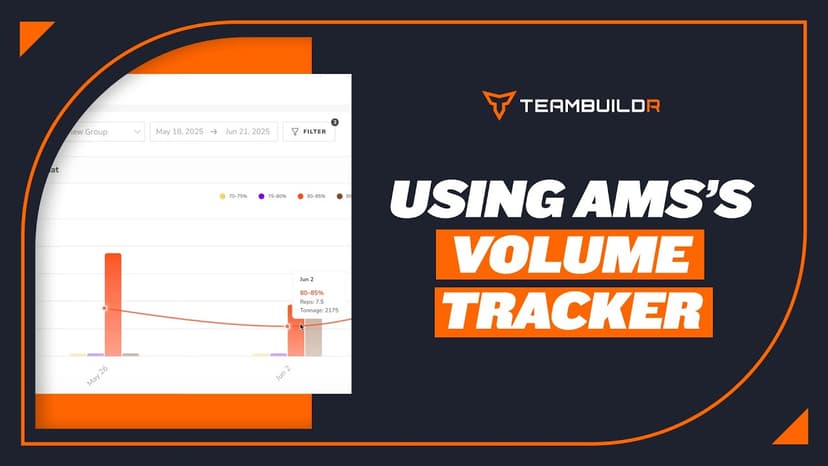
Walkthrough
FreeComparing Assigned and Completed Training Volume
See what you prescribed against what the athlete actually did, bucketed by percentage of their max. Built for the moment you suspect someone has been loading themselves heavier than the program says, and for deciding whether that means their max has moved. Part of the AMS package.
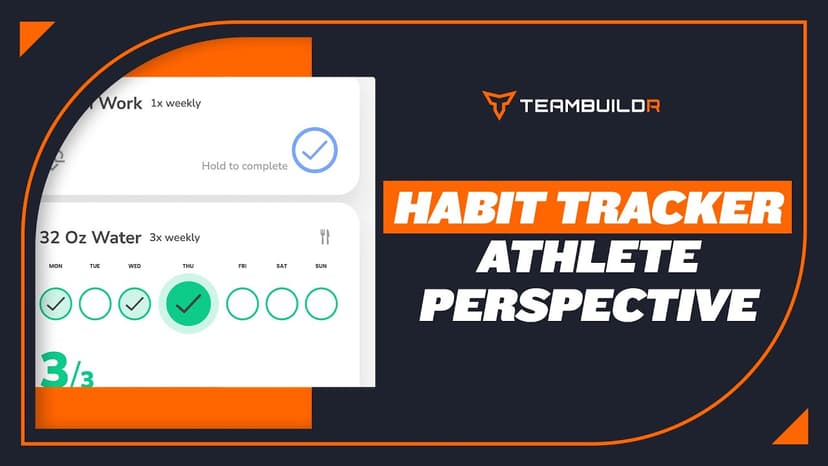
Walkthrough
FreeHabit Tracker - Athlete Perspective
A short video walkthrough of habit Tracker - Athlete Perspective from the TeamBuildr knowledge base.

Read on the blog · 4 min
FreeMaking Sense of Monitoring: How Coaches Can Use Habit Tracking to Drive Athlete Performanceopens blog.teambuildr.com in a new tab
Discover how to turn athlete monitoring data into actionable habits. Learn wellness, readiness, and habit-tracking strategies.

Read on the blog · 7 min
FreePrivate Facility Summer Training That Delivers: Building More Explosive Athletesopens blog.teambuildr.com in a new tab
Discover how athletes at our private facility made explosive gains during summer training. Using force plates, sprint gates, and structured programming, we tracked real progress in CMJ height, power output, and linear speed from April to July.

Spreadsheet · 7 walkthroughs
Free · sign upCustom Grading System
A ready-made grading spreadsheet for PE and weights classes. Copy the template, connect it to your TeamBuildr data, and it calculates an overall grade from attendance, workout completion and evaluations. Seven short videos walk you through every step of the setup.
- Format
- Walkthrough
- Brand
- TeamBuildr AMS
- Category
- AMS
- Topics
- Platform & Admin