Body Heat Map Dashboard Overview
Body Heat Map is accessible through our AMS LITE which is an additional subscription to the TeamBuildr Platform (Silver, Gold, etc.) See pricing here: teambuildr.com/pricing
Body Heat Map is accessible through our AMS LITE which is an additional subscription to the TeamBuildr Platform (Silver, Gold, etc.) See pricing here: teambuildr.com/pricing
Watch or read
6 minutes across 4 chapters. Click any chapter or timestamp to jump straight there.
4 chapters
In this video we're going to go over the Sports Science Hub Core's latest dashboard, the Recovery Radar. This new module enables athletes to add pain and soreness points on a daily basis for specific body parts. It then allows coaches, physical therapists, and any other stakeholders that you may have granted access to your Team Builder account for to review and monitor the athlete's physical conditions. Data is collected from the athletes through the mobile app's body map and is then visualized in this dashboard where you can easily track trends, analyze severity, and identify areas that need attention.
So if we take a look at the dashboard we can see that we're first going to start by selecting a group of our athletes. So we're going to click the drop down and we're going to select all. We then have the ability to filter on which body parts we want to see. So if we click this button right here we can choose to look at pain and soreness or we can select one and simply look at pain or simply look at soreness. We can also choose the areas that we want to see if anything's been reported on. In this chart here you can choose up to three different areas of the body but when we get to some of our other tabs you'll be able to look at a few more selections.
We would simply click update and then we would be able to update our findings based off of that filter. Here's where we can select what day we want to look at data for and then it's important to note that this line graph actually allows us to also look at a seven day or a 28 day view. If we scroll over to this side we can see the body map itself so we can see those three areas that have been selected and if we hold over our mouse over the body part we can see the number of athletes that have reported something on these areas.
Still stuck? Contact support →
Read next
More in AMS
Walkthrough
FreeHabit Tracker Dashboard Overview
Habit Tracker is accessible through AMS LITE which is an additional subscription to the TeamBuildr Platform (Silver, Gold, etc.) See pricing here: teambuildr.com/pricing
Also in Platform & Admin
Walkthrough
FreeLoad Monitoring Dashboard Module
The Load Monitoring Dashboard is a module that only comes with our AMS LITE add-on. The only module that is free within AMS LITE is the Wearables Dashboard module.
Walkthrough
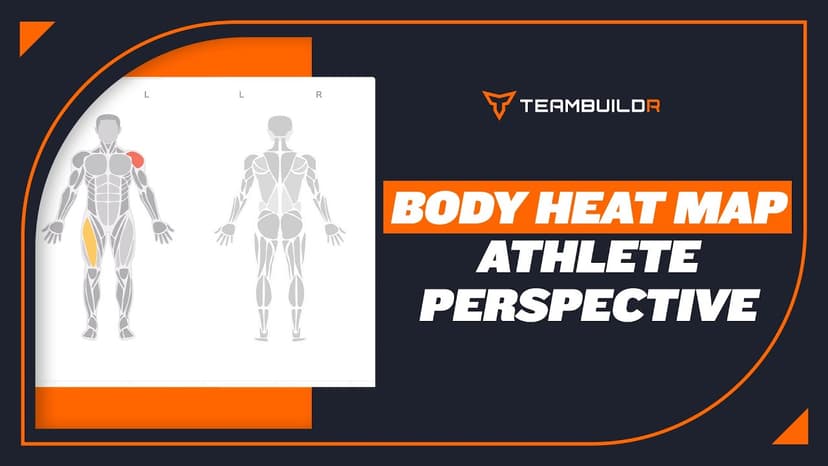
FreeBody Heat Map - Athlete Perspective
A short video walkthrough of body Heat Map - Athlete Perspective from the TeamBuildr knowledge base.
Spreadsheet · 2 walkthroughs
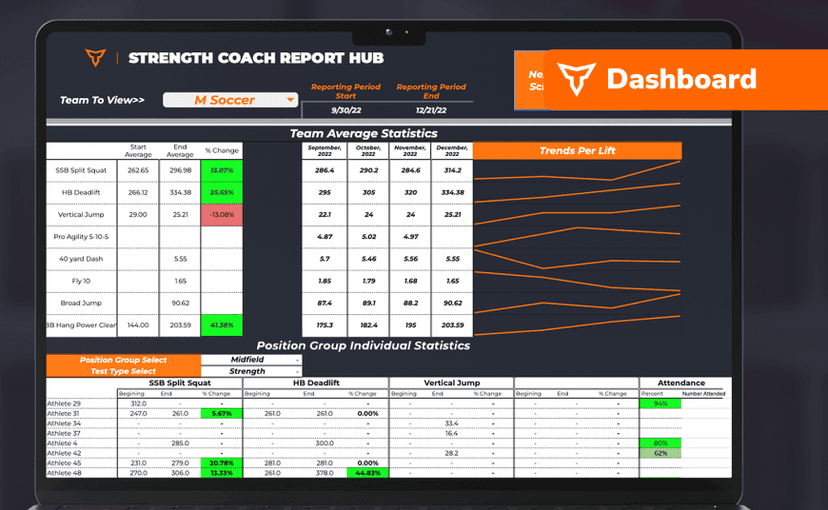
FreeSport Coach Dashboard
A shared view for sport coaches who want to see what is happening in the weight room without learning the whole platform. Copy the template and it surfaces the handful of numbers they actually ask about.
Also in Gym Business

Read on the blog · 7 min
FreePrivate Facility Summer Training That Delivers: Building More Explosive Athletesopens blog.teambuildr.com in a new tab
Discover how athletes at our private facility made explosive gains during summer training. Using force plates, sprint gates, and structured programming, we tracked real progress in CMJ height, power output, and linear speed from April to July.

1 chapter · 7 lessons
Free · sign upUsing the Payments Portal to Start Your Side Hustle
Learn how to sell your programs online by using TeamBuildr's payments portal.
- Format
- Walkthrough
- Brand
- TeamBuildr AMS
- Category
- AMS