Connecting Hawkin Dynamics Force Plates to TeamBuildr
Link Hawkin Dynamics plates so jump data arrives in an athlete's workout without anyone exporting a file. Setup needs a hostname and an API key, and matching names on both sides. What you can see afterwards depends on your plan.
What you’ll learn
- Enter your Hawkin hostname and API key, and check you are on a plan that shows the integration at all
- Match athletes by first and last name. That is what links the two systems, and it has to be exact
- Read a session in Weightroom View or Workout Entry View: best jump height, peak power and braking impulse, and which rep each came from
- Tell which plan gets you what: Platinum Pro for the in-workout views, the Sports Science Hub add-on for the Force Plate dashboard
- Track a group over a 7, 14 or 28-day average and export the chart
Step-by-step setup
4 short walkthroughs covering the whole configuration.
4 steps
In this video, we're going to take a look at how you set up your integration with your Hawken Dynamics plates. The first thing we're going to do is head over to the Team Builder icon and drop down to Settings. Then we're going to slide over to the left slide and select Integrations. If you have a Platinum Pro subscription, you're going to see all of these potential integrations that you can connect with. If you have the Sports Science Hub add-on, you'll see these blacked out and you'll scroll down to where you can find your Hawken Dynamics connection. From here, you're going to hit that blue Connect button and enter in your host name along with your API key from Hawken Dynamics. Once that's been entered, you can hit the green.
Submit button and it will begin to connect the integration. From there, as long as the first name and last name of your athletes inside of Team Builder matches the first and last name of your athletes inside of your Hawken dashboard, everything else will run automatically. So you'll have your athletes perform their movements on the force plates as you always would and then all of that information will be integrated into your Team Builder account. From there, if you have a Platinum Pro subscription, you'll be able to view all of that data on that workout day either through weight room view or workout entry view. If you have the Sports Science Hub add-on, you'll be able to see all of that data in both of those options along with the Sports Science Force Plate dashboard. If you have any.
Questions about connecting your Hawken Dynamics plates, please don't hesitate to reach out to us at support at teambuilder.com.
Still stuck? Contact support →
Read next
More in Integrations

Walkthrough
FreeConnecting VALD Force Plates and Timing Gates to TeamBuildr
Connect VALD force plates and SmartSpeed timing gates so their data flows into an athlete's profile. Get your region and team ID from your VALD representative before you start. The connection will not complete without them.
Also in Technology & Integrations
Walkthrough
FreeConnecting Kinduct with TeamBuildr
Enabling the Integration On your Kinduct platform, click the Admin link on the side menu and click Data Management Click API Integrations , and then click Create Integration Choose TeamBuildr from the dropdown menu He…
Also in Testing & Monitoring
Walkthrough
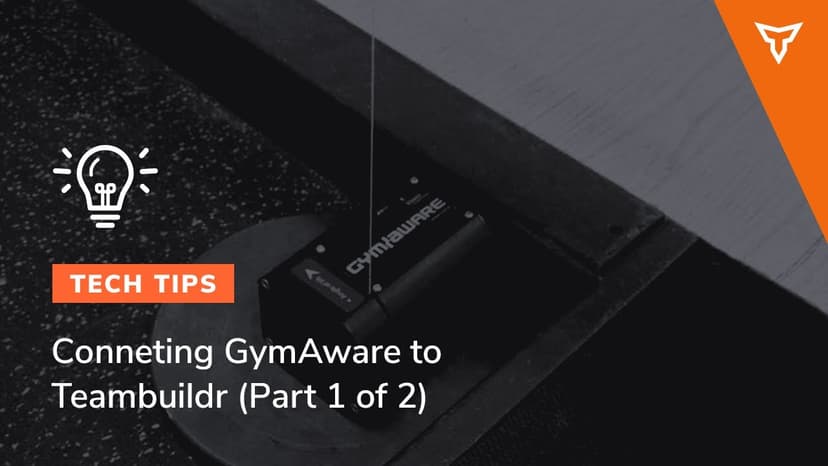
FreeConnecting GymAware to TeamBuildr
Pair a GymAware unit with your account so bar-velocity data lands against the right athlete and the right lift on its own. Two parts: making the connection and reconciling the two exercise lists, then using the device on the floor. Needs the Platinum Pro plan.
Audio · 56 min
FreeEpisode #22: Embracing Weight Room Tech with Tom Newman
Tom Newman of Hawkin Dynamics on weight room technology worth buying: which data actually changes a session, and which hardware ends up in a cupboard.
Read on the blog · 3 min
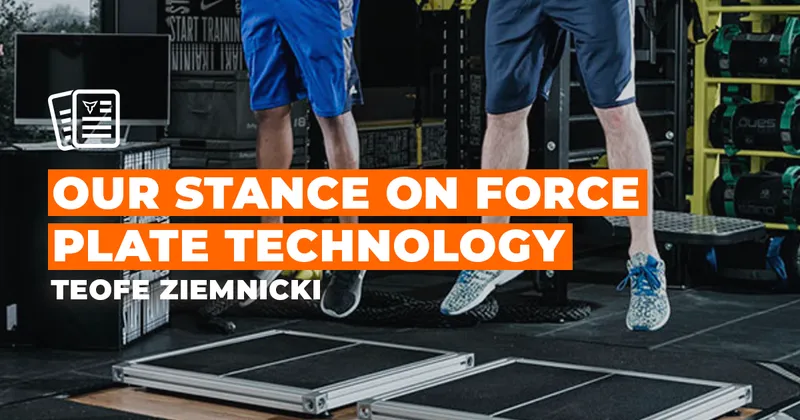
FreeForce Plate Technology: Benefits & Considerationsopens blog.teambuildr.com in a new tab
Force plates provide data on movement mechanics, helping coaches assess performance, adjust training loads, and optimize athletic development.
Also in Platform & Admin

Read on the blog · 7 min
FreePrivate Facility Summer Training That Delivers: Building More Explosive Athletesopens blog.teambuildr.com in a new tab
Discover how athletes at our private facility made explosive gains during summer training. Using force plates, sprint gates, and structured programming, we tracked real progress in CMJ height, power output, and linear speed from April to July.
- Format
- Walkthrough
- Brand

- Category
- Integrations