Output VBT Integration Guide
In order to access this integration, you must be on the Platinum Pro subscription plan.
In order to access this integration, you must be on the Platinum Pro subscription plan.
Watch or read
4 minutes across 3 chapters. Click any chapter or timestamp to jump straight there.
3 chapters
Hi there, today I'm going to walk you through the process of setting up an output integration inside of your Team Builder account. To start, you're going to need both an output account and a Team Builder account. Once you have both of those, we can come to our integrations tab here inside of your settings page. This will just bring you to all the integrations we offer. Once you're there, you can find this output tab. And what we're going to do here, you should have an email and password with output.
If you don't, definitely reach out to the output team to get those. You can enter those credentials in here. We're going to hit submit, and this will connect output to Team Builder. From here, we'll then go to exercises. When you connect with output, it imports all of their exercises into your imported exercise database. This is different than your master database. If you don't know the difference between these two, we have a video on that, which you'll definitely want to check out.
Still stuck? Contact support →
Read next
More in Integrations
Walkthrough
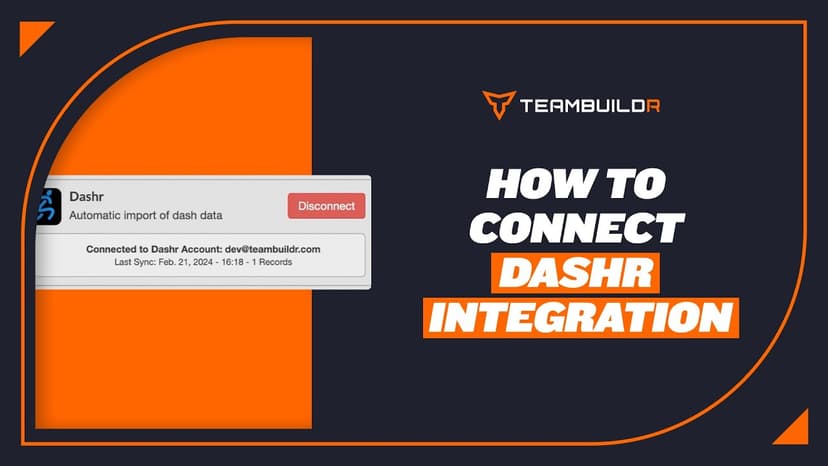
FreeDashr integration
In order to access this integration, you must be on the Platinum Pro subscription plan.
Also in Platform & Admin
Walkthrough
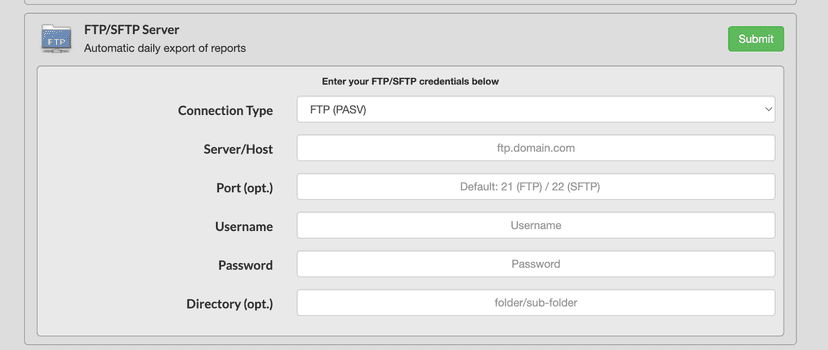
FreeFTP Export Integration
In order to access this integration, you must be on the Platinum Pro subscription plan. Overview This page will document TeamBuildr's built-in FTP export functionality. Getting Started To connect TeamBuildr with an FT…

Walkthrough
FreePerch Integration Guide
In order to access this integration, you must be on the Platinum Pro subscription plan. Connecting Perch Account To connect an Perch account to TeamBuildr, a coach will need to input the following information on the I…
Also in Speed & Power

Read on the blog · 7 min
FreePrivate Facility Summer Training That Delivers: Building More Explosive Athletesopens blog.teambuildr.com in a new tab
Discover how athletes at our private facility made explosive gains during summer training. Using force plates, sprint gates, and structured programming, we tracked real progress in CMJ height, power output, and linear speed from April to July.
Read on the blog · 7 min
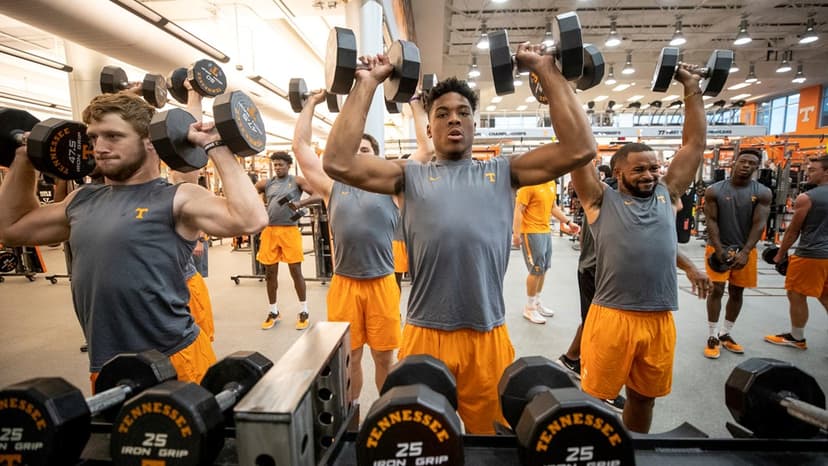
FreeGood Weight vs. Bad Weight: How Elite Strength Coaches Actually Track the Differenceopens blog.teambuildr.com in a new tab
Learn how Tennessee's new strength coach Derek Owings uses weekly speed, power, and jump tracking to ensure players gain muscle that enhances athleticism — not weight that slows them down.
Video · 33 min
FreeTeamBuildr Podcast - Todd Hamer
Todd Hamer, Head Strength Coach at RMU (Pitt), joins Hewitt to discuss: - Buddy Morris and the speed ladder - Why reading books - both S&C and non-S&C books - improves coaching - Building rapport with athletes through trust and respect - Diversity of athletes at RMU - The importa
- Format
- Walkthrough
- Brand

- Category
- Integrations