Kitman Labs Integration with TeamBuildr
A short video walkthrough of kitman Labs Integration with TeamBuildr from the TeamBuildr knowledge base.
Watch or read
1 minutes across 2 chapters. Click any chapter or timestamp to jump straight there.
2 chapters
In this video, we will be showing how you can integrate your TeamBuilder account to your Kitman Labs account. This is only available at our Platinum Pro plan. To do this, you're going to navigate to your settings up here at the top right-hand corner, and then you'll select the Integrations tab here on the left. You'll find the Kitman Labs tab here and select Connect next to it, and your first step is to generate a security token. Once you've generated this token, you're going to give this to your Kitman Labs representative, preferably through Box. Once your token has been added to your Kitman Labs account, your TeamBuilder rep will complete the integration by submitting your Kitman endpoint down below, and then we'll confirm with you that the integration has been.
Still stuck? Contact support →
Read next
More in Integrations
Walkthrough
FreeConnecting GymAware to TeamBuildr
Pair a GymAware unit with your account so bar-velocity data lands against the right athlete and the right lift on its own. Two parts: making the connection and reconciling the two exercise lists, then using the device on the floor. Needs the Platinum Pro plan.
Also in Platform & Admin
Walkthrough
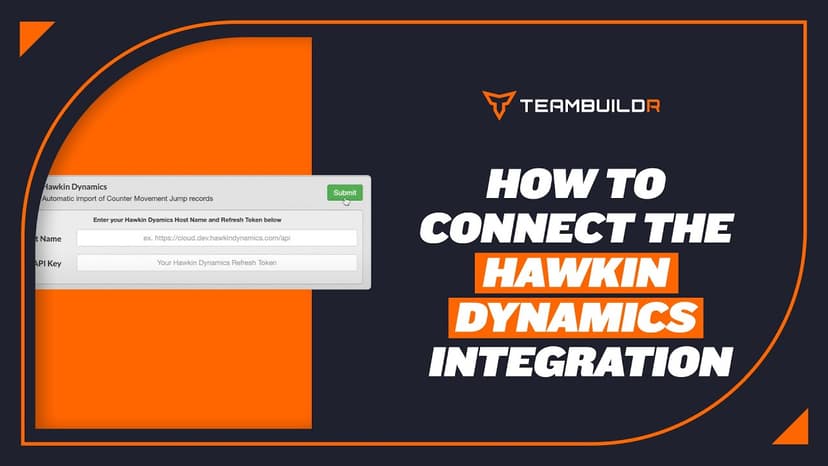
FreeConnecting Hawkin Dynamics Force Plates to TeamBuildr
Link Hawkin Dynamics plates so jump data arrives in an athlete's workout without anyone exporting a file. Setup needs a hostname and an API key, and matching names on both sides. What you can see afterwards depends on your plan.
Walkthrough
FreeConnecting VALD Force Plates and Timing Gates to TeamBuildr
Connect VALD force plates and SmartSpeed timing gates so their data flows into an athlete's profile. Get your region and team ID from your VALD representative before you start. The connection will not complete without them.

Spreadsheet · 2 walkthroughs
Free · sign upAdvanced Attendance Report
Attendance tracking for PE and weights classes that goes past a headcount. Copy the template and it totals participation per student over any window, ready to drop into a grade or a report to an administrator.

Spreadsheet · 2 walkthroughs
Free · sign upAthlete Wellness & Body Report
Track daily wellness check-ins and body composition in one sheet. Copy the template and follow the walkthrough to connect your athlete responses, then use the report to spot who is trending the wrong way before it costs you a session.

Spreadsheet · 7 walkthroughs
Free · sign upCustom Grading System
A ready-made grading spreadsheet for PE and weights classes. Copy the template, connect it to your TeamBuildr data, and it calculates an overall grade from attendance, workout completion and evaluations. Seven short videos walk you through every step of the setup.
- Format
- Walkthrough
- Brand

- Category
- Integrations
- Topics
- Platform & Admin