Catapult AMS Integration Guide
A short video walkthrough of catapult AMS Integration Guide from the TeamBuildr knowledge base.
Watch or read
5 minutes across 3 chapters. Click any chapter or timestamp to jump straight there.
3 chapters
Okay, so I'm going to take you through the most recent integration with Catapult AMS with Team Builder. So first things first, this integration is going to be a one-way integration, meaning that the Team Builder data will be migrated into Catapult AMS and not vice versa. So that's the first thing to cover. So this is how you would get your account set up. First, you want to log into your Team Builder account. And then at the top right, you click your profile picture and then come all the way down to settings. And then on the left, you want to go to integrations. So our account at the moment is already connected. But if yours is not, you should see a button that says connect.
And then this is key. You actually have to reach out to your Catapult rep in order to receive an integration account. So if you receive an integration account from Catapult, then you can also receive a token from Catapult that will allow you to then connect Catapult to Team Builder. So go ahead and shoot them an email or give them a phone call. And then they can get that information to you. And then once you connect your Team Builder account to Catapult, you have the option of syncing lifts, speed, agility, quickness, and cardio, and circuits if you would like. So if you sync all three we have, then anything that's programmed in Team Builder will also be migrated to Catapult AMS.
Still stuck? Contact support →
Read next
More in Integrations
Walkthrough
FreeConnecting GymAware to TeamBuildr
Pair a GymAware unit with your account so bar-velocity data lands against the right athlete and the right lift on its own. Two parts: making the connection and reconciling the two exercise lists, then using the device on the floor. Needs the Platinum Pro plan.
Also in Technology & Integrations
Walkthrough
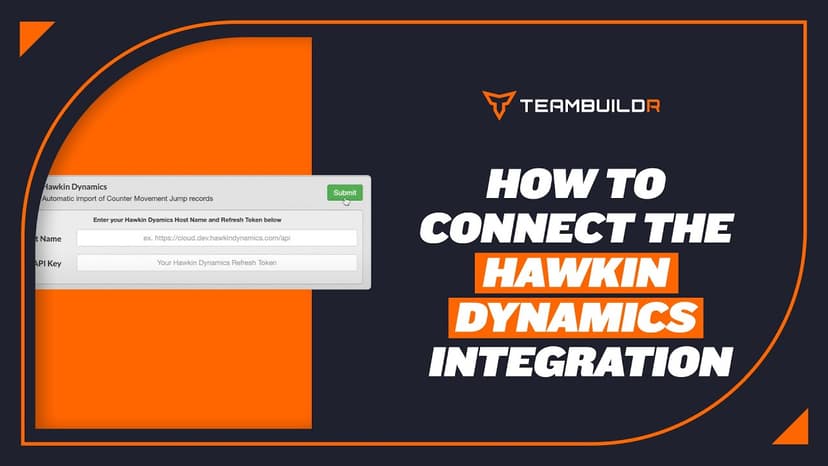
FreeConnecting Hawkin Dynamics Force Plates to TeamBuildr
Link Hawkin Dynamics plates so jump data arrives in an athlete's workout without anyone exporting a file. Setup needs a hostname and an API key, and matching names on both sides. What you can see afterwards depends on your plan.
Also in Platform & Admin
Walkthrough
FreeConnecting VALD Force Plates and Timing Gates to TeamBuildr
Connect VALD force plates and SmartSpeed timing gates so their data flows into an athlete's profile. Get your region and team ID from your VALD representative before you start. The connection will not complete without them.
Video · 2 min
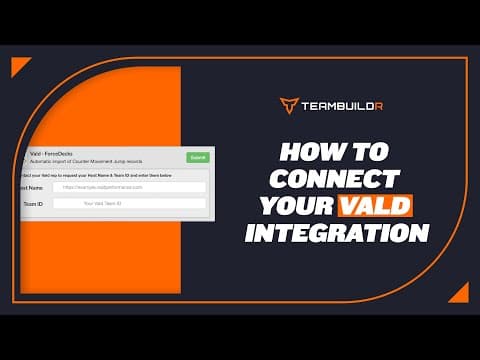
FreeHow to Connect Your Vald Integration
How to Connect Your Vald Integration — from the TeamBuildr YouTube channel.

Read on the blog · 7 min
FreePrivate Facility Summer Training That Delivers: Building More Explosive Athletesopens blog.teambuildr.com in a new tab
Discover how athletes at our private facility made explosive gains during summer training. Using force plates, sprint gates, and structured programming, we tracked real progress in CMJ height, power output, and linear speed from April to July.
Video · 2 min
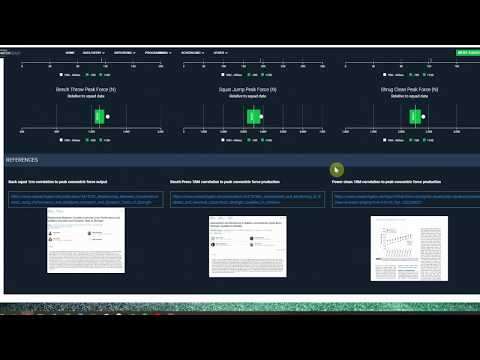
FreeSmartabase S&C dashboard integrating data from TeamBuildr & GymAware.
Smartabase S&C dashboard integrating data from TeamBuildr & GymAware. — from the TeamBuildr YouTube channel.
- Format
- Walkthrough
- Brand

- Category
- Integrations