Getting Started - For Athletes
Walkthroughs and answers for getting started - for athletes in TeamBuildr, filed under Getting started.
Walkthrough
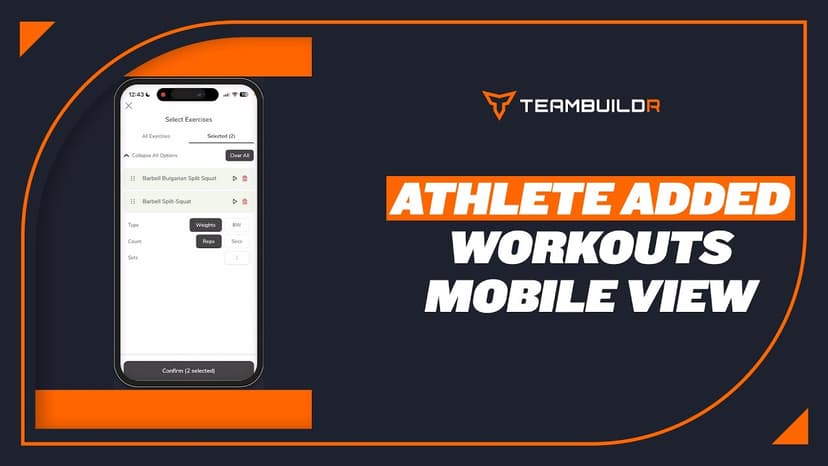
FreeAthlete Added Workouts - Mobile App View
A short video walkthrough of athlete Added Workouts - Mobile App View from the TeamBuildr knowledge base.
Walkthrough
FreeAthlete Profile Deletion: Request & Cancel
A short video walkthrough of athlete Profile Deletion: Request & Cancel from the TeamBuildr knowledge base.
Walkthrough
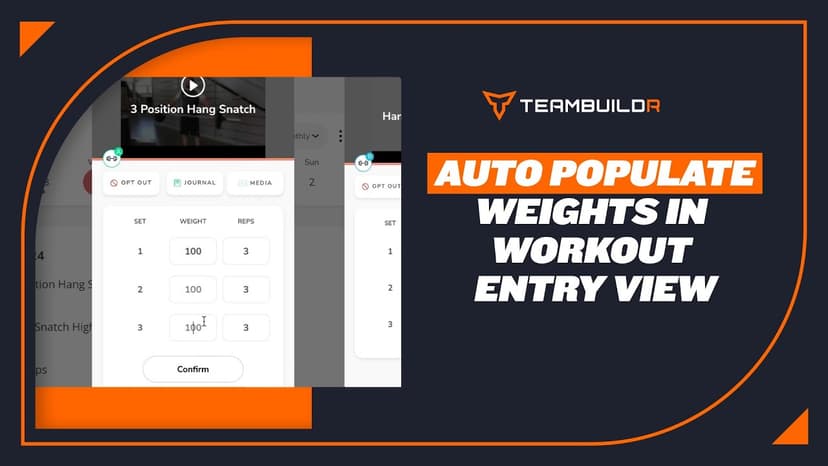
FreeAuto Populate Weights in Workout Entry View
A short video walkthrough of auto Populate Weights in Workout Entry View from the TeamBuildr knowledge base.
Walkthrough
FreeCombined Workout View
A short video walkthrough of combined Workout View from the TeamBuildr knowledge base.

Walkthrough
FreeHow Athletes Can Join TeamBuildr (via email)
Athletes must register on TeamBuildr before logging into the iOS and Android app.
Walkthrough
FreeHow to Use the +1 Email Method
A short video walkthrough of how to Use the +1 Email Method from the TeamBuildr knowledge base.
Walkthrough
FreeHow to Use the Opt-Out Button
A short video walkthrough of how to Use the Opt-Out Button from the TeamBuildr knowledge base.
Walkthrough
FreeKG to LBS. Athlete View
A short video walkthrough of kG to LBS. Athlete View from the TeamBuildr knowledge base.
Walkthrough
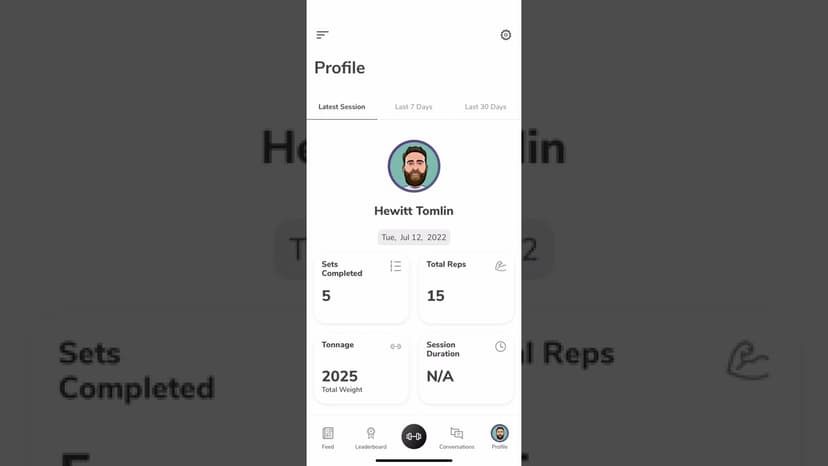
FreeUsing the TeamBuildr App as an Athlete
A tour of the athlete side of the app on iOS and Android: getting in, working through a session, and what sits behind the side menu. Look for TeamBuildr Training in the store. The older app has been delisted.