Athlete Profile Deletion: Request & Cancel
A short video walkthrough of athlete Profile Deletion: Request & Cancel from the TeamBuildr knowledge base.
Watch or read
1 minutes across 2 chapters. Click any chapter or timestamp to jump straight there.
2 chapters
In this support video, we'll be covering how you can delete your team builder profile from the mobile app. To do this, you can first select your profile in the bottom right hand side. From there, you can select the settings gear icon in the top right hand side and then scroll all the way to the bottom and then you can select delete account. There will be some instructions there letting that once you select delete account, your account will be deleted in 72 hours and that once it has been deleted, it can't be recovered. You can then select delete account if you're okay with this and then type in delete me to confirm. From there, you'll get an alert. Your administrator will be alerted that you've requested to delete your account and again once it has been deleted, it.
Still stuck? Contact support →
Read next
Also in Platform & Admin
Walkthrough
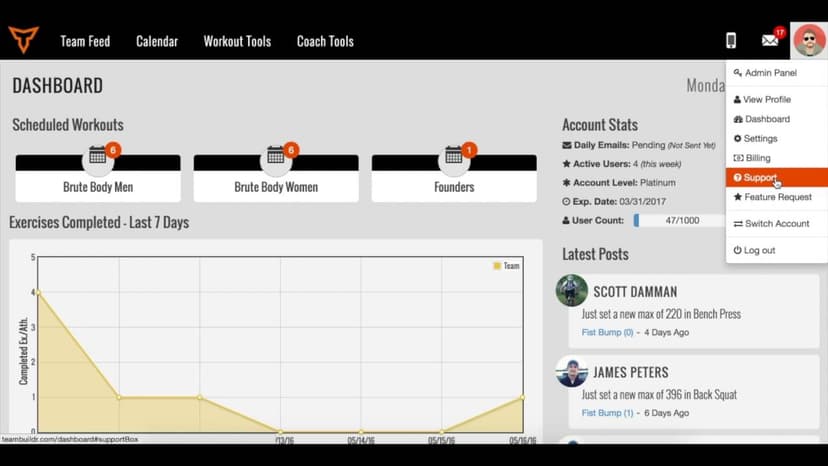
FreeSubmitting a Support Request
A short video walkthrough of submitting a Support Request from the TeamBuildr knowledge base.
Walkthrough
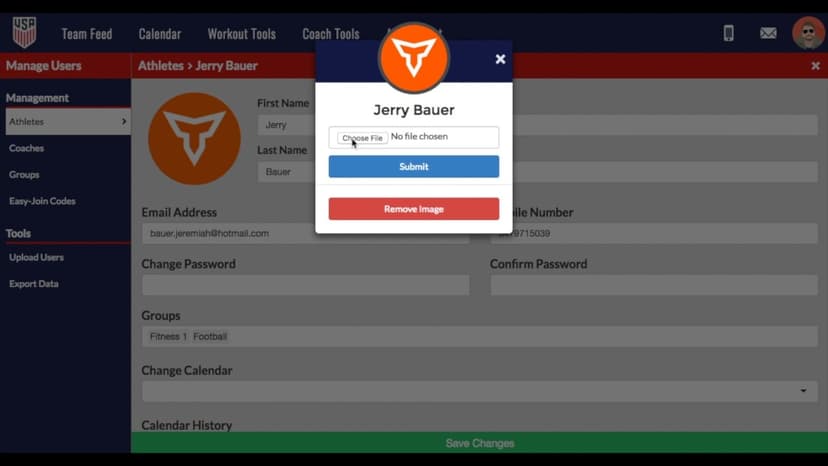
FreeChanging Profile Pictures of Athletes & Coaches
A short video walkthrough of changing Profile Pictures of Athletes & Coaches from the TeamBuildr knowledge base.
More in Getting Started - For Athletes
Walkthrough
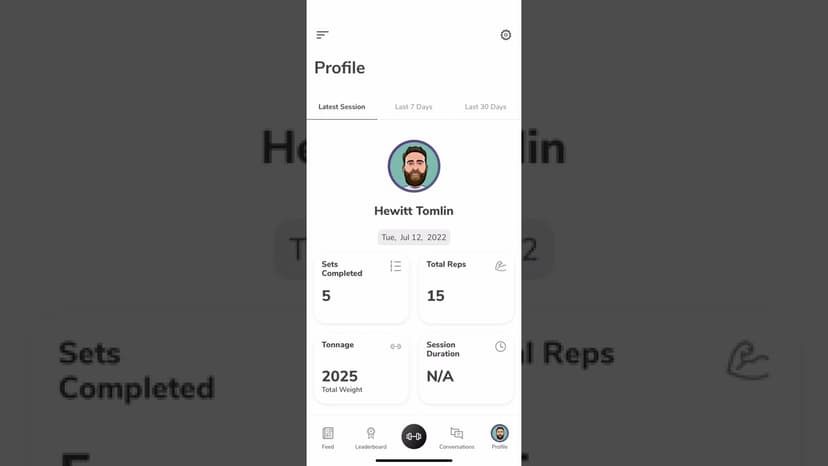
FreeUsing the TeamBuildr App as an Athlete
A tour of the athlete side of the app on iOS and Android: getting in, working through a session, and what sits behind the side menu. Look for TeamBuildr Training in the store. The older app has been delisted.

Video · 2 min
FreeHow to Manage a Client in Online Payments Portal
This is includes how to change a client's program, assign a new group, change credit card information and cancel a customer's subscription.

Spreadsheet · 2 walkthroughs
Free · sign upAdvanced Attendance Report
Attendance tracking for PE and weights classes that goes past a headcount. Copy the template and it totals participation per student over any window, ready to drop into a grade or a report to an administrator.

Spreadsheet · 2 walkthroughs
Free · sign upAthlete Wellness & Body Report
Track daily wellness check-ins and body composition in one sheet. Copy the template and follow the walkthrough to connect your athlete responses, then use the report to spot who is trending the wrong way before it costs you a session.
- Format
- Walkthrough
- Brand

- Category
- Getting Started - For Athletes
- Topics
- Platform & Admin