Selecting Tracking Type for Exercises
A short video walkthrough of selecting Tracking Type for Exercises from the TeamBuildr knowledge base.
Watch or read
3 minutes across 3 chapters. Click any chapter or timestamp to jump straight there.
3 chapters
Okay, so in this video we're going to talk about one of the fundamental building blocks of a team builder account and it has to do with how you track your exercises. So if you go to the exercise database you'll see that if you click the plus sign on the left hand side you can create a new lift. So in this case I'll create barbell back squat. When you type the lift and name the first thing you should do is go to tracking type. We basically offer four types of tracking. Max weight 1RM is the only tracking type that uses our one rep max calculator. So if you want to track for 1RM or if you want our calculator to produce a 1RM you have to click this. Max weight 3RM is a 3 rep max.
But it does not use a formula. Highest entered weight is the highest weight entered for any given set. This is probably the most commonly used tracking type for exercises because it's used for accessory and auxiliary work and then highest number of reps just counts the highest rep count in a given set. So this will be used for body weight push-ups, body weight pull-ups, things of that nature. So for back squat I'll go ahead and choose 1RM max because that's the appropriate one for that.
Still stuck? Contact support →
Read next
Also in Platform & Admin
Walkthrough
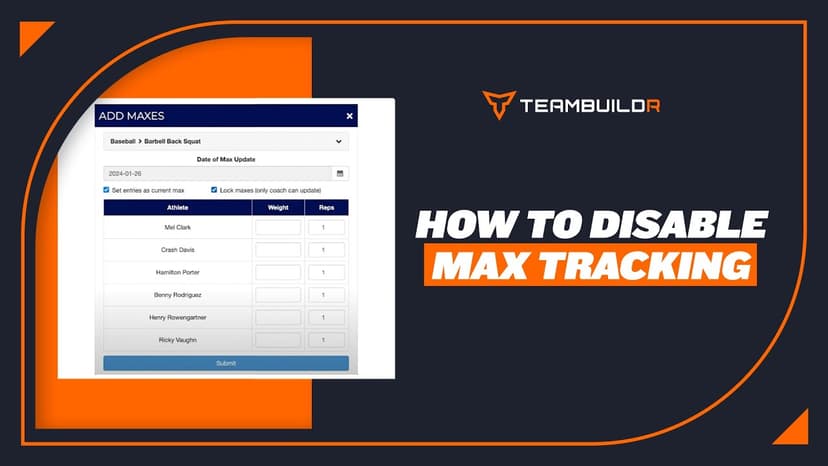
FreeHow to Disable Max Tracking
A short video walkthrough of how to Disable Max Tracking from the TeamBuildr knowledge base.

Walkthrough
FreeSAQ+C Best Practice: Naming & Tracking
A short video walkthrough of sAQ+C Best Practice: Naming & Tracking from the TeamBuildr knowledge base.
Walkthrough
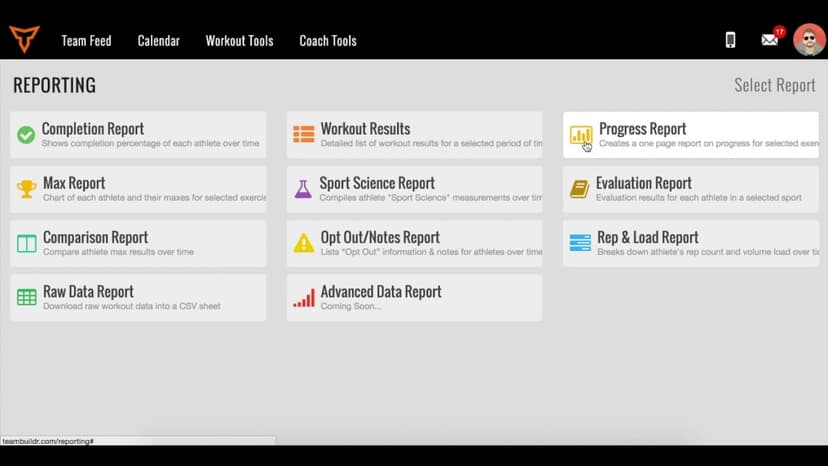
FreeTracking Your Athletes' Body Weight in TeamBuildr
A short video walkthrough of tracking Your Athletes' Body Weight in TeamBuildr from the TeamBuildr knowledge base.

Spreadsheet · 2 walkthroughs
Free · sign upAdvanced Attendance Report
Attendance tracking for PE and weights classes that goes past a headcount. Copy the template and it totals participation per student over any window, ready to drop into a grade or a report to an administrator.
Read on the blog · 7 min
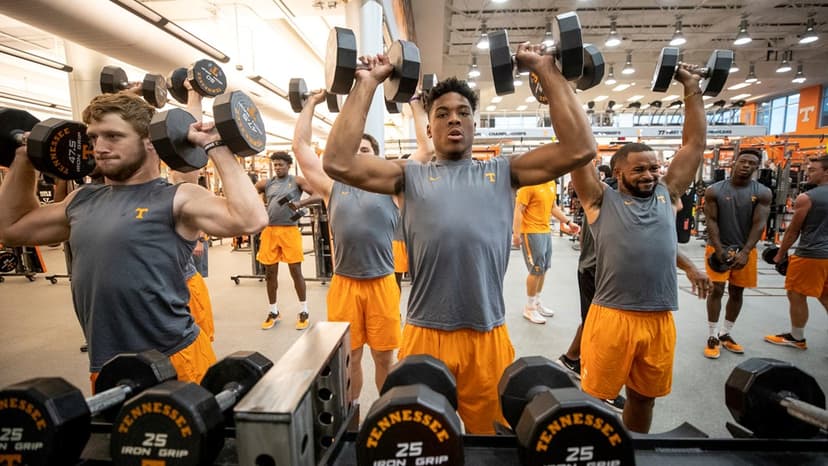
FreeGood Weight vs. Bad Weight: How Elite Strength Coaches Actually Track the Differenceopens blog.teambuildr.com in a new tab
Learn how Tennessee's new strength coach Derek Owings uses weekly speed, power, and jump tracking to ensure players gain muscle that enhances athleticism — not weight that slows them down.
Read on the blog · 4 min
FreeMaking Sense of Monitoring: How Coaches Can Use Habit Tracking to Drive Athlete Performanceopens blog.teambuildr.com in a new tab
Discover how to turn athlete monitoring data into actionable habits. Learn wellness, readiness, and habit-tracking strategies.
- Format
- Walkthrough
- Brand

- Category
- Exercise Database
- Topics
- Platform & Admin