How to Add Questions and Questionnaires in the Exercise Database
A short video walkthrough of how to Add Questions and Questionnaires in the Exercise Database from the TeamBuildr knowledge base.
Watch or read
4 minutes across 4 chapters. Click any chapter or timestamp to jump straight there.
4 chapters
In this video, we're going to take a look at how to build questions and questionnaires inside of our exercise database. So from our dashboard, the first thing we're going to do is head over to Coach Tools and drop down to Exercises. Once we're inside of our database, we're going to head over to the right side and click the down arrow. And we'll see a variety of categories pop up. We're going to head over to Questions. It's important to remember that you have to create your questions before you can create your questionnaires.
So let's say we want to create a readiness questionnaire. So the first thing we're going to start with is heading over to the plus sign on the left side and we're going to begin by building our questions. So the first question we're going to create is how much sleep did you get last night? We're going to make sure we add an abbreviation to that question and this is for reporting purposes. So that way when you run a report, what question is being associated with the data being shown.
Still stuck? Contact support →
Read next
More in Exercise Database
Walkthrough
FreeAdding Jumps and Throws in the Exercise Database (Vertical, Broad, etc.)
A short video walkthrough of adding Jumps and Throws in the Exercise Database (Vertical, Broad, etc.) from the TeamBuildr knowledge base.
Also in Platform & Admin
Walkthrough
FreeCreating Your Exercise Database in TeamBuildr
A short video walkthrough of creating Your Exercise Database in TeamBuildr from the TeamBuildr knowledge base.
Walkthrough
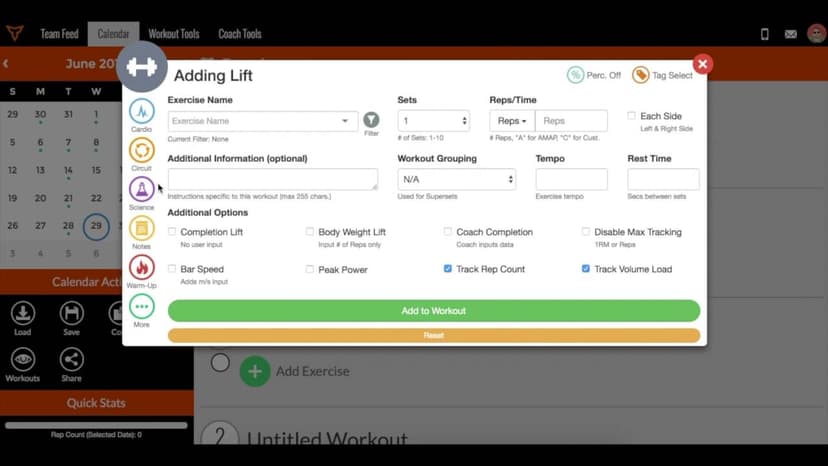
FreeHow to Edit and/or Delete Saved Components (Workouts, Exercises, Notes, Questionnaires, etc.)
A short video walkthrough of how to Edit and/or Delete Saved Components (Workouts, Exercises, Notes, Questionnaires, etc.) from the TeamBuildr knowledge base.
Video · 1 min
FreeGuide to Exercises in TeamBuildr
For a full look at our exercise database go to content.teambuildr.com/training To use workout templates, watch this video:
Video · 1 min
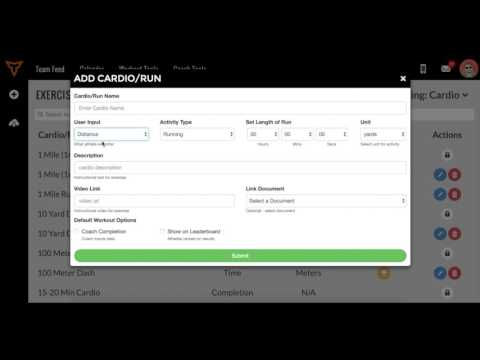
FreeAdding Jumps or Throws in Exercise Database (Vertical, Broad, etc.)
Adding Jumps or Throws in Exercise Database (Vertical, Broad, etc.) — from the TeamBuildr YouTube channel.
Video · 5 min
FreeHow to Use Workout Templates
Here is a full list of our workout templates: Here is a video on Imported vs. Master database:
- Format
- Walkthrough
- Brand

- Category
- Exercise Database
- Topics
- Platform & Admin