How to Manage Users with Free Form Programming
A short video walkthrough of how to Manage Users with Free Form Programming from the TeamBuildr knowledge base.
Watch or read
1 minutes across 2 chapters. Click any chapter or timestamp to jump straight there.
2 chapters
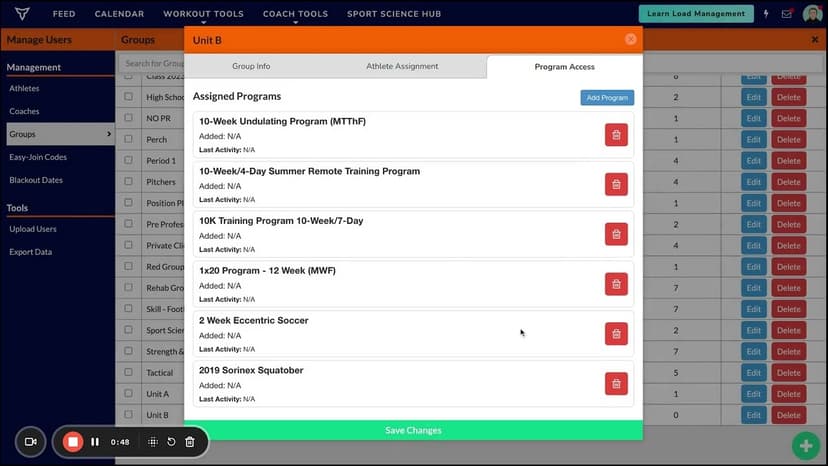
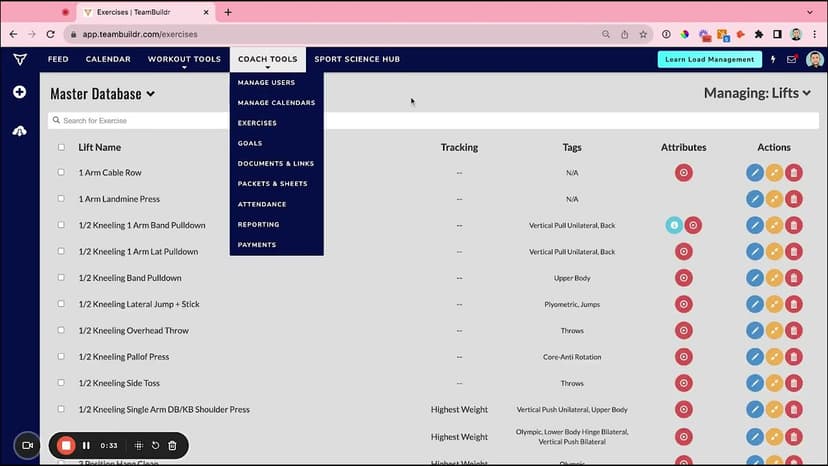
In this video, we'll be going over how to assign the new feature of freeform programming. So once it has been created and saved as a workout template using the save feature in the calendar, you would go to the manage users page underneath your coach tools. In here, you'll go to your groups page and find one of the groups that has been created. Note that you must create the group prior to assigning the workouts to that group. So in this case, we would go to the unit B.
Still stuck? Contact support →
Read next
More in Free Form Programming
Walkthrough
FreeAssigning Free Form Programming To Groups and Individuals
A short video walkthrough of assigning Free Form Programming To Groups and Individuals from the TeamBuildr knowledge base.
Also in Platform & Admin
Walkthrough
FreeChanging Program Names for Free Form Programming
A short video walkthrough of changing Program Names for Free Form Programming from the TeamBuildr knowledge base.
Walkthrough
FreeFree Form Programming (All Support Videos)
A short video walkthrough of free Form Programming (All Support Videos) from the TeamBuildr knowledge base.

Video · 7 min
FreeProgramming Tactical Session in TeamBuildr (PLAE Academy)
Programming a single tactical session in TeamBuildr. Get the entire PLAE Academy / Jon Hofman Tactical Program in TeamBuildr here: Here the link to enroll in the FREE PLAE Academy course "Fit for Duty": PLAE Academy Homepage:
Video · 3 min
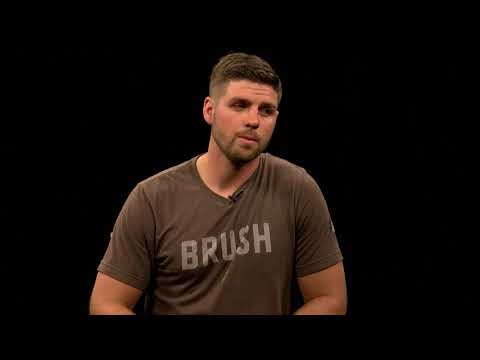
FreeCASE STUDY: Brush High School Using TeamBuildr for Video Analysis
This spring Ryan Dugan (Strength Coach @Brush High School) noticed that most of his student-athlete’s Power Clean form was not where he wanted it to be after using multiple different teaching methods. Coach Dugan wondered if he should incorporate video analysis.

Video · 2 min
FreeHow to Manage a Client in Online Payments Portal
This is includes how to change a client's program, assign a new group, change credit card information and cancel a customer's subscription.
- Format
- Walkthrough
- Brand

- Category
- Free Form Programming
- Topics
- Platform & Admin