Using Weight Room View with Free Form Programming
A short video walkthrough of using Weight Room View with Free Form Programming from the TeamBuildr knowledge base.
Watch or read
1 minutes across 2 chapters. Click any chapter or timestamp to jump straight there.
2 chapters
Hi, in this video we will be showing how your athletes can interact with their program library and freeform programming within weight room view. So if we log into weight room view and we select our athletes here, let's say these four were working together. You can see here that they still have their programs on the calendar that they can follow through. But for instance, Rocky is going to complete a different lift. He can select these three dots here at the top right of his box, choose the program library option, and then we're going to have him actually do the game day lift today. So he can select that and that will now add the game day lift to his box here and he can go ahead and progress through that training program while everyone else continues.
Still stuck? Contact support →
Read next
More in Free Form Programming
Walkthrough
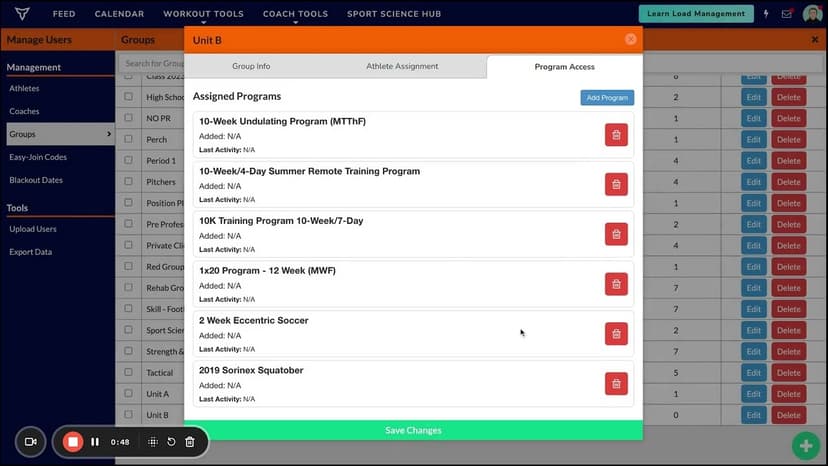
FreeAssigning Free Form Programming To Groups and Individuals
A short video walkthrough of assigning Free Form Programming To Groups and Individuals from the TeamBuildr knowledge base.
Also in Platform & Admin
Walkthrough
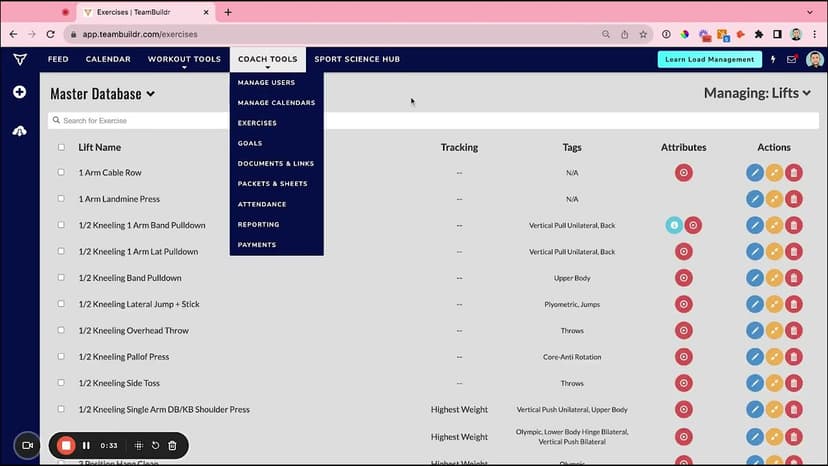
FreeChanging Program Names for Free Form Programming
A short video walkthrough of changing Program Names for Free Form Programming from the TeamBuildr knowledge base.
Walkthrough
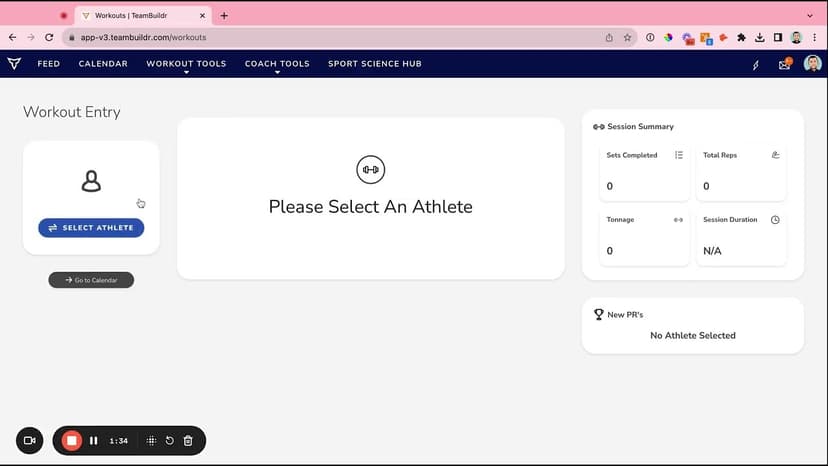
FreeFree Form Programming (All Support Videos)
A short video walkthrough of free Form Programming (All Support Videos) from the TeamBuildr knowledge base.
Spreadsheet · 2 walkthroughs
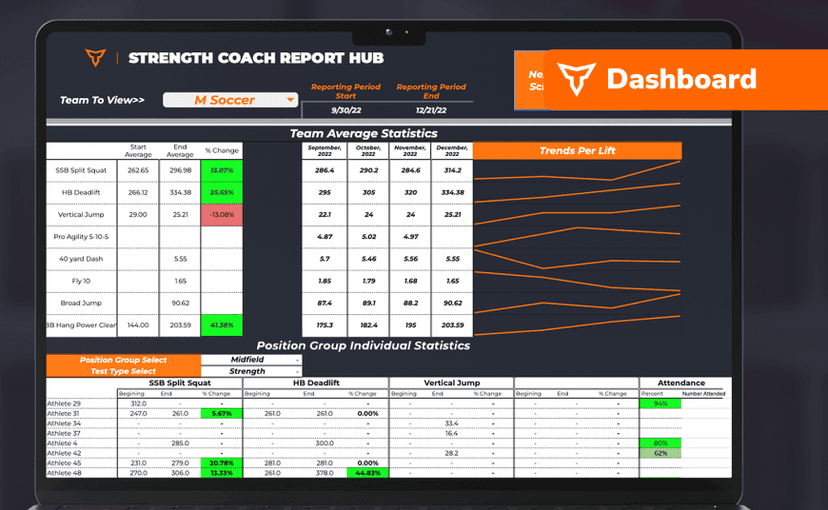
FreeSport Coach Dashboard
A shared view for sport coaches who want to see what is happening in the weight room without learning the whole platform. Copy the template and it surfaces the handful of numbers they actually ask about.

Video · 7 min
FreeProgramming Tactical Session in TeamBuildr (PLAE Academy)
Programming a single tactical session in TeamBuildr. Get the entire PLAE Academy / Jon Hofman Tactical Program in TeamBuildr here: Here the link to enroll in the FREE PLAE Academy course "Fit for Duty": PLAE Academy Homepage:
Video · 3 min
FreeCASE STUDY: Brush High School Using TeamBuildr for Video Analysis
This spring Ryan Dugan (Strength Coach @Brush High School) noticed that most of his student-athlete’s Power Clean form was not where he wanted it to be after using multiple different teaching methods. Coach Dugan wondered if he should incorporate video analysis.
- Format
- Walkthrough
- Brand

- Category
- Free Form Programming
- Topics
- Platform & Admin