Daily Brief Overview
A short video walkthrough of daily Brief Overview from the TeamBuildr knowledge base.
Watch or read
3 minutes across 3 chapters. Click any chapter or timestamp to jump straight there.
3 chapters
Today we'll be going over Team Builder's newest feature, which is the daily brief. The daily brief will be replacing the current team feed in order to give now a larger look into the account for any coach logging in. So, as you'll see, it brings up today's date, which is Tuesday, December 9th. What I'm currently viewing is all athletes, but I'm able to toggle between each individual group as well. Or if I just want to see everybody, I can go to show all and it'll show me all of the athletes in the account, which I can then go by either name and sort alphabetical by f by last name, either from backwards or from the top starting
with a. It'll then go into the completed workouts. So this section will show you the last four weeks in that current time and who has completed the most workouts during that time. I can even sort by who that is. So we see Paulina has completed 48 workouts during this week. So she has the most completed during that time. I can also sort in ascending order. So who has the least amount all the way through. I can also see the days left until their last workout. So as coaches go to program and they're looking through,
Still stuck? Contact support →
Read next
More in Getting Started - For Coaches

Walkthrough
FreeSetting Up a New TeamBuildr Account
The first four things to do in a brand-new account, in the order that actually works: build your calendar structure, get athletes in, learn the Build screen, then add exercises to a day. Start here if you have just been given a login and nothing is set up yet.
Also in Platform & Admin
Walkthrough
FreeCast a Workout on a TV
**Note Weightroom view and Whiteboard are only available at the Platinum and Platinum Pro level.
Walkthrough
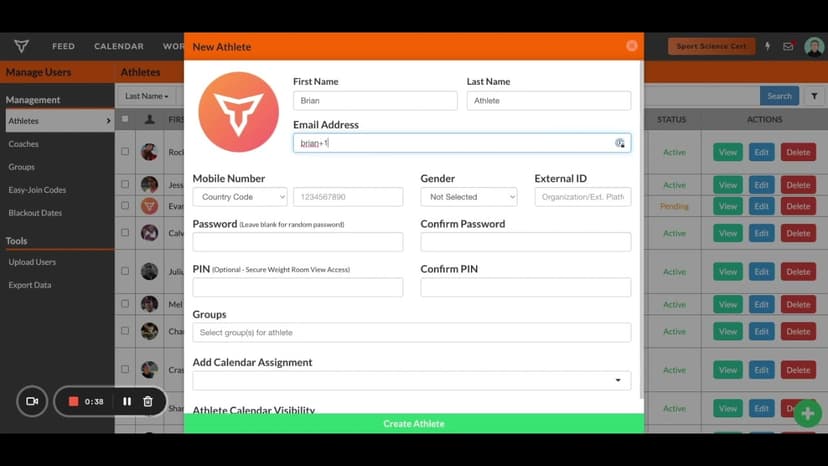
FreeCoaches Inputting Their Own Workouts
A short video walkthrough of coaches Inputting Their Own Workouts from the TeamBuildr knowledge base.

Spreadsheet · 2 walkthroughs
Free · sign upAthlete Wellness & Body Report
Track daily wellness check-ins and body composition in one sheet. Copy the template and follow the walkthrough to connect your athlete responses, then use the report to spot who is trending the wrong way before it costs you a session.

Spreadsheet · 2 walkthroughs
Free · sign upAdvanced Attendance Report
Attendance tracking for PE and weights classes that goes past a headcount. Copy the template and it totals participation per student over any window, ready to drop into a grade or a report to an administrator.

Spreadsheet · 7 walkthroughs
Free · sign upCustom Grading System
A ready-made grading spreadsheet for PE and weights classes. Copy the template, connect it to your TeamBuildr data, and it calculates an overall grade from attendance, workout completion and evaluations. Seven short videos walk you through every step of the setup.
- Format
- Walkthrough
- Brand

- Category
- Getting Started - For Coaches
- Topics
- Platform & Admin