How to Fit More Athletes on One Screen
A short video walkthrough of how to Fit More Athletes on One Screen from the TeamBuildr knowledge base.
Watch or read
1 minutes across 2 chapters. Click any chapter or timestamp to jump straight there.
2 chapters
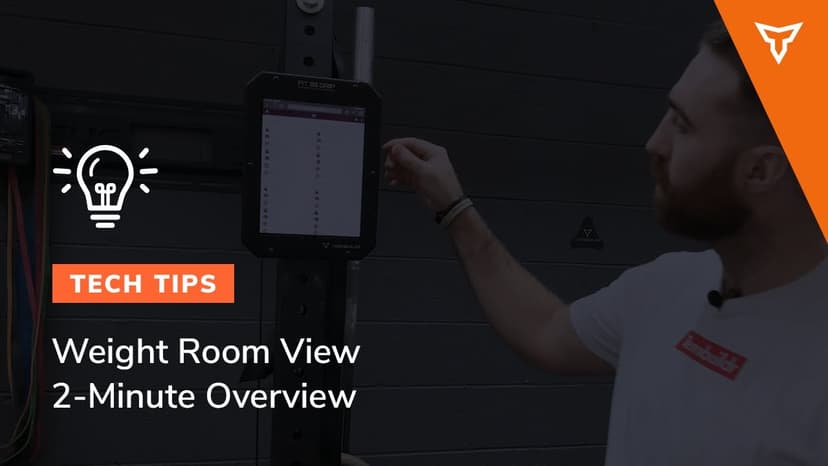
Okay, for some of you using weight room view, some folks ask how to get more than four athletes on one screen. It's quite simple. So if you have weight room view up on a tablet, you should be using the web browser, whether it's Safari or Chrome or something similar. We recommend Chrome. Anyway, what you can do is you can take this URL and copy it and then just open a new tab and then paste that in there directly. And you'll basically have access to two tabs and this will allow you to have up to eight athletes on each tablet. So if I hop on over to this one, I can choose a new batch of athletes. And then now I'll have four different athletes in two different tabs. And this will allow.
Still stuck? Contact support →
Read next
More in Weight Room View
Walkthrough
Free2-Minute Overview to Weight Room View
A short video walkthrough of 2-Minute Overview to Weight Room View from the TeamBuildr knowledge base.
Also in Platform & Admin
Walkthrough
FreeThe Dummy Coach for Weight Room View
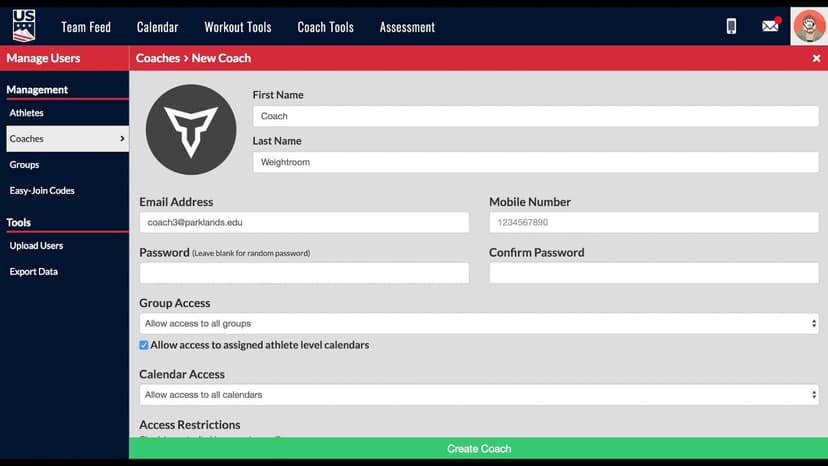
Weight Room View is only accessible through a coach account in TeamBuildr. However, coaches do not want athletes logging through a real coach account for obvious reasons. The correct way is to create a dummy coach in …

Walkthrough
FreeWhat is Weight Room View?
Weight Room View is a Platinum-level feature that enables 4+ athletes can receive their workout and log their load/reps back into TeamBuildr - this streamlines the data-capture process in the weight room. TeamBuild se…

Spreadsheet · 2 walkthroughs
Free · sign upAdvanced Attendance Report
Attendance tracking for PE and weights classes that goes past a headcount. Copy the template and it totals participation per student over any window, ready to drop into a grade or a report to an administrator.

Spreadsheet · 2 walkthroughs
Free · sign upAthlete Wellness & Body Report
Track daily wellness check-ins and body composition in one sheet. Copy the template and follow the walkthrough to connect your athlete responses, then use the report to spot who is trending the wrong way before it costs you a session.

Spreadsheet · 7 walkthroughs
Free · sign upCustom Grading System
A ready-made grading spreadsheet for PE and weights classes. Copy the template, connect it to your TeamBuildr data, and it calculates an overall grade from attendance, workout completion and evaluations. Seven short videos walk you through every step of the setup.
- Format
- Walkthrough
- Brand

- Category
- Weight Room View
- Topics
- Platform & Admin