The Dummy Coach for Weight Room View
Weight Room View is only accessible through a coach account in TeamBuildr. However, coaches do not want athletes logging through a real coach account for obvious reasons. The correct way is to create a dummy coach in …
Weight Room View is only accessible through a coach account in TeamBuildr. However, coaches do not want athletes logging through a real coach account for obvious reasons. The correct way is to create a dummy coach in TeamBuildr with a fake name and email address but make sure to a correct email format including the @ sign and domain (coach@schoolname.edu). Then, restrict that coach's access to any athletes or reporting.
Watch or read
3 minutes across 3 chapters. Click any chapter or timestamp to jump straight there.
3 chapters
Okay, so let's talk a little bit about the dummy coach. So the dummy coach is used so that you can give athletes access to certain features that are only found with a coach account. So for example, weight room view. If you want to use weight room view on a tablet in the weight room, the screen that's logged into the tablet will have to be a dummy coach because weight room view is only found in a coach account. So that being said, you can also give access to different things such as evaluations. If you want athletes to record their own evaluations, that is something that is only found in a coach account as well. And a dummy coach is a great way to allow us to give athletes access.
To these features without having access to important things that a coach account otherwise would. So what we'll do when we create a dummy coach is we'll create a new coach and we'll say, I to put coach weight room or put the mascot, coach blue jay, whatever. And then for the email address, just make sure it's a valid email, even though it's not real. So for example, you can say coach at, parklands, dot edu. And then if you have another dummy coach account, you could do coach one, you could do coach two, coach three, so on and so on.
Still stuck? Contact support →
Read next
Also in Platform & Admin
Walkthrough
FreeCan I Wear My Wearable for a Workout Only?
Yes! You can wear your device for the workout only. This may however produce a high score for the first 7 days of wear. This is due to the fact that the equation is set up to encompass the entire day. The reasoning be…
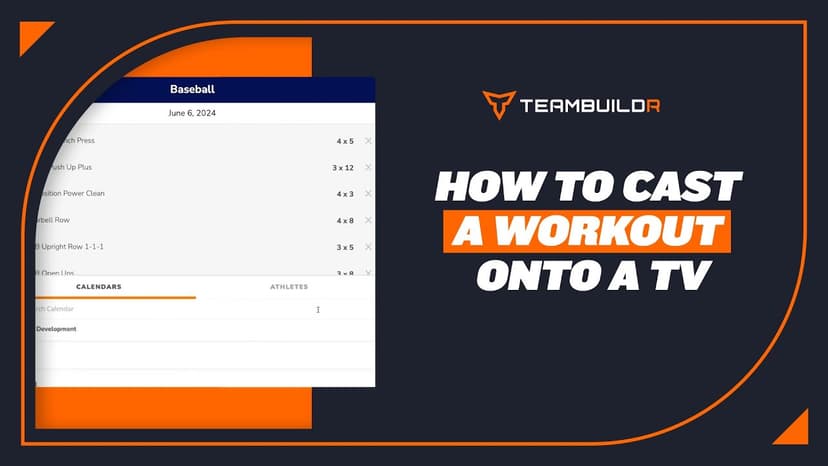
Walkthrough
FreeCast a Workout on a TV
**Note Weightroom view and Whiteboard are only available at the Platinum and Platinum Pro level.
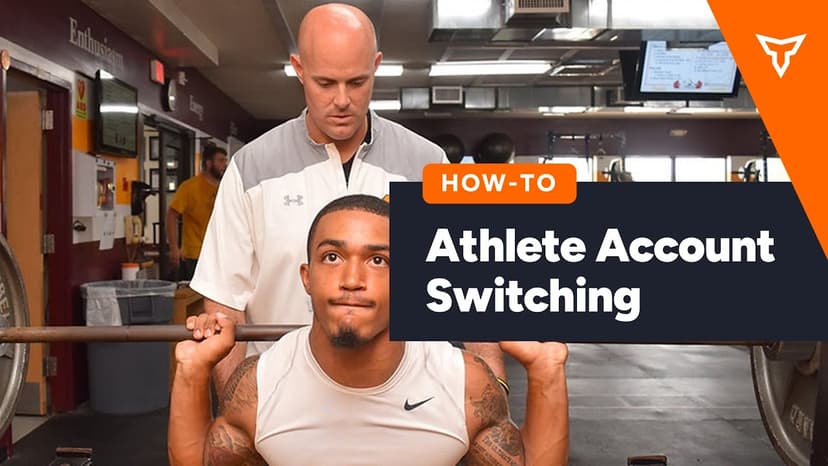
Walkthrough
FreeAthlete Account Switching Mobile View
A short video walkthrough of athlete Account Switching Mobile View from the TeamBuildr knowledge base.
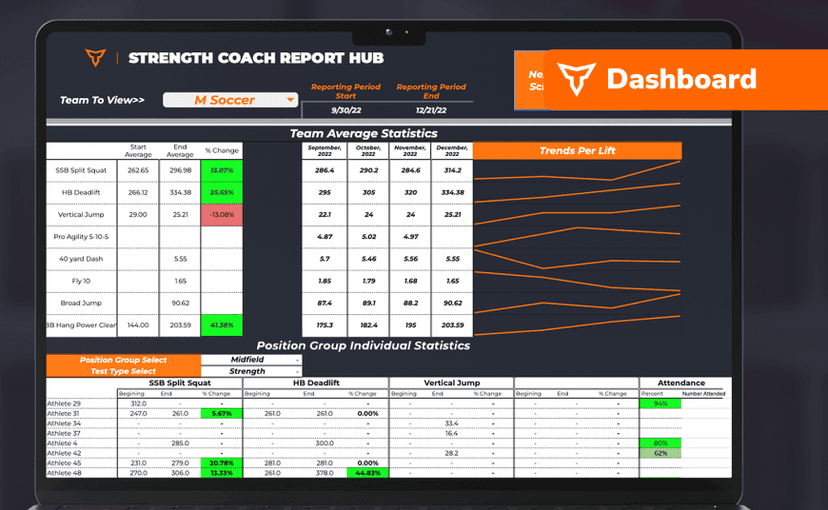
Spreadsheet · 2 walkthroughs
FreeSport Coach Dashboard
A shared view for sport coaches who want to see what is happening in the weight room without learning the whole platform. Copy the template and it surfaces the handful of numbers they actually ask about.

Audio · 47 min
FreeEpisode #23: Using TeamBuildr to Leverage your Online Training and Cater to your Audience with Erica Suter
Erica Suter on running online training as a real business. Using the payments portal, keeping remote athletes accountable, and building an audience that converts.

Read on the blog · 7 min
FreePrivate Facility Summer Training That Delivers: Building More Explosive Athletesopens blog.teambuildr.com in a new tab
Discover how athletes at our private facility made explosive gains during summer training. Using force plates, sprint gates, and structured programming, we tracked real progress in CMJ height, power output, and linear speed from April to July.
- Format
- Walkthrough
- Brand

- Category
- Weight Room View
- Topics
- Platform & Admin