

TeamBuildr Strength, page 17
Page 17 of 18.
Walkthrough
FreeWhat are the Stripe transaction charges?
Stripe charges are dependent on the country you are receiving payments in. Fully Supported Countries: United States: 2.9% + 30¢ Australia: 1.75% + A$.30 for domestics cards, 2.9% + A$.30 for international cards Canada…
Walkthrough
FreeWhat Data Do We Collect and Why?
Heart Rate - This is used for the exertion score. The frequency that this is recorded depends on the device. In most cases, device reading rate will increase as your heart rate increases. Heart Rate Variability - This…
Walkthrough
Free(iPhone) What Devices are Compatible with Wearables on TeamBuildr Training iOS App?
Wearables Device Compatibility with iOS (Apple iPhone) TeamBuildr Training App The below table describes device compatibility if you own an Apple iPhone. Device HR HRV Passive Calories (BMR) Active Calories Steps Slee…
Walkthrough
FreeWhat Happens If I Do Not Wear My Device for a Few Days?
We will compare against your most previous results, but understand that this will be a less effective means of scoring since it will not have accounted for any activities or lack there of over the course of the time y…
Walkthrough
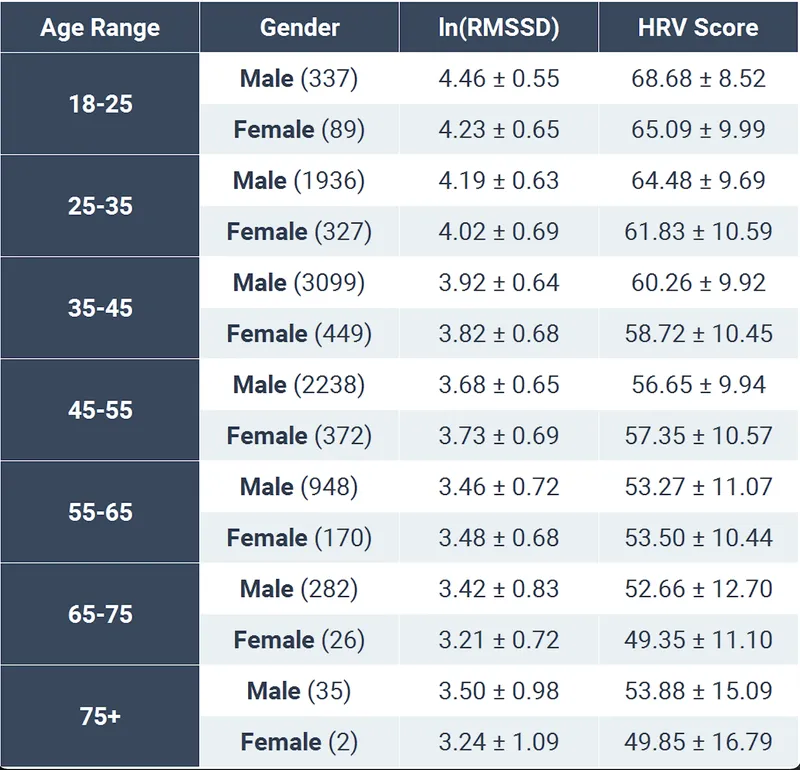
FreeWhat is a Normal/Good/Bad HRV?
HRV is a measure of beat to beat variation in your heart rate. In a broad sense, it can be a way to measure the stress that your body has endured from a day and how your body is responding to that stress. The best tim…
Video · 1 min
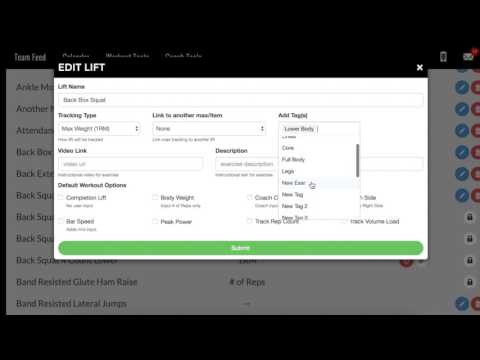
FreeWhat is a Tag? (and how to use them)
What is a Tag? (and how to use them) — from the TeamBuildr YouTube channel.
Walkthrough
FreeWhat is Apple Health?
Apple Health is iPhone app for collecting data from a variety of sources and devices. Think of them as iPhone's "collection hub" for wearable and activity data. For TeamBuildr, this allows us to bypass integrating dir…
Walkthrough
FreeWhat Is Best Practice for Tracking Sleep?
Wearing your device while sleeping may not be feasible due to charging through the night. If you own an Apple iPhone, we suggest the free Pillow sleep app to track your sleep if you are not wearing your device to bed.…
Walkthrough
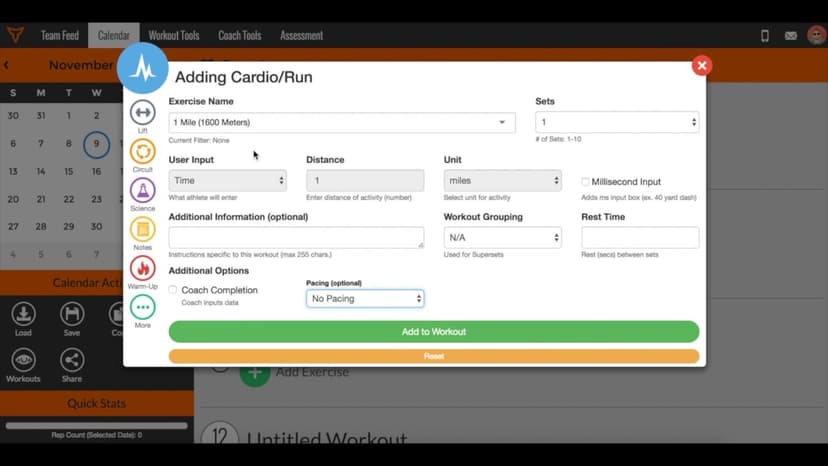
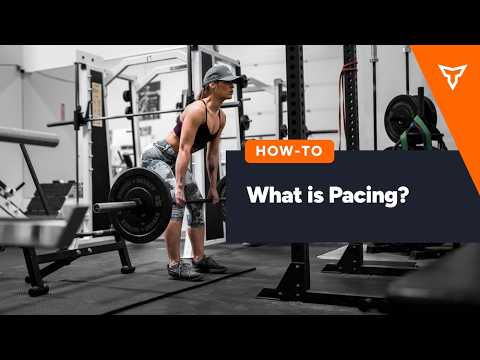
FreeWhat is Pacing?
Pacing is only available in Platinum accounts. When selecting the pace on the Calendar page, here are the pace adjustment percentages associated with the options: RUN PACING (based on 1 Mile PR) Adjustment (%) Pace Na…
Walkthrough
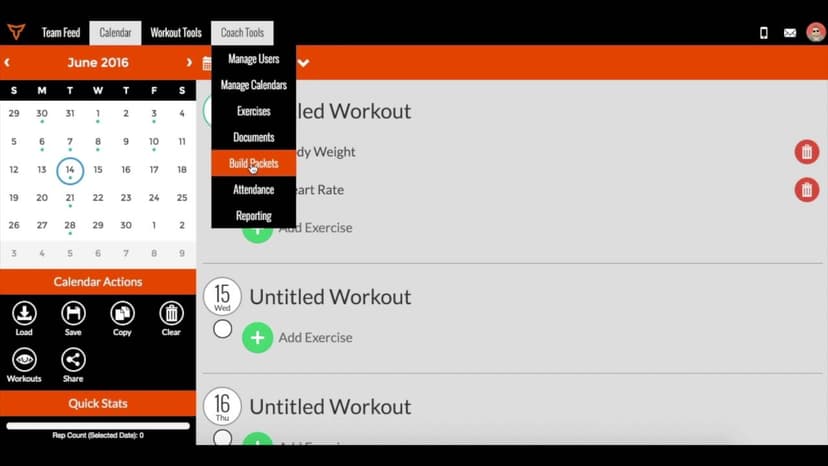
FreeWhat is Pacing? (New Build)
A short video walkthrough of what is Pacing? (New Build) from the TeamBuildr knowledge base.
Walkthrough
FreeWhat is TeamBuildr Health?
A short video walkthrough of what is TeamBuildr Health? from the TeamBuildr knowledge base.

Walkthrough
FreeWhat is TeamBuildr Health (New Build)
A short video walkthrough of what is TeamBuildr Health (New Build) from the TeamBuildr knowledge base.
Walkthrough
FreeWhat is the 7-Day Calibration Period?
During the first 7 days of use, you may find that you are getting an “Adjusted Score”, this is a time where we are trying to personalize your score to you. The first week will be about data collection and your “Adjust…
Walkthrough
FreeWhat is the Exertion Score?
Knowing your score and how it will fluctuate due to activity will take some getting used to. It's important to make informed training intensity and recovery decisions following light or heavy exertion days. If you hav…

Walkthrough
FreeWhat is Weight Room View?
Weight Room View is a Platinum-level feature that enables 4+ athletes can receive their workout and log their load/reps back into TeamBuildr - this streamlines the data-capture process in the weight room. TeamBuild se…
Walkthrough
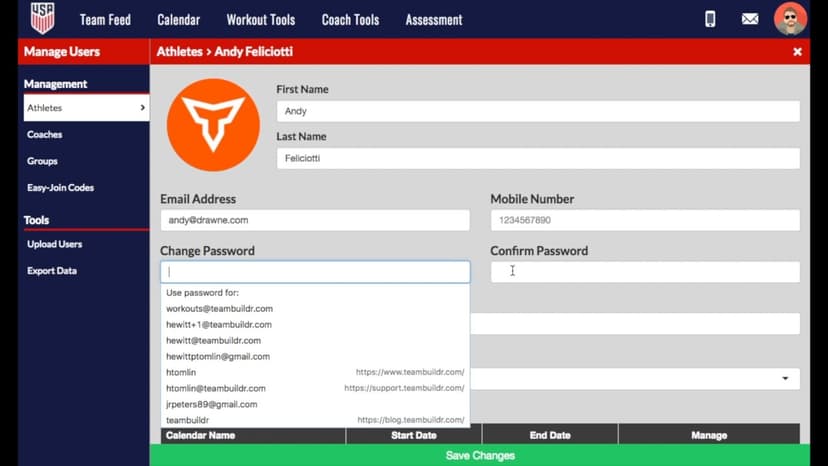
FreeWhat to Do if an Athlete is "Pending"?
A short video walkthrough of what to Do if an Athlete is "Pending"? from the TeamBuildr knowledge base.
Walkthrough
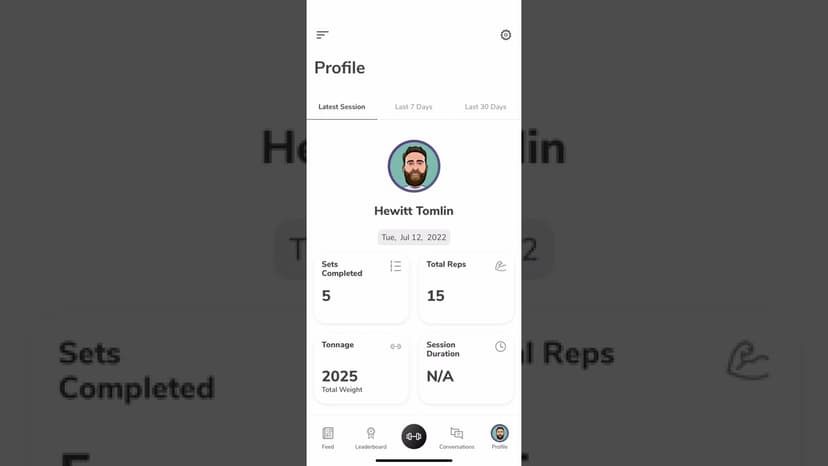
FreeWhat Your Athletes See in the TeamBuildr App
The athlete-side app walkthrough, for coaches about to hand it to a squad. What athletes can log, change and opt out of, what the team feed and leaderboard expose, and which settings sit with them rather than with you.