Creating & Managing Calendars
A new calendar can be created on the Manage Calendars page. CREATING THE CALENDAR Locate the "Add New Calendar" box at the top of the page Type a name for your new calendar into the input box Select a parent calendar …
A new calendar can be created on the Manage Calendars page.
CREATING THE CALENDAR
- Locate the "Add New Calendar" box at the top of the page
- Type a name for your new calendar into the input box
- Select a parent calendar (if necessary - for more information on calendar type click here)
- Click the "Add Calendar" button
- Your new calendar will now appear in the list
Watch or read
3 minutes across 3 chapters. Click any chapter or timestamp to jump straight there.
3 chapters
Okay, so now we're going to talk about calendars and calendar structure. We consider this one of the most foundational features in Team Builder in order to have a successful account. So calendars can be found in Coach Tools, two down to Manage Calendars. And a calendar is basically the way that we get training programs to athletes. We build our training programs on calendars. We assign athletes to those calendars, and that's how we match training programs and athletes. So here you can see I have quite a few calendars, and we're going to use this top cluster here as our example.
As you can see, I have this calendar called Baseball. We refer to this as a parent calendar. It's a parent because it has two sub-calendars underneath it. So one thing that's important to know about this calendar structure is what we call the trickle-down effect. And that means that if I write a training program on the baseball calendar, it will trickle down to anything underneath it, including pitchers and position players. So for example, if I wrote back squat for baseball, everyone would be assigned back squat. And if I went to the pitcher's calendar, that would give me the opportunity to modify or add to or subtract from that workout. So for instance, if my pitchers need to do some shoulder mobility strengthening exercise in between back.
Still stuck? Contact support →
Read next
Also in Platform & Admin
Walkthrough
FreeIntroduction to "Manage Users" Page
A short video walkthrough of introduction to "Manage Users" Page from the TeamBuildr knowledge base.
Walkthrough
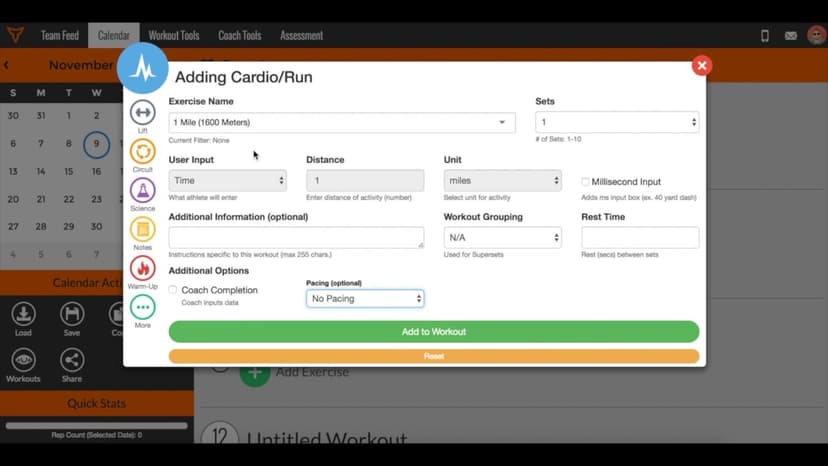
FreeWhat is Pacing?
Pacing is only available in Platinum accounts. When selecting the pace on the Calendar page, here are the pace adjustment percentages associated with the options: RUN PACING (based on 1 Mile PR) Adjustment (%) Pace Na…
More in Manage Calendars
Walkthrough
FreeSub Calendar Tips and Tricks
A short video walkthrough of sub Calendar Tips and Tricks from the TeamBuildr knowledge base.

Video · 2 min
FreeHow to Manage a Client in Online Payments Portal
This is includes how to change a client's program, assign a new group, change credit card information and cancel a customer's subscription.
4 chapters · 11 lessons
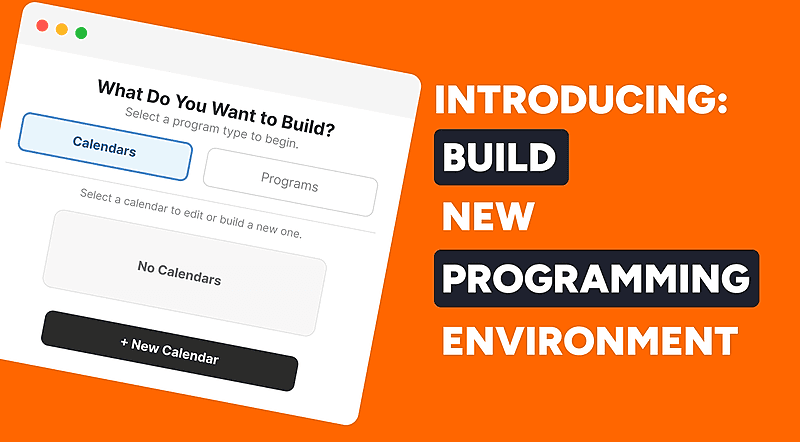
Free · sign upBuild - Your New Programming Environment
Learn how to use TeamBuildr's Build programming environment from start to finish. This course covers navigating the interface, creating and filtering workouts, using copy and multi-select tools, and saving, editing, and sharing workout programs with your athletes.
4 chapters · 10 lessons
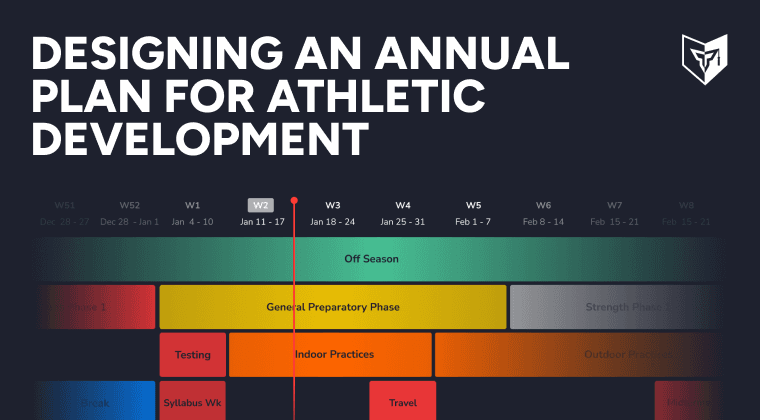
Free · sign upDesigning an Annual Plan for Athletic Development
Discover the power of creating a strength and conditioning annual plan for your athletes. Master Teambuildr's annual plan feature to achieve your goals efficiently.
- Format
- Walkthrough
- Brand

- Category
- Manage Calendars
- Topics
- Platform & Admin