Understanding the Offset Date
A short video walkthrough of understanding the Offset Date from the TeamBuildr knowledge base.
Watch or read
3 minutes across 3 chapters. Click any chapter or timestamp to jump straight there.
3 chapters
Today we'll be going over how to use offset dates for adding individuals to individual calendars as well as the use of them with easy join codes. So I'll go in here and I want to see athlete one who has no workout scheduled at the moment as well as the calendar I want to add them to which would be this baseball calendar. Now I want to add the start date being this November 2nd workout but I want that to show up on November 23rd for the athlete.
So what I can do is go into manage users find athlete one right here and I'm going to add them to that calendar. So I'm going to say I want to change their calendar assignment to the baseball calendar their start dating being the 23rd of November and I'm going to click this option right here for enabling a calendar offset. So set a specific date as that first workout. So what this will do is it will take the workout from November 2nd since I've declared that as the first date and it will transfer that to November 23rd.
Still stuck? Contact support →
Read next
More in Manage Calendars
Walkthrough
FreeCreating & Managing Calendars
A new calendar can be created on the Manage Calendars page. CREATING THE CALENDAR Locate the "Add New Calendar" box at the top of the page Type a name for your new calendar into the input box Select a parent calendar …
Also in Platform & Admin
Walkthrough
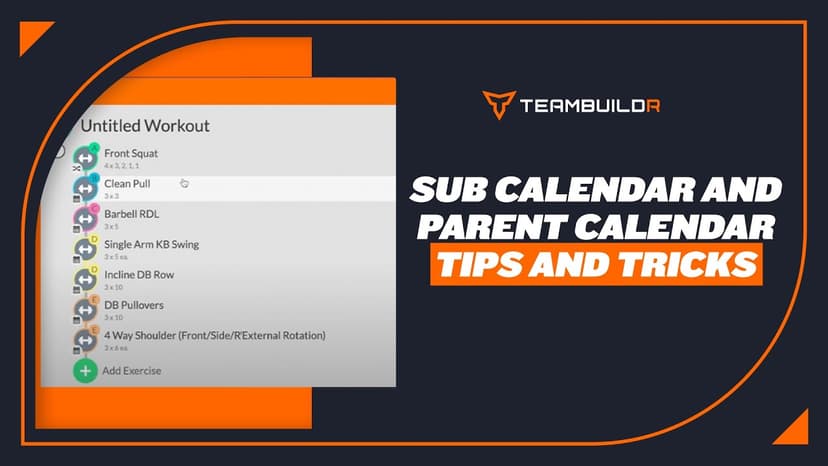
FreeSub Calendar Tips and Tricks
A short video walkthrough of sub Calendar Tips and Tricks from the TeamBuildr knowledge base.

Walkthrough
FreeUltimate Guide to Copying in Build
Every way to copy in Build: a day to another date or calendar, a day repeated across a date range, a whole week, or a few selected exercises, plus the Cmd/Ctrl+C shortcut. Four minutes.
Video · 5 min
FreeAutomating Programs with Calendar "Offset"
Automating Programs with Calendar "Offset" — from the TeamBuildr YouTube channel.

Spreadsheet · 2 walkthroughs
Free · sign upAdvanced Attendance Report
Attendance tracking for PE and weights classes that goes past a headcount. Copy the template and it totals participation per student over any window, ready to drop into a grade or a report to an administrator.

Spreadsheet · 2 walkthroughs
Free · sign upAthlete Wellness & Body Report
Track daily wellness check-ins and body composition in one sheet. Copy the template and follow the walkthrough to connect your athlete responses, then use the report to spot who is trending the wrong way before it costs you a session.
- Format
- Walkthrough
- Brand

- Category
- Manage Calendars
- Topics
- Platform & Admin