How to Cancel a Subscription
In order to cancel a subscription, you will need to do this in the Payments Portal page -- NOTE: You cannot delete a user from the Manager Users page and expect their subscription to stop. They will continue to be cha…
In order to cancel a subscription, you will need to do this in the Payments Portal page -- NOTE: You cannot delete a user from the Manager Users page and expect their subscription to stop. They will continue to be charged without access to programming if you do this.
Watch or read
1 minutes across 3 chapters. Click any chapter or timestamp to jump straight there.
3 chapters
In this module, I'll be showing you how to cancel a subscription in the Payments Portal. In order to cancel a subscription, you will need to do this in the Payments Portal page. You cannot delete a user from the Manage Users page and expect the subscription to stop. They will continue to be charged without access to the programming if you do so. So what we'll need to do is go to the Payments Portal page. From there, we want to find our subscribers.
Still stuck? Contact support →
Read next
More in Optimizing - Payments Portal
Walkthrough
FreeWhen to Contact TeamBuildr vs. “DIY” in Stripe
There will be scenarios where TeamBuildr Support will need to assist: Users with Stripe Express accounts: Inside your TeamBuildr you can access the Payments Portal and mange your paying subscribers from the Payments P…
Also in Platform & Admin
Walkthrough
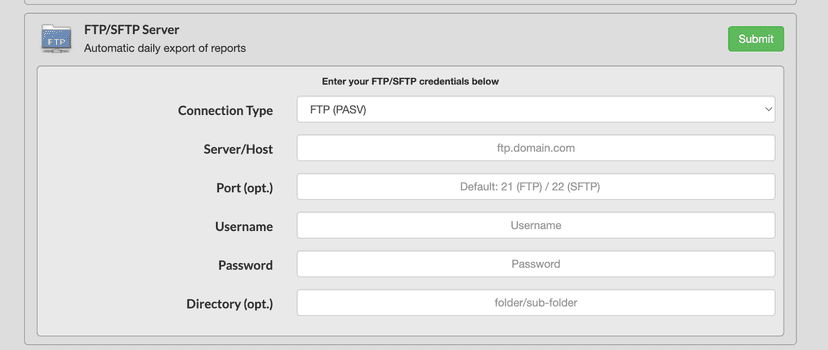
FreeFTP Export Integration
In order to access this integration, you must be on the Platinum Pro subscription plan. Overview This page will document TeamBuildr's built-in FTP export functionality. Getting Started To connect TeamBuildr with an FT…
Walkthrough
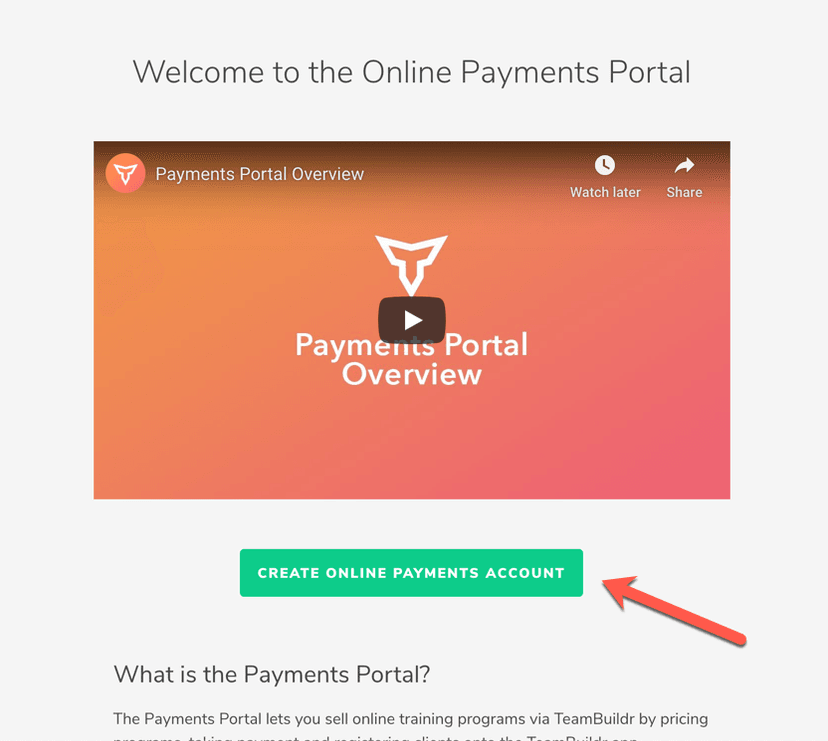
FreeSetting Up Your Online Payments Account
If you have not set up your Online Payments yet, you will see an informational page with an intro video as well as some FAQs about the Online Payments portal. To begin, you will need to click the " Create Reseller Acc…

Video · 2 min
FreeHow to Manage a Client in Online Payments Portal
This is includes how to change a client's program, assign a new group, change credit card information and cancel a customer's subscription.

Audio · 47 min
FreeEpisode #23: Using TeamBuildr to Leverage your Online Training and Cater to your Audience with Erica Suter
Erica Suter on running online training as a real business. Using the payments portal, keeping remote athletes accountable, and building an audience that converts.
1 chapter · 7 lessons
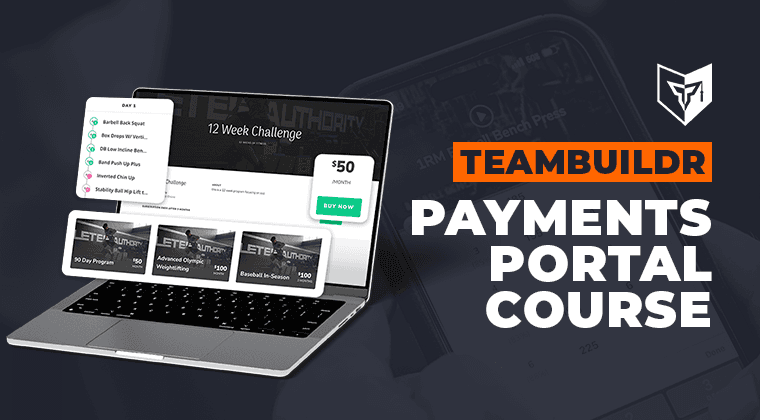
Free · sign upUsing the Payments Portal to Start Your Side Hustle
Learn how to sell your programs online by using TeamBuildr's payments portal.
- Format
- Walkthrough
- Brand

- Category
- Optimizing - Payments Portal
- Topics
- Platform & Admin