How to Manually Create a Password
A short video walkthrough of how to Manually Create a Password from the TeamBuildr knowledge base.
Watch or read
1 minutes across 2 chapters. Click any chapter or timestamp to jump straight there.
2 chapters
Okay, so we're going to talk a little bit about how to create a password manually. So you may be thinking, what's the reason to do this? And a couple of reasons. Sometimes athletes are pending. Either they don't receive the email, they can't find it, or they just don't respond. One thing you can do is actually just click on pending, and then you can resend the activation. That's the first option to take care of a pending. But the other option is to actually edit the athlete, and then just change the password. So you'll have to type in a password here, and then confirm it again. And another reason you may want to do this is if you have, say, a dummy coach. So if you go to coaches, and then you have a dummy coach for.
Still stuck? Contact support →
Read next
More in Team Management
Walkthrough
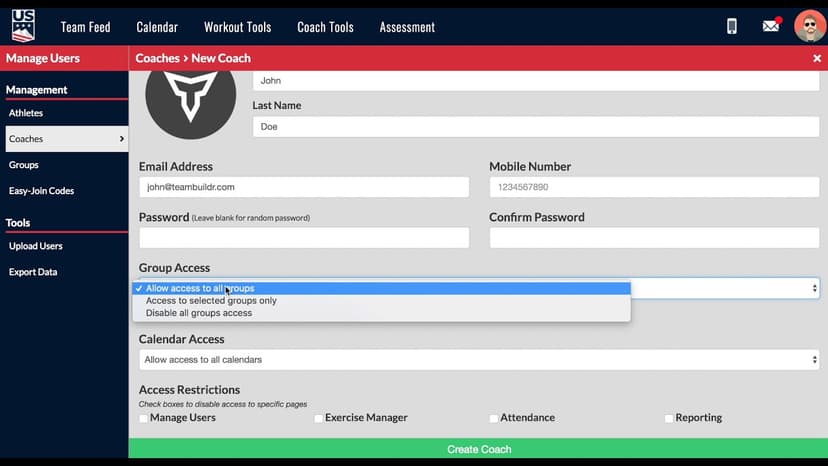
FreeAdding a New Coach in TeamBuildr
A short video walkthrough of adding a New Coach in TeamBuildr from the TeamBuildr knowledge base.
Also in Platform & Admin
Walkthrough
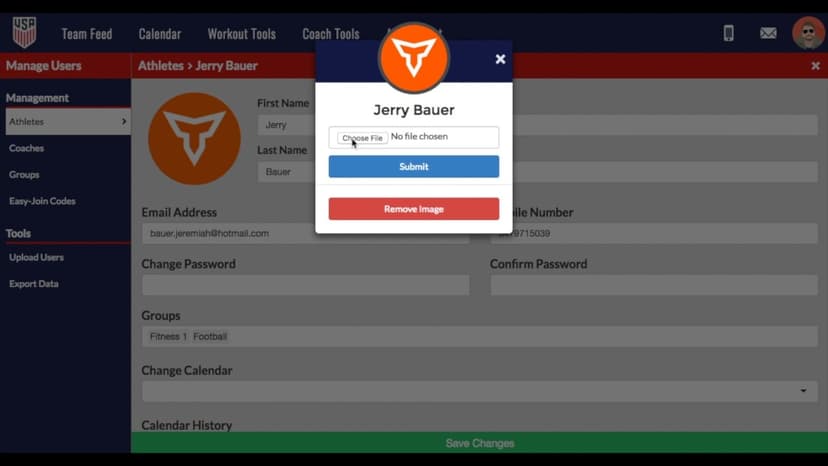
FreeChanging Profile Pictures of Athletes & Coaches
A short video walkthrough of changing Profile Pictures of Athletes & Coaches from the TeamBuildr knowledge base.
Walkthrough
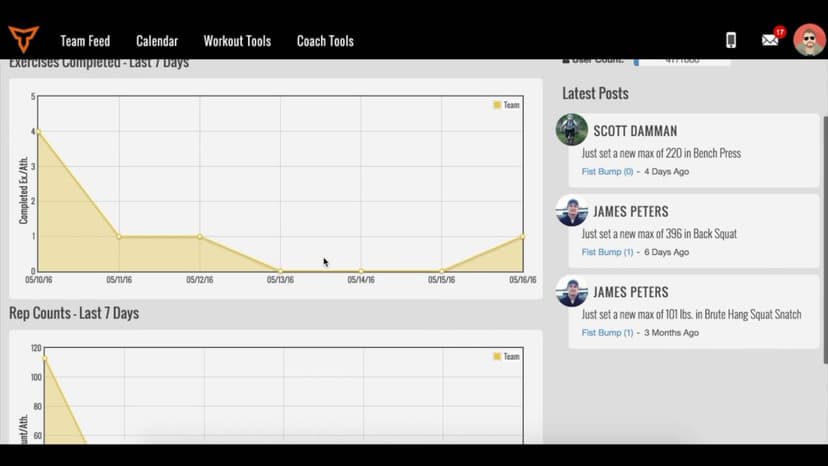
FreeDashboard Overview
A short video walkthrough of dashboard Overview from the TeamBuildr knowledge base.
Video · 3 min
FreeHow to Manually Transfer Memberships/Packages via Point of Sale
How to Manually Transfer Memberships/Packages via Point of Sale — from the TeamBuildr YouTube channel.

Spreadsheet · 2 walkthroughs
Free · sign upAdvanced Attendance Report
Attendance tracking for PE and weights classes that goes past a headcount. Copy the template and it totals participation per student over any window, ready to drop into a grade or a report to an administrator.

Spreadsheet · 2 walkthroughs
Free · sign upAthlete Wellness & Body Report
Track daily wellness check-ins and body composition in one sheet. Copy the template and follow the walkthrough to connect your athlete responses, then use the report to spot who is trending the wrong way before it costs you a session.
- Format
- Walkthrough
- Brand

- Category
- Team Management
- Topics
- Platform & Admin