TeamBuildr Practice: Adding an Element to a Practice
A short video walkthrough of teamBuildr Practice: Adding an Element to a Practice from the TeamBuildr knowledge base.
Watch or read
1 minutes across 2 chapters. Click any chapter or timestamp to jump straight there.
2 chapters
how to add element to our practice. What we're going to do is we're going to select our practice and we're going to go down underneath one of the blocks where there's a small box, hit add element. From there, we can do one of two things. We can already add an element that's already within our element library by starting to type. It will filter it and find that. And then you can click that element to add it to that block or a period. If not, what we can do is we can do a quick ad where we can just add this element not only to our practice but also to our element library. We can hit quick ad, add a title, allocate time, description, assign multiple columns. After we do that, we'll be able to upload a web URL
Still stuck? Contact support →
Read next
More in TeamBuildr Practice

Walkthrough
FreeTeamBuildr Practice: Adding a Block to a Practice
A short video walkthrough of teamBuildr Practice: Adding a Block to a Practice from the TeamBuildr knowledge base.
Also in Platform & Admin
Walkthrough
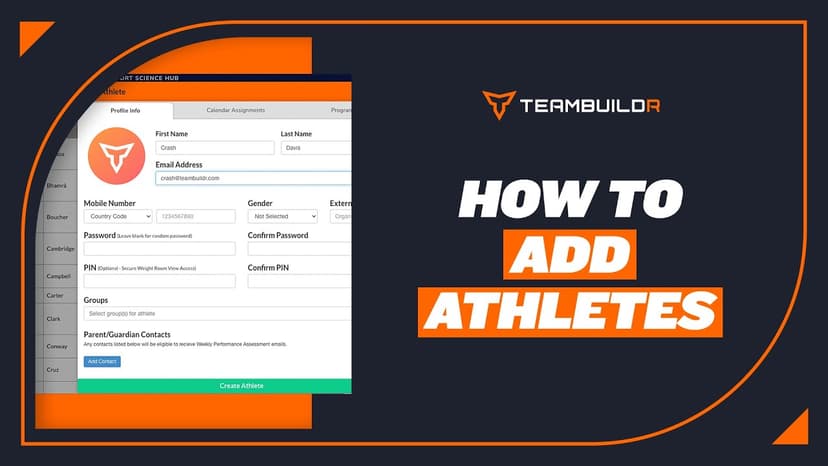
FreeAdding a New Athlete
A short video walkthrough of adding a New Athlete from the TeamBuildr knowledge base.
Walkthrough
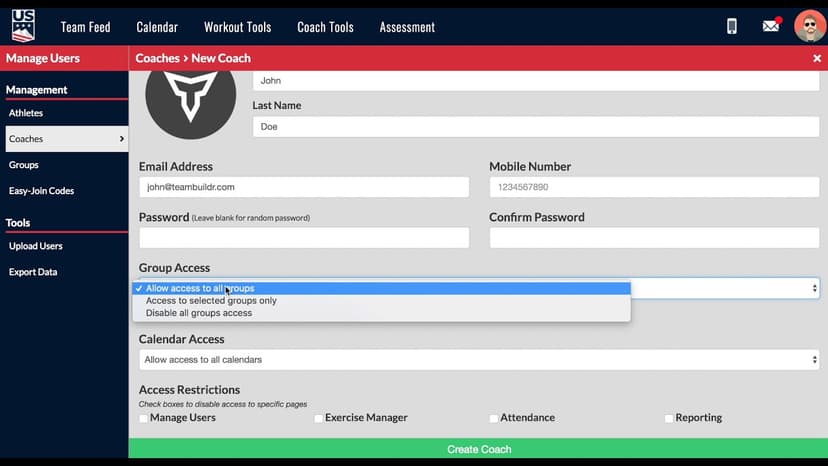
FreeAdding a New Coach in TeamBuildr
A short video walkthrough of adding a New Coach in TeamBuildr from the TeamBuildr knowledge base.
Video · 1 min
FreeAdding Jumps or Throws in Exercise Database (Vertical, Broad, etc.)
Adding Jumps or Throws in Exercise Database (Vertical, Broad, etc.) — from the TeamBuildr YouTube channel.

Spreadsheet · 2 walkthroughs
Free · sign upAdvanced Attendance Report
Attendance tracking for PE and weights classes that goes past a headcount. Copy the template and it totals participation per student over any window, ready to drop into a grade or a report to an administrator.

Spreadsheet · 2 walkthroughs
Free · sign upAthlete Wellness & Body Report
Track daily wellness check-ins and body composition in one sheet. Copy the template and follow the walkthrough to connect your athlete responses, then use the report to spot who is trending the wrong way before it costs you a session.
- Format
- Walkthrough
- Category
- TeamBuildr Practice
- Topics
- Platform & Admin