Custom Login Page Setup
A short video walkthrough of custom Login Page Setup from the TeamBuildr knowledge base.
Watch or read
2 minutes across 2 chapters. Click any chapter or timestamp to jump straight there.
2 chapters
In this support video we'll be covering how you can customize the background image and URL for the team builder login landing page. To do this you'll have to have admin access for your account. You can navigate to settings in the top right hand corner. If you're an admin you'll have access to the organization settings. From here you can scroll down under custom custom login page you have the ability to upload an image. We recommend a size of 800 by 600 for this photo. Once that's uploaded you'll also want to turn on the sub domain enabled toggle. From there you'll have the ability to customize your sub domain. So for this I'll enter test123. Now you can see when I enter or copy and paste this I'll want to do test123.teambuilder.com. So now if I go back to that original page after I save this.
Still stuck? Contact support →
Read next
Also in Platform & Admin

Spreadsheet · 7 walkthroughs
Free · sign upCustom Grading System
A ready-made grading spreadsheet for PE and weights classes. Copy the template, connect it to your TeamBuildr data, and it calculates an overall grade from attendance, workout completion and evaluations. Seven short videos walk you through every step of the setup.
Walkthrough
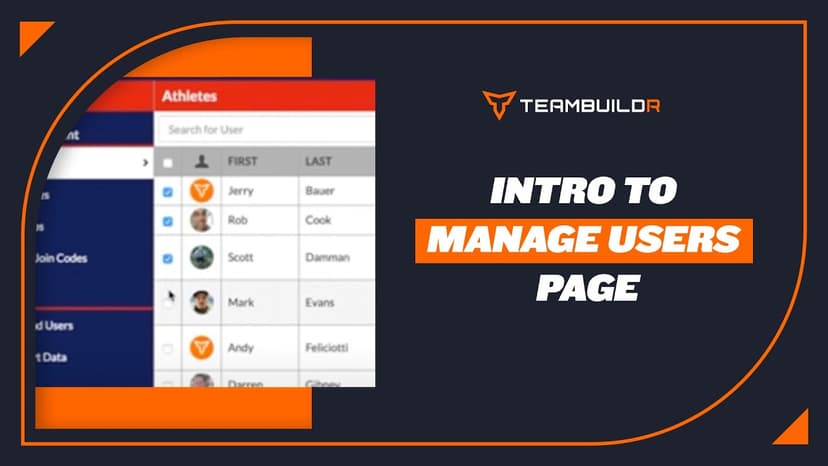
FreeIntroduction to "Manage Users" Page
A short video walkthrough of introduction to "Manage Users" Page from the TeamBuildr knowledge base.
Walkthrough
FreeTeamBuildr Practice Overview Page
A short video walkthrough of teamBuildr Practice Overview Page from the TeamBuildr knowledge base.
More in Account Settings
Walkthrough
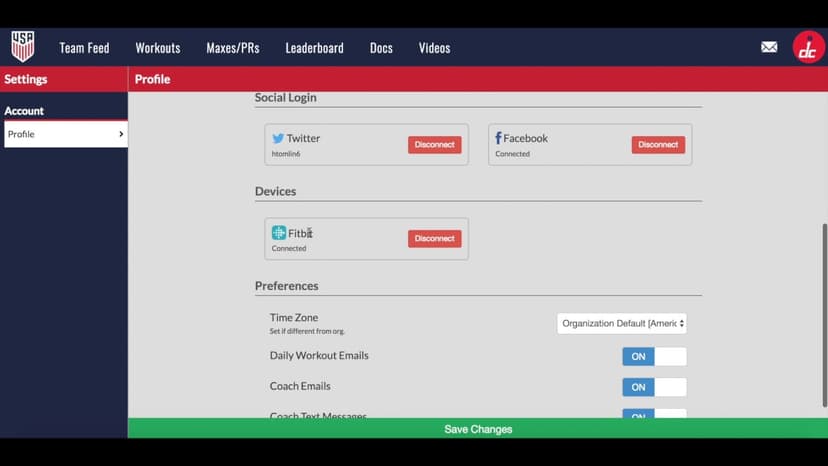
FreeAthlete Settings Overview
A short video walkthrough of athlete Settings Overview from the TeamBuildr knowledge base.
Spreadsheet · 2 walkthroughs
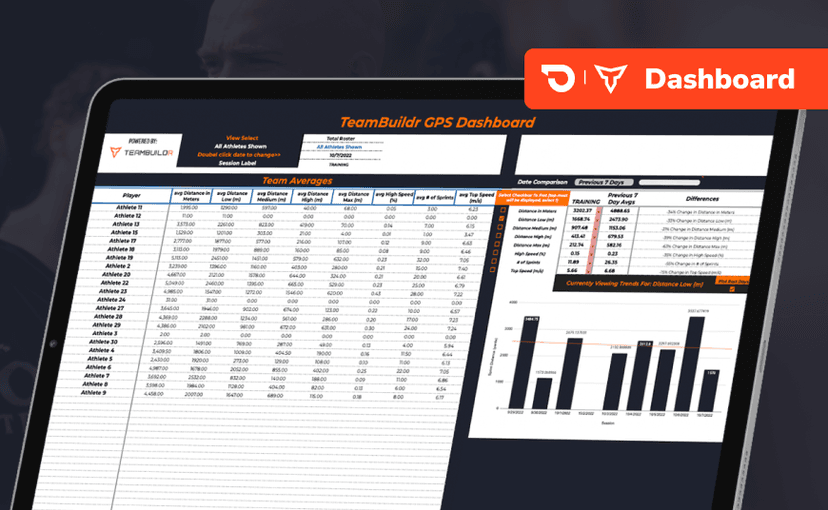
Free · sign upGPS Dashboard
Turn raw GPS exports into something you can actually read. Copy the template, follow the two setup videos, and you get a running view of load and distance per athlete. Built for coaches new to GPS or drowning in the files it produces.
Video · 4 min
FreeSingle Exercise Reporting System
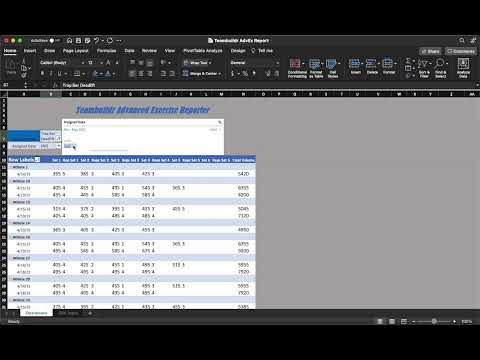
This report is built by our In-House Sports Scientist - Teofe Ziemnicki, who advises all TeamBuildr customers on the Platinum Pro plan with custom reports, dashboards, data collection and visualization. In this report, coaches can easily take the CSV reports from TeamBuildr and c
- Format
- Walkthrough
- Brand

- Category
- Account Settings
- Topics
- Platform & Admin