Managing Your Athlete Subscription and Payment Information
A short video walkthrough of managing Your Athlete Subscription and Payment Information from the TeamBuildr knowledge base.
Watch or read
1 minutes across 3 chapters. Click any chapter or timestamp to jump straight there.
3 chapters
All right, if you're an athlete who purchased programming from one of our workout providers, this will show you how to update your subscription or payment information on your account. And just a note, this can only be done on the web or from your mobile browser. This was not in the Android or iOS app. So what you'll want to do is click your profile picture here in the top right and then click settings and that'll take you to your profile settings page and if you actually have a subscription, you'll see a subscription tab here on the left. If you, on your mobile device, you actually have to click your account logo here on the left and that will hide or unhide this toolbar here where you can click.
Still stuck? Contact support →
Read next
Also in Platform & Admin
Walkthrough
FreePerch Integration Guide
In order to access this integration, you must be on the Platinum Pro subscription plan. Connecting Perch Account To connect an Perch account to TeamBuildr, a coach will need to input the following information on the I…

Walkthrough
FreeEnode Integration Guide
In order to access this integration, you must be on the Platinum Pro subscription plan. Connecting Vmaxpro Account To connect an Vmaxpro account to TeamBuildr, a coach will need to input the following information on t…
Walkthrough
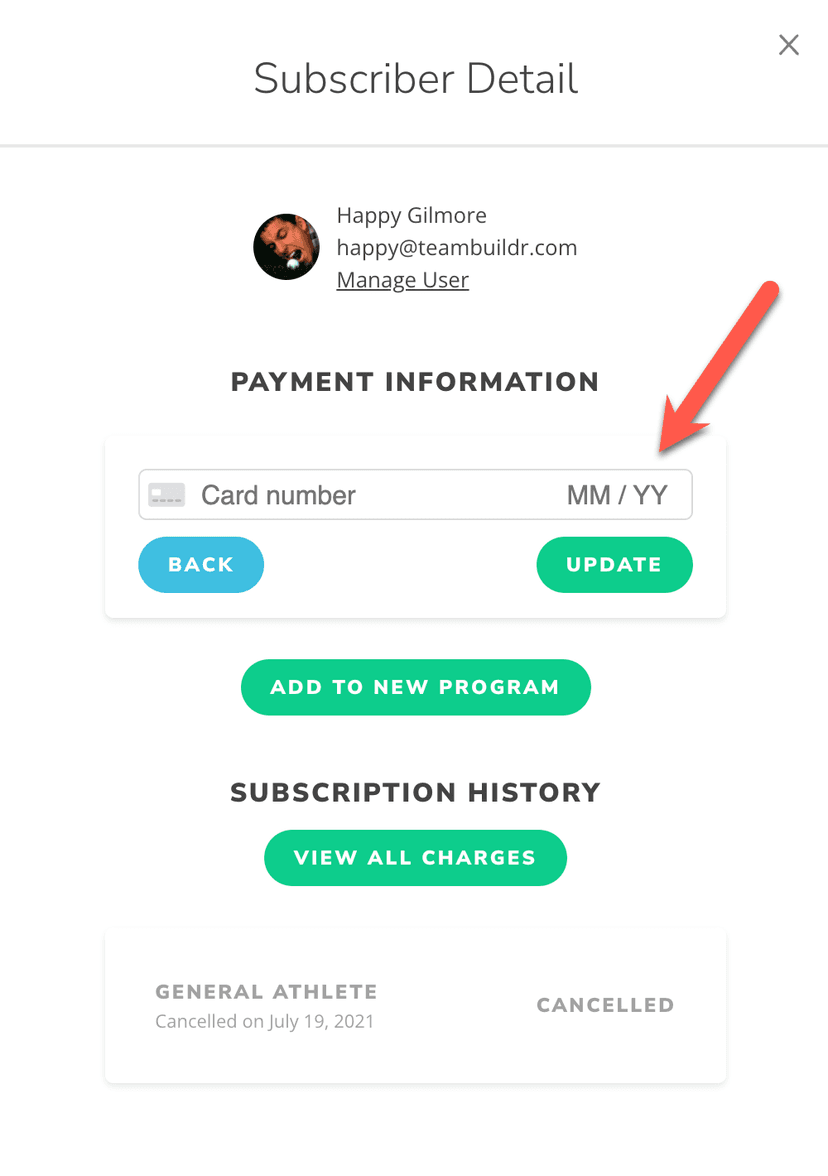
FreeManaging Failed Payments in Payments Portal
There are 2 scenarios for failed payments. One scenario is an initial failed payment when a new customer attempts to sign up for the first time. The other scenario is when existing subscribers experience a failed paym…

Video · 2 min
FreeHow to Manage a Client in Online Payments Portal
This is includes how to change a client's program, assign a new group, change credit card information and cancel a customer's subscription.
Video · 2 min
FreePayment Recovery Dashboard
Payment Recovery Dashboard — from the TeamBuildr YouTube channel.

Video · 1 min
FreeManaging Linked Accounts in the Mobile App
Managing Linked Accounts in the Mobile App — from the TeamBuildr YouTube channel.
- Format
- Walkthrough
- Brand

- Category
- Account Settings
- Topics
- Platform & Admin