Training Multiple Organizations with Account Switching
Training multiple organizations with TeamBuildr can be done with "Account Switching." Account Switching allows an coach to seamlessly manage multiple accounts. An example might be a training facility franchise or ente…
Training multiple organizations with TeamBuildr can be done with "Account Switching."
Account Switching allows an coach to seamlessly manage multiple accounts. An example might be a training facility franchise or enterprise with multiple locations, private sector strength coaches who train multiple schools, or a strength coach that has a private facility or private practice on the side.
Some things to know:
1. In order to arrange multiple accounts with Account Switching, you will need to contact us.
2. Account Switching is only allowed for Gold subscribers and up.
Watch or read
3 minutes across 3 chapters. Click any chapter or timestamp to jump straight there.
3 chapters
Okay in this video we're going to talk about account switching and how it's set up. So account switching takes place when a coach or someone else wants to have and operate multiple team builder accounts whether it's an organization that has many organizations within it or simply a strange coach that is contracted out to multiple organizations. Account switching gives you the ability to have separate accounts but easily switch into each account. In addition to that you can designate one of the accounts to be what we refer to as the central account and what that means is that the exercise database in the central account will be continuously updated into the additional accounts. So if you have a master central database as you build it out and add to it all.
Still stuck? Contact support →
Read next
Also in Platform & Admin

Walkthrough
FreeHow to Manage Tags
A "tag" allows you to label a group of lifts together - for many applications. For example, you can group Power Clean and Hang Clean under the "Cleans" tag. Here is our video on how to use Tags in your TeamBuildr acco…
Walkthrough
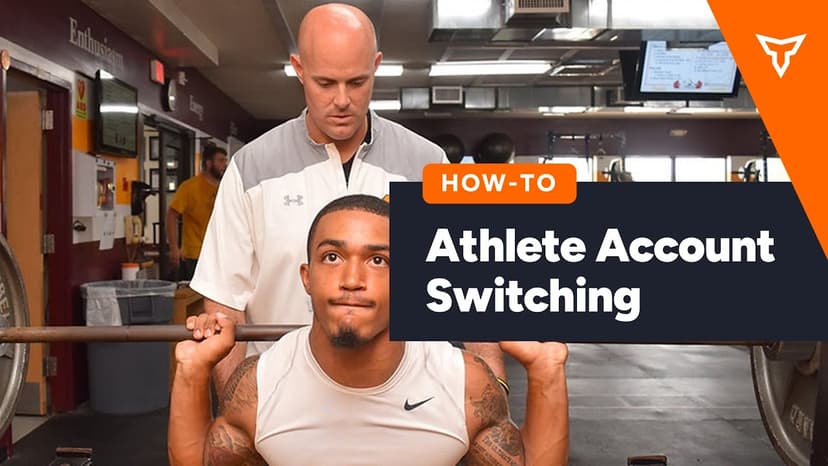
FreeAthlete Account Switching Mobile View
A short video walkthrough of athlete Account Switching Mobile View from the TeamBuildr knowledge base.
Walkthrough
FreeStandard Stripe vs. Stripe Express Accounts - What’s the Difference?
A Standard Stripe account is a full-function account owned by you. A Stripe Express account is a simplified dashboard version of Stripe where you can view your available balance, see upcoming payouts, and track your e…
Also in Gym Business
Read on the blog · 4 min
FreeWhy I Chose TeamBuildr OS to Run My Facilityopens blog.teambuildr.com in a new tab
Tom Newman, a long time customer of TeamBuildr's strength and conditioning software, uses GymStudio to schedule clients and manage memberships at the Center for Sports Performance and Research in Foxborough, Massachusetts.

Read on the blog · 7 min
FreePrivate Facility Summer Training That Delivers: Building More Explosive Athletesopens blog.teambuildr.com in a new tab
Discover how athletes at our private facility made explosive gains during summer training. Using force plates, sprint gates, and structured programming, we tracked real progress in CMJ height, power output, and linear speed from April to July.

Video · 2 min
FreePrivate Training Facility Using TeamBuildr TV
Private Training Facility Using TeamBuildr TV — from the TeamBuildr YouTube channel.
- Format
- Walkthrough
- Brand

- Category
- Account Settings