Coach Settings Options
A short video walkthrough of coach Settings Options from the TeamBuildr knowledge base.
Watch or read
3 minutes across 4 chapters. Click any chapter or timestamp to jump straight there.
4 chapters
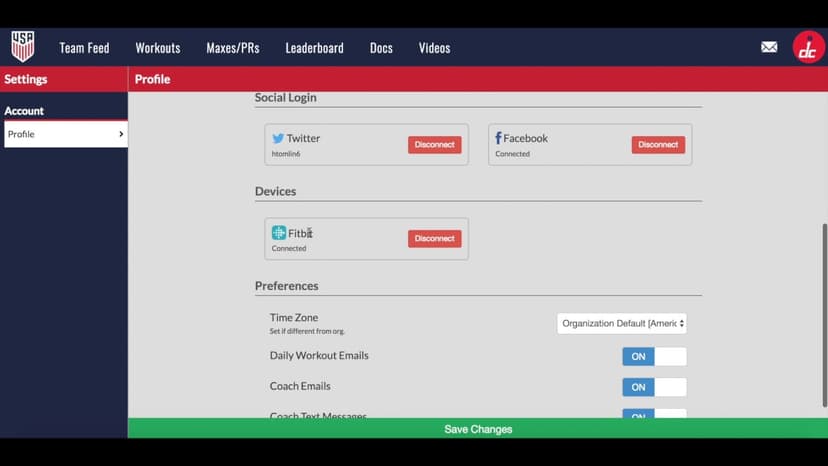
All right, so let's cover the settings in TeamBuilder and how a coach can edit the settings for their personal profile but also the overall account. So to access settings I just click my profile picture at the top right and I click this settings tab right here. So basically we have two areas the first one is the account profile so this is the personal account for the coach and then secondly we have organizational preferences and this is only accessible if a coach is an admin for an account. So if you believe you that you should be an admin then you can reach out to us and we can make you an admin for an account. By default the admin is the coach who started the TeamBuilder account. Okay so for the profile page we.
Still stuck? Contact support →
Read next
More in Account Settings
Walkthrough
FreeAthlete Settings Overview
A short video walkthrough of athlete Settings Overview from the TeamBuildr knowledge base.
Also in Platform & Admin

Walkthrough
FreeCustom Login Page Setup
A short video walkthrough of custom Login Page Setup from the TeamBuildr knowledge base.
Walkthrough
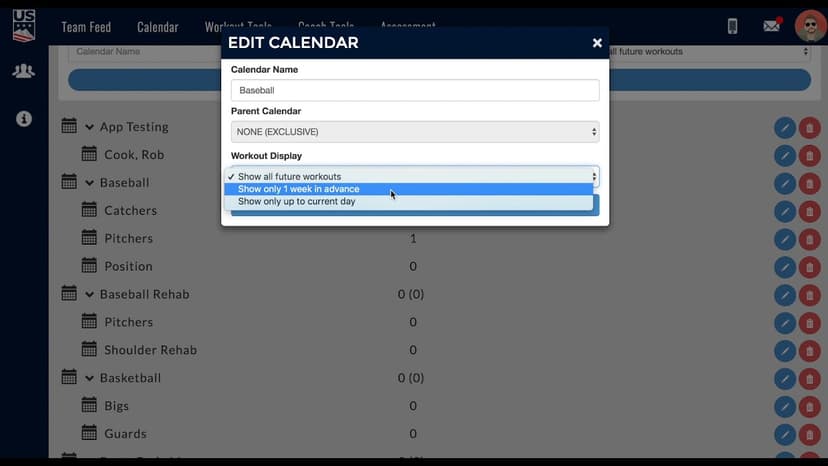
FreeDetermining Future Workout Visibility
A short video walkthrough of determining Future Workout Visibility from the TeamBuildr knowledge base.

Spreadsheet · 2 walkthroughs
Free · sign upAdvanced Attendance Report
Attendance tracking for PE and weights classes that goes past a headcount. Copy the template and it totals participation per student over any window, ready to drop into a grade or a report to an administrator.

Spreadsheet · 2 walkthroughs
Free · sign upAthlete Wellness & Body Report
Track daily wellness check-ins and body composition in one sheet. Copy the template and follow the walkthrough to connect your athlete responses, then use the report to spot who is trending the wrong way before it costs you a session.

Spreadsheet · 7 walkthroughs
Free · sign upCustom Grading System
A ready-made grading spreadsheet for PE and weights classes. Copy the template, connect it to your TeamBuildr data, and it calculates an overall grade from attendance, workout completion and evaluations. Seven short videos walk you through every step of the setup.
- Format
- Walkthrough
- Brand

- Category
- Account Settings
- Topics
- Platform & Admin