How to Use Messaging
A short video walkthrough of how to Use Messaging from the TeamBuildr knowledge base.
Watch or read
4 minutes across 4 chapters. Click any chapter or timestamp to jump straight there.
4 chapters
Okay, so we are going to cover the new messaging feature in Team Builder. Now this has been a revamp of the older messaging and we have a lot to show you. So before I get into messaging, as you've seen me do with other videos, I'm going to quickly cover something that will make messaging more effective. And that's by going to Manage Users and then looking into this thing called Groups. Now if how to use Groups, then don't worry about this.
But if you don't, Groups is the ability to group athletes or clients into groups in addition to calendars. So calendars are not always the best way of categorizing people. Groups are a great way to categorize people. And if you have messaging on for a group, it means that you can message within that group. If it's off, then that group does not matter. So let's go ahead and go to messaging by clicking this envelope icon at the top right. What we can do here is go ahead and create a new message.
Still stuck? Contact support →
Read next
Also in Platform & Admin
Walkthrough
FreeAi Uploader
Bring in a program you already have in a spreadsheet instead of rebuilding it by hand. The AI Uploader reads one tab at a time, detects weeks and days, and matches exercises to your database. It imports your template; it does not write one.
Walkthrough
FreeAthlete Video Upload for iOS and Android
How athletes record and upload lift video from the app, and where it lands for you to review. Useful for remote athletes or anyone coaching technique between sessions.
Walkthrough
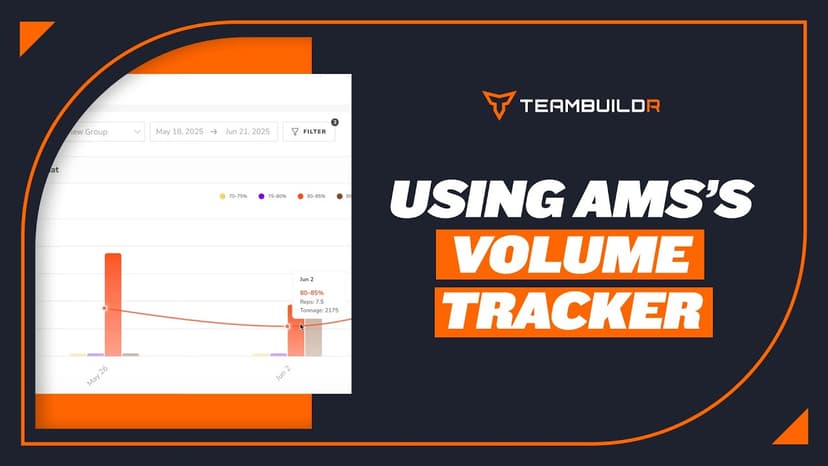
FreeComparing Assigned and Completed Training Volume
See what you prescribed against what the athlete actually did, bucketed by percentage of their max. Built for the moment you suspect someone has been loading themselves heavier than the program says, and for deciding whether that means their max has moved. Part of the AMS package.
Video · 1 min
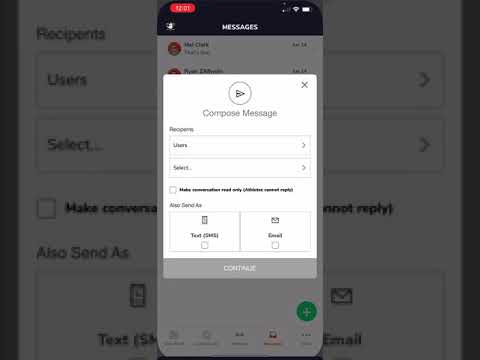
FreeUsing Messaging on Mobile App
Using Messaging on Mobile App — from the TeamBuildr YouTube channel.

Spreadsheet · 2 walkthroughs
Free · sign upAdvanced Attendance Report
Attendance tracking for PE and weights classes that goes past a headcount. Copy the template and it totals participation per student over any window, ready to drop into a grade or a report to an administrator.

Spreadsheet · 2 walkthroughs
Free · sign upAthlete Wellness & Body Report
Track daily wellness check-ins and body composition in one sheet. Copy the template and follow the walkthrough to connect your athlete responses, then use the report to spot who is trending the wrong way before it costs you a session.
- Format
- Walkthrough
- Brand

- Category
- Messaging
- Topics
- Platform & Admin