Scheduling the Weekly Performance Assessment
A short video walkthrough of scheduling the Weekly Performance Assessment from the TeamBuildr knowledge base.
Watch or read
2 minutes across 3 chapters. Click any chapter or timestamp to jump straight there.
3 chapters
With our new weekly performance assessment, all subscriptions at the Platinum level and higher have the ability to schedule automatic weekly emails of the weekly assessment report to either athletes, parents, and guardians, or other coaches. So to do this, from your dashboard, you're going to head over to the Team Builder icon in the top right corner. From there, you're going to select Settings. And from here, you want to make sure you're selecting your Organization Settings. And as you scroll down on the page, you're going to see a toggle that says Schedule Weekly Performance Assessment Emails. As you turn this on, you'll see that you have a drop-down option of who you would these emails to be sent to. Clicking this drop-down arrow, we can see that our options are athletes, parents, or guardians, or both. Selecting this will determine.
Still stuck? Contact support →
Read next
More in Attendance
Walkthrough
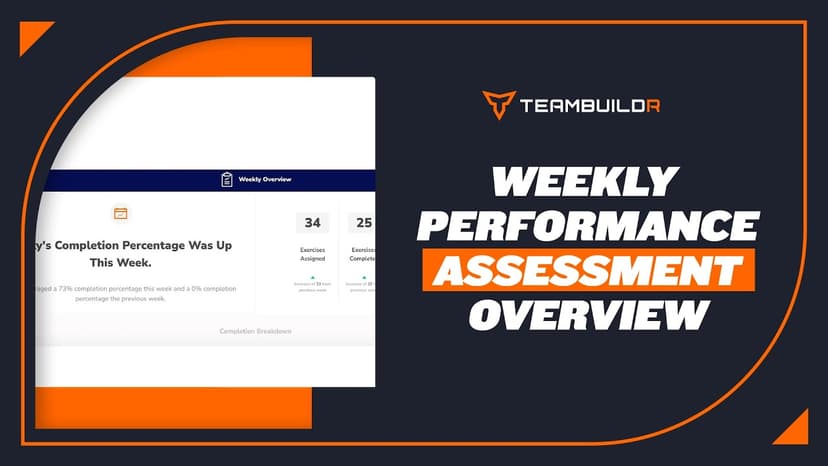
FreeWeekly Performance Assessment Overview
A short video walkthrough of weekly Performance Assessment Overview from the TeamBuildr knowledge base.
Also in Testing & Monitoring

Walkthrough
FreeHow to Run an Assessment Report
A short video walkthrough of how to Run an Assessment Report from the TeamBuildr knowledge base.
Also in Platform & Admin
Walkthrough
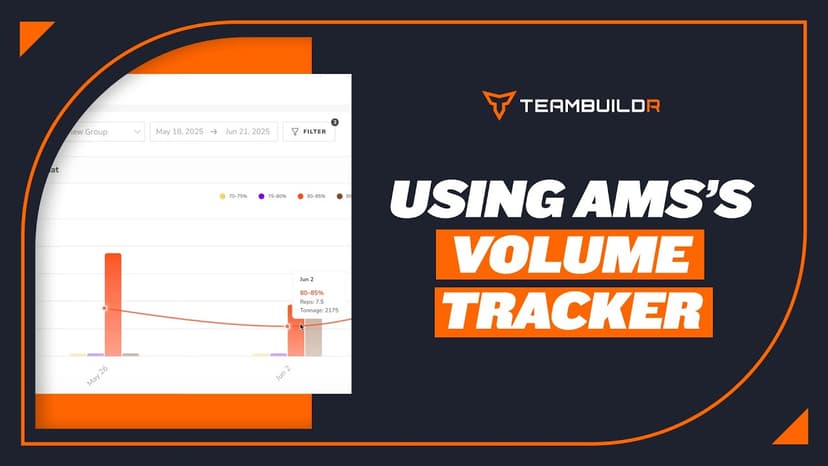
FreeComparing Assigned and Completed Training Volume
See what you prescribed against what the athlete actually did, bucketed by percentage of their max. Built for the moment you suspect someone has been loading themselves heavier than the program says, and for deciding whether that means their max has moved. Part of the AMS package.

PDF · 37 min
FreeEpisode #32: Cultivating A Proper Learning Environment for Intern Success with MK Feit
MK Feit, who studies and runs internships at Springfield College, on screening for conflicts before interns arrive, a step-by-step path from observing to coaching a session, a weekly 1-5 skills rubric and reflection journal, and a voice exercise that gets nervous interns heard.

Spreadsheet · 2 walkthroughs
Free · sign upAthlete Wellness & Body Report
Track daily wellness check-ins and body composition in one sheet. Copy the template and follow the walkthrough to connect your athlete responses, then use the report to spot who is trending the wrong way before it costs you a session.
Spreadsheet · 2 walkthroughs
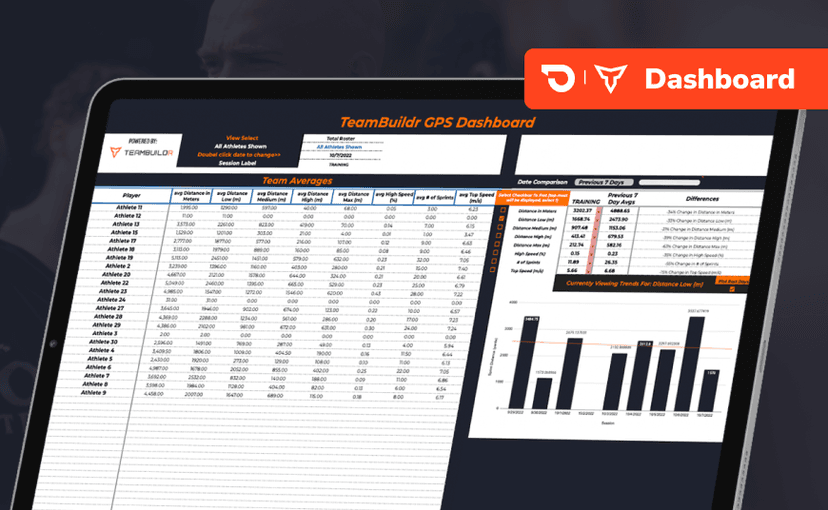
Free · sign upGPS Dashboard
Turn raw GPS exports into something you can actually read. Copy the template, follow the two setup videos, and you get a running view of load and distance per athlete. Built for coaches new to GPS or drowning in the files it produces.
- Format
- Walkthrough
- Brand

- Category
- Attendance