Setting Up the TeamBuildr <> Zapier Integration
A short video walkthrough of setting Up the TeamBuildr <> Zapier Integration from the TeamBuildr knowledge base.
Watch or read
4 minutes across 4 chapters. Click any chapter or timestamp to jump straight there.
4 chapters
Today we'll be going over the team builder and Zapier integration. What Zapier is is an online automation tool. So when you integrate into your payments portal um you can then go into coach tools payments and in integrations tab. You can then go to Zapier. If you don't have a Zapier account, you can create one for free to create these automations. I will note that the Zap year integrations only rely on the team builder payments portal. So no other actions within the app currently are supported. Um, [snorts] however, actions
such as new subscribers, failed payments, reoccurring subscriptions that are successful, as well as cancellations can be actions that Zapier then integrates into other apps such as Gmail or other email uh processing or even such as Mailchimp to do mass emails. Once you've linked this, and as I said, it's a free account you can sign up for, you can go over to Zapier and create zaps. So in Zap year, this is the dashboard that is created. Um you can
Still stuck? Contact support →
Read next
More in Getting Started - Payments Portal
Walkthrough
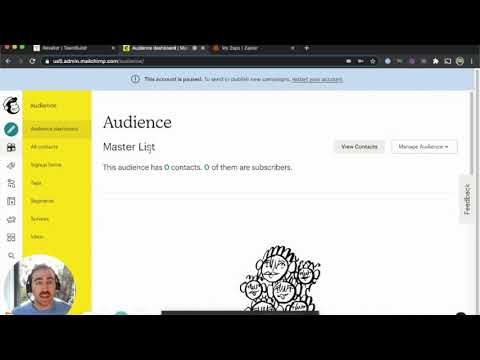
FreeUsing TeamBuildr, Zapier and Mailchimp to Automate Emails
A short video walkthrough of using TeamBuildr, Zapier and Mailchimp to Automate Emails from the TeamBuildr knowledge base.
Also in Platform & Admin
Walkthrough
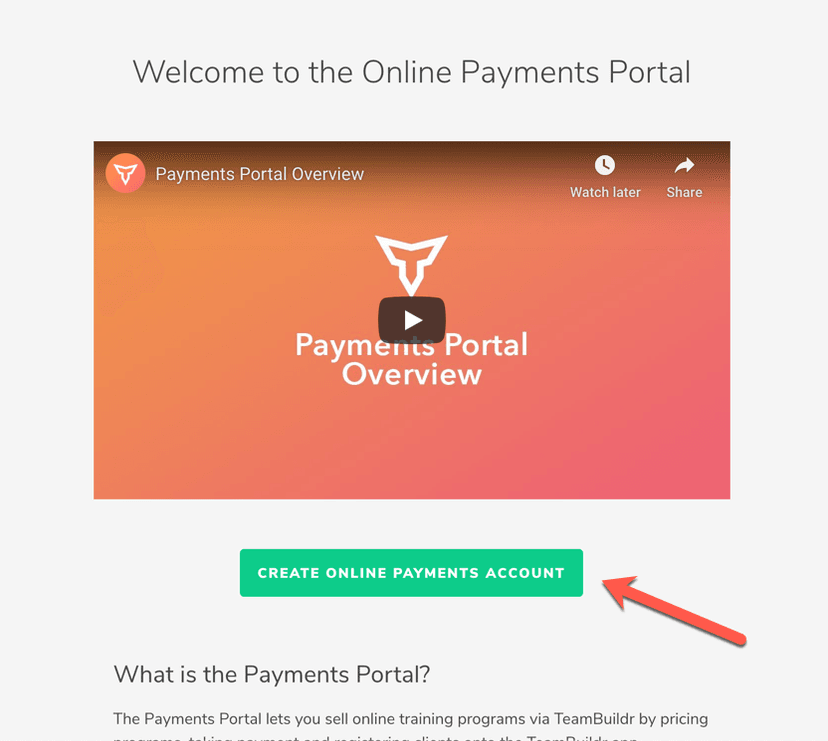
FreeSetting Up Your Online Payments Account
If you have not set up your Online Payments yet, you will see an informational page with an intro video as well as some FAQs about the Online Payments portal. To begin, you will need to click the " Create Reseller Acc…

Walkthrough
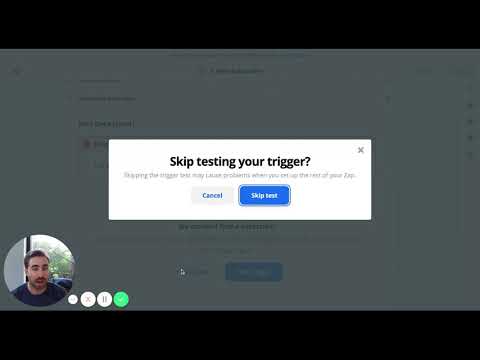
FreeUsing Zapier to Automate Emails in Constant Contact
A short video walkthrough of using Zapier to Automate Emails in Constant Contact from the TeamBuildr knowledge base.
Video · 5 min
FreeUsing the Zapier - TeamBuildr Integration
This is how to connect TeamBuildr to other apps in Zapier.

Video · 2 min
FreeHow to Integrate Zapier and TeamBuildr OS
How to Integrate Zapier and TeamBuildr OS — from the TeamBuildr YouTube channel.

Spreadsheet · 2 walkthroughs
Free · sign upAdvanced Attendance Report
Attendance tracking for PE and weights classes that goes past a headcount. Copy the template and it totals participation per student over any window, ready to drop into a grade or a report to an administrator.
- Format
- Walkthrough
- Brand

- Category
- Getting Started - Payments Portal
- Topics
- Platform & Admin