Selling Training Programs Online with the Payments Portal
Put a program you have already written up for sale, and let TeamBuildr take the payment and onboard the buyer without you touching it. Included in every paid plan, with no TeamBuildr commission. You pay Stripe's processing fee and nothing else.
What you’ll learn
- What it costs: no TeamBuildr commission, only Stripe's processing fee, which varies by country
- That subscribers count towards the athlete limit on your plan, so 10 buyers and 20 athletes is 30 against your allocation
- Activate the portal, choose the public URL your programs sit under, and link a Stripe account
- Choose between a pre-built program with a fixed start date and an ongoing one that drops buyers into the calendar the day they pay
- Price it monthly, quarterly, six-monthly or annually, cap the number of billing cycles, and offer a trial
- Share it two ways: a full landing page, or a checkout link you can put straight behind a Buy button on your own site
- Refund, cancel or update a subscriber, and build coupons with redemption limits and expiry dates
Watch or read
12 minutes across 4 chapters. Click any chapter or timestamp to jump straight there.
4 chapters
Hey folks, this is an overview of our online payments portal. The online payments portal is quickly defined as the ability to take the programming that you build in TeamBuilder and put it up for sale online. So we automate the process of taking a payment for access to a program and having that person get onboarded on the TeamBuilder app all automatically without the coach having to lift a finger. So a couple of frequently asked questions I wanted to get out of the way before we get into the overview. The online payments portal is included in a paid TeamBuilder subscription. So if you subscribe to the silver plan, the gold plan, the platinum plan, you now have access to the payments portal. We also do not take any commissions on sales made. So if.
You are paying for the gold plan at $80 a month, then you are paying a flat fee of $80 a month, you are not paying anything extra. Do subscribers count towards my athlete count according to my plan? So the answer is yes. If you get people to subscribe to your programming through the payments portal, they will count towards your athlete count. So if you are on the silver plan, you have 50 athletes. If you train 20 of them manually and 10 through the payments portal, then you're going to have 30 athletes counting against the 50 that you have allocated on that silver plan. Payment processing is done through our partner Stripe. It's an online payment processor.
The Stripe processing fees vary by country. So make sure to check out this hyperlink to see what the processing fee is for your country. That will be the only cost that you will incur when you sell training programs via TeamBuilder. My TeamBuilder account is paid through my employer. So usually if someone has a TeamBuilder account through a school or an organization, this is not necessarily the best way to create an enterprise business on your own on an account that is paid for by your employer or your school. So we highly encourage you to create an additional TeamBuilder account, which means that you will have to pay an additional fee for that unique account. But it does separate your business from the license that is paid for by your school or employer. If you don't plan on using the payments.
Portal, you can remove the tab from your account. No worries. You can also give access to the payments portal to specific coaches within your account instance. And then in terms of pricing, you can price your programs and charge clients on a monthly basis, a quarterly basis, a six-month basis, or an annual basis. You can also create a one-time purchase for a program or make a program a recurring purchase. And then as far as integrations, of course, we integrate with Stripe. And then we also integrate with Zapier, which is an application that allows you to connect your TeamBuilder account to a variety of other apps on the internet, including MailChimp, your favorite CRM, whatever you want to use.
So now that we covered some FAQs, let's talk a little bit about how to actually use the payments portal. So the payments tab shows up here. If I click it, you can see that we will need to activate this payments portal account. So in order to activate, we're going to be asked a few questions. For one, your account name. So this is essentially the brand of what you will be using when you present your online payments portal online. So in this case, let's just call it old school performance. And then your account URL is what shows up whenever you advertise a link to one of your programs or a menu of your programs. So if your name is particularly long, maybe think about keeping this short. In this case, I'll keep it old school performance. And then lastly, your contact.
Still stuck? Contact support →
Read next
More in Getting Started - Payments Portal
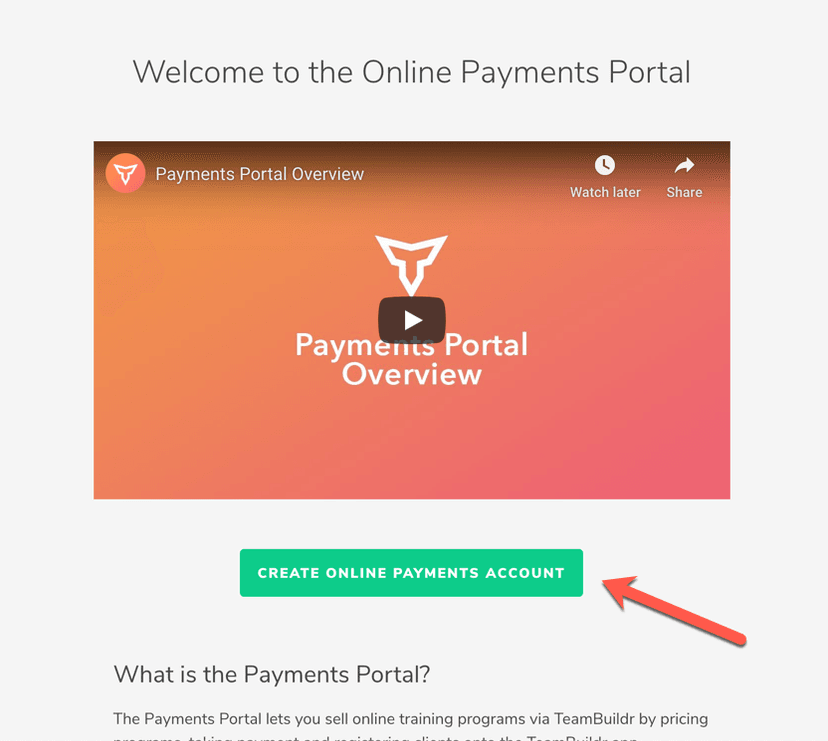
Walkthrough
FreeSetting Up Your Online Payments Account
If you have not set up your Online Payments yet, you will see an informational page with an intro video as well as some FAQs about the Online Payments portal. To begin, you will need to click the " Create Reseller Acc…
Also in Platform & Admin
Walkthrough
FreeWhen to Contact TeamBuildr vs. “DIY” in Stripe
There will be scenarios where TeamBuildr Support will need to assist: Users with Stripe Express accounts: Inside your TeamBuildr you can access the Payments Portal and mange your paying subscribers from the Payments P…
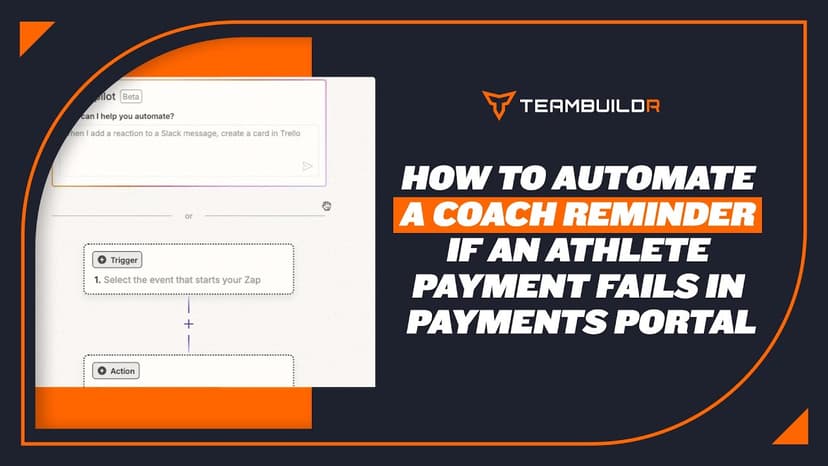
Walkthrough
FreeHow to Automate a Coach Reminder if an Athlete Payment Fails in Payments Portal
A short video walkthrough of how to Automate a Coach Reminder if an Athlete Payment Fails in Payments Portal from the TeamBuildr knowledge base.
For Gyms & Facilities
Audio · 47 min
FreeEpisode #23: Using TeamBuildr to Leverage your Online Training and Cater to your Audience with Erica Suter
Erica Suter on running online training as a real business. Using the payments portal, keeping remote athletes accountable, and building an audience that converts.
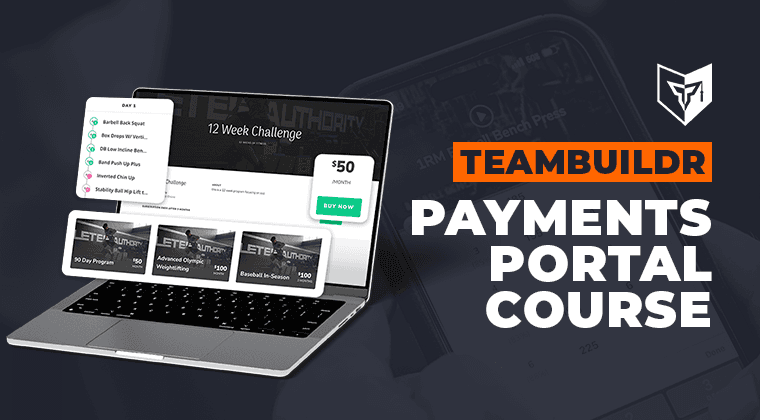
1 chapter · 7 lessons
Free · sign upUsing the Payments Portal to Start Your Side Hustle
Learn how to sell your programs online by using TeamBuildr's payments portal.

Video · 2 min
FreeHow to Manage a Client in Online Payments Portal
This is includes how to change a client's program, assign a new group, change credit card information and cancel a customer's subscription.
- Format
- Walkthrough
- Brand

- Category
- Getting Started - Payments Portal
- Topics
- Platform & Admin