How to Connect TeamBuildr OS to TeamBuildr Strength Account
A short video walkthrough of how to Connect TeamBuildr OS to TeamBuildr Strength Account from the TeamBuildr knowledge base.
Watch or read
1 minutes across 2 chapters. Click any chapter or timestamp to jump straight there.
2 chapters
In this video, we're going to go over how you can connect your TeamBuilder OS and your TeamBuilder Strength accounts using the API key within your TeamBuilder OS account. So to find that API key, you'll need to go to Studio Settings, you'll click on Integrations, and then we're going to generate an API key. Once I've generated that, I can click on the Copy button, and then I have a separate tab up here that is in my TeamBuilder Settings. I'm then going to go to the TeamBuilder OS area. So again, I'm in the Settings area here. I'm going to click on TeamBuilder OS.
Still stuck? Contact support →
Read next
Also in Platform & Admin
Walkthrough
FreeConnecting Your TeamBuildr to Stripe
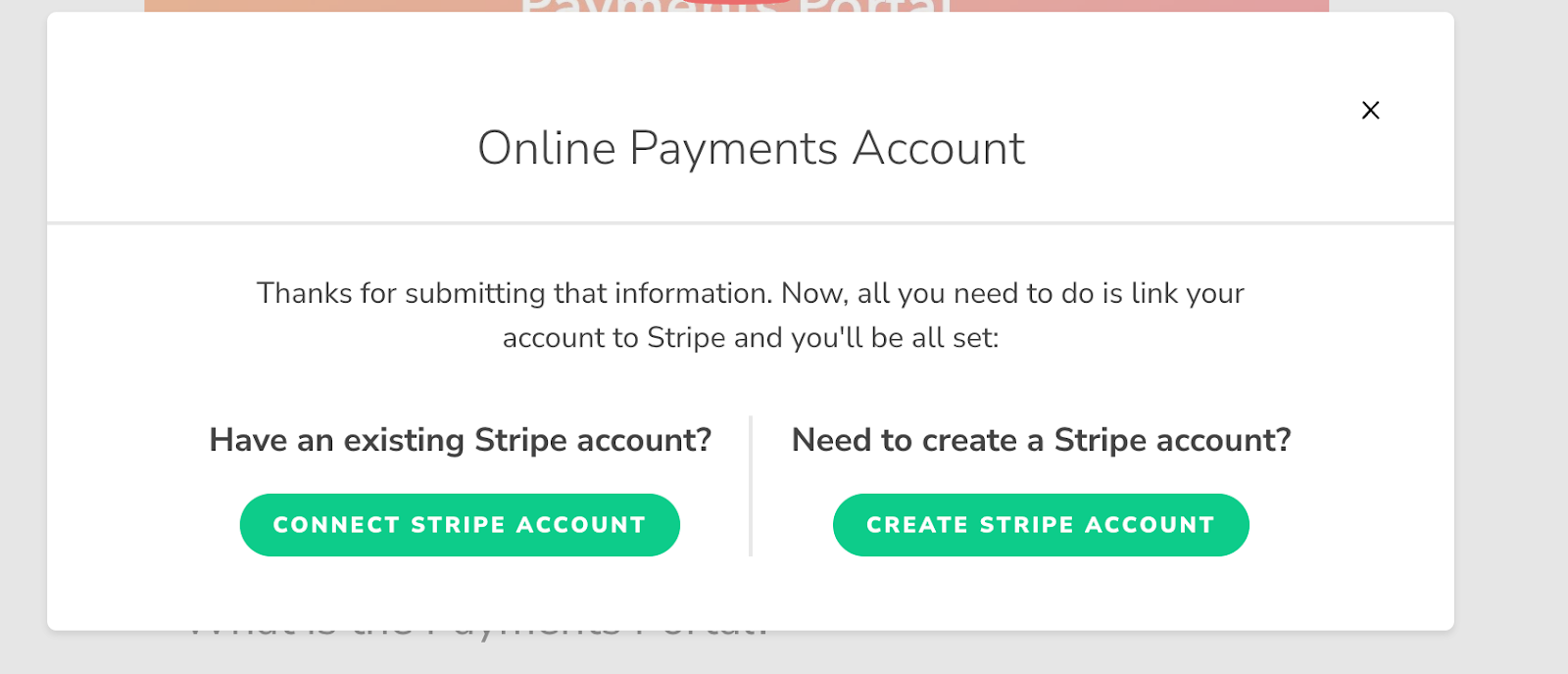
This guide will outline how to connect or create your Stripe account with your TeamBuildr account. Log into TeamBuildr. Click on the Payments Tab at the top of your screen. Select "Create Reseller Account". When conne…

Walkthrough
FreePerch Integration Guide
In order to access this integration, you must be on the Platinum Pro subscription plan. Connecting Perch Account To connect an Perch account to TeamBuildr, a coach will need to input the following information on the I…

Walkthrough
FreeEnode Integration Guide
In order to access this integration, you must be on the Platinum Pro subscription plan. Connecting Vmaxpro Account To connect an Vmaxpro account to TeamBuildr, a coach will need to input the following information on t…

Video · 1 min
FreeHow to Connect MailChimp to TeamBuildr OS
How to Connect MailChimp to TeamBuildr OS — from the TeamBuildr YouTube channel.

Video · 2 min
FreeFamily Account Linking Mobile Overview
Family Account Linking Mobile Overview — from the TeamBuildr YouTube channel.

Spreadsheet · 2 walkthroughs
Free · sign upAthlete Wellness & Body Report
Track daily wellness check-ins and body composition in one sheet. Copy the template and follow the walkthrough to connect your athlete responses, then use the report to spot who is trending the wrong way before it costs you a session.
- Format
- Walkthrough
- Brand

- Category
- TeamBuildr OS Integration
- Topics
- Platform & Admin